EasyManua.ls Logo

Semtech SX1276 - Page 46

Semtech SX1276
54 pages
Print Icon
To Next Page IconTo Next Page
To Previous Page IconTo Previous Page
Loading...
W
W
IRELESS,
Revision
©2014 S
e
A
t this st
a
mode so
t
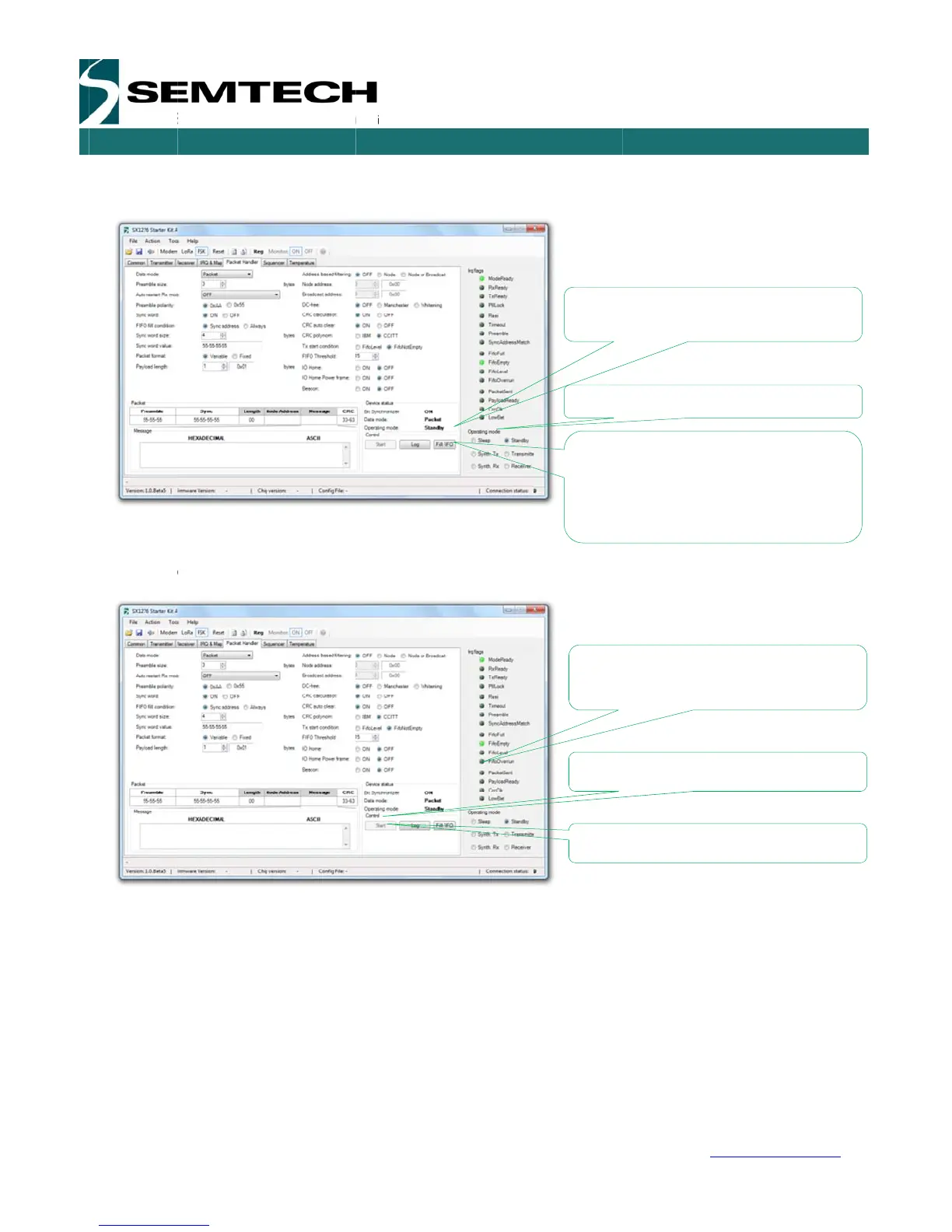
To start s
e
The devi
c
indicate t
h
SENSING
&
1
.1 – May 20
e
mtech Corp
o
a
ge the radio
t
hat packets
a
e
nding pack
e
c
e is now se
n
h
at the devic
e
&
TIMING P
R
14
o
ration
is fully config
a
re ready to
b
e
ts, simply cli
c
n
ding packet
.
e
is currently
t
ODUCTS
P
a
ured on the t
r
b
e sent from
t
c
k on the “St
a
.
You can al
s
t
ransmitting.
a
ge 46 of 53
r
ansmitter si
d
t
he device.
a
rt” button.
s
o see the Y
e
d
e. We can n
o
e
llow LED fl
a
Set th
e
A
sm
a
allowi
n
packe
to ‘0’
w
indefi
n
Tx Pa
c
packe
t
Press
Notic
e
a pac
Press
SX127
6
w
o
w set the d
e
a
shing on th
e
e
Device in T
r
a
ll control win
n
g the user t
o
ts to be sent.
w
ill make the
n
itely.
c
kets: Indicat
e
t
s sent
“Start” to st
a
e
the green L
ket is sent
“Stop” to sto
6
Develop
m
USE
R
w
ww.semtec
h
e
vice in Tran
s
e
Eiger mod
u
r
ansmitter M
o
dow appears
o
set the num
Setting the
v
device trans
m
e
s the numb
e
a
rt sending p
a
ED indicatin
g
p sending pa
m
ent Kit
R
GUIDE
h
.com
s
mitter
u
les to
o
de
ber of
v
alue
m
itting
e
r of
a
ckets
g
when
ckets

Related product manuals