QUICK START GUIDE
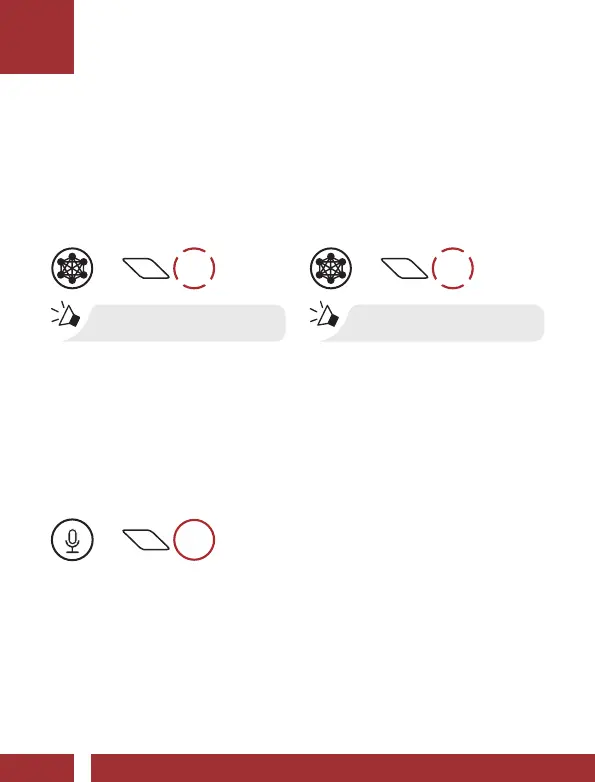
Mesh Intercom™
When Mesh Intercom is enabled, the M1 EVO will automatically
connect to nearby M1 EVO users and allow them to talk to each other
by pressing the Center Button.
Mic Enable/Disable (Default: Enable)
Users can enable/disable the microphone when communicating in a
Mesh Intercom.
Enable/Disable the Microphone
=
1s
HOLD
Mesh Intercom On
=
1x
TAP
“Mesh intercom on”
Mesh Intercom Off
=
1x
TAP
“Mesh intercom off”



 To Next Page