QUICK START GUIDE
Channel Setting (Default: channel 1)
If the Mesh Intercom communication experiences interference because
other groups are also using the channel 1, change the channel. You can
select one of 1 to 9 channels.
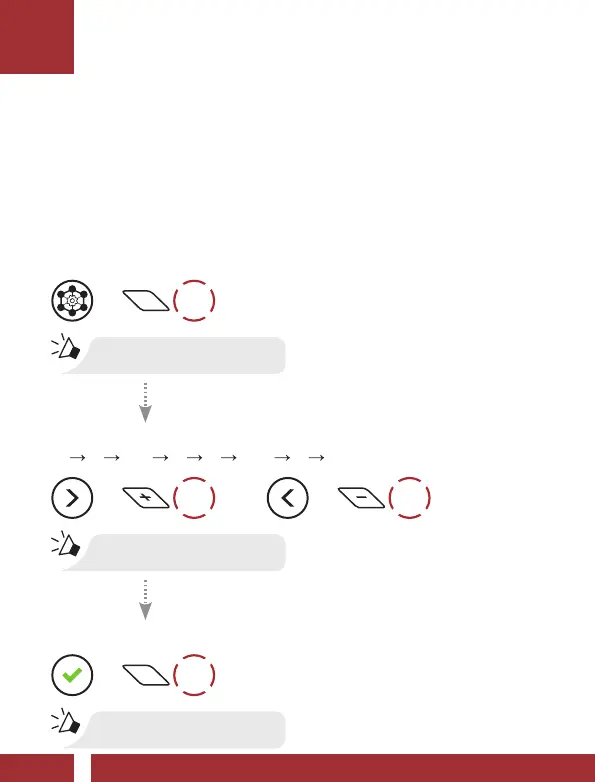
Using the button
Enter into the Channel Setting
=
2x
TAP
“Channel setting, 1”
Navigate Between Channels
(1 2 ••• 8 9 Exit 1 •••)
=
1x
TAP
or
=
1x
TAP
“#”
Save the Channel
=
1x
TAP
“Channel is set, channel #”



 To Next Page