RUMBA Bluetooth Multi-sport Helmet | 13
3 PAIRING THE BLUETOOTH SYSTEM WITH OTHER BLUETOOTH DEVICES
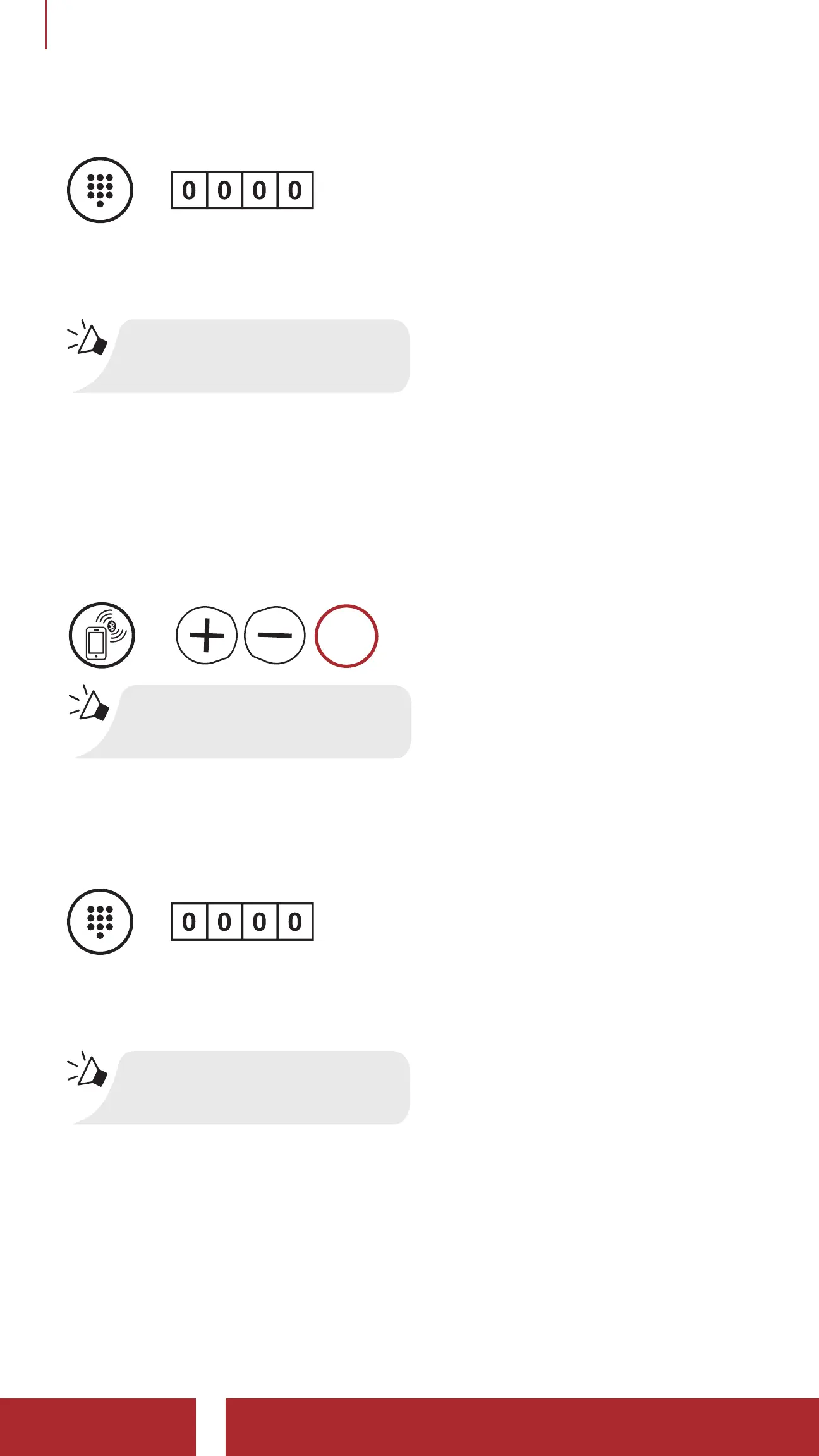
3. If your mobile phone asks for a PIN, enter 0000.
=
PIN
NUMBER
4. The Bluetooth system completes the pairing process.
“Your headset is paired”
3.1.2 Pairing When the Bluetooth system is Turned Off
1. While the Bluetooth system is off, press and hold the (+) Button and
(-) Button for 5 seconds.
Phone Pairing
=
5s
HOLD
“Phone Pairing”
2. With your mobile phone in Bluetooth-pairing mode, select Sena
Rumba in the list of devices detected.
3. If your mobile phone asks for a PIN, enter 0000.
=
PIN
NUMBER
4. The Bluetooth system completes the pairing process.
“Your headset is paired”



 To Next Page