RUMBA Bluetooth Multi-sport Helmet | 15
3 PAIRING THE BLUETOOTH SYSTEM WITH OTHER BLUETOOTH DEVICES
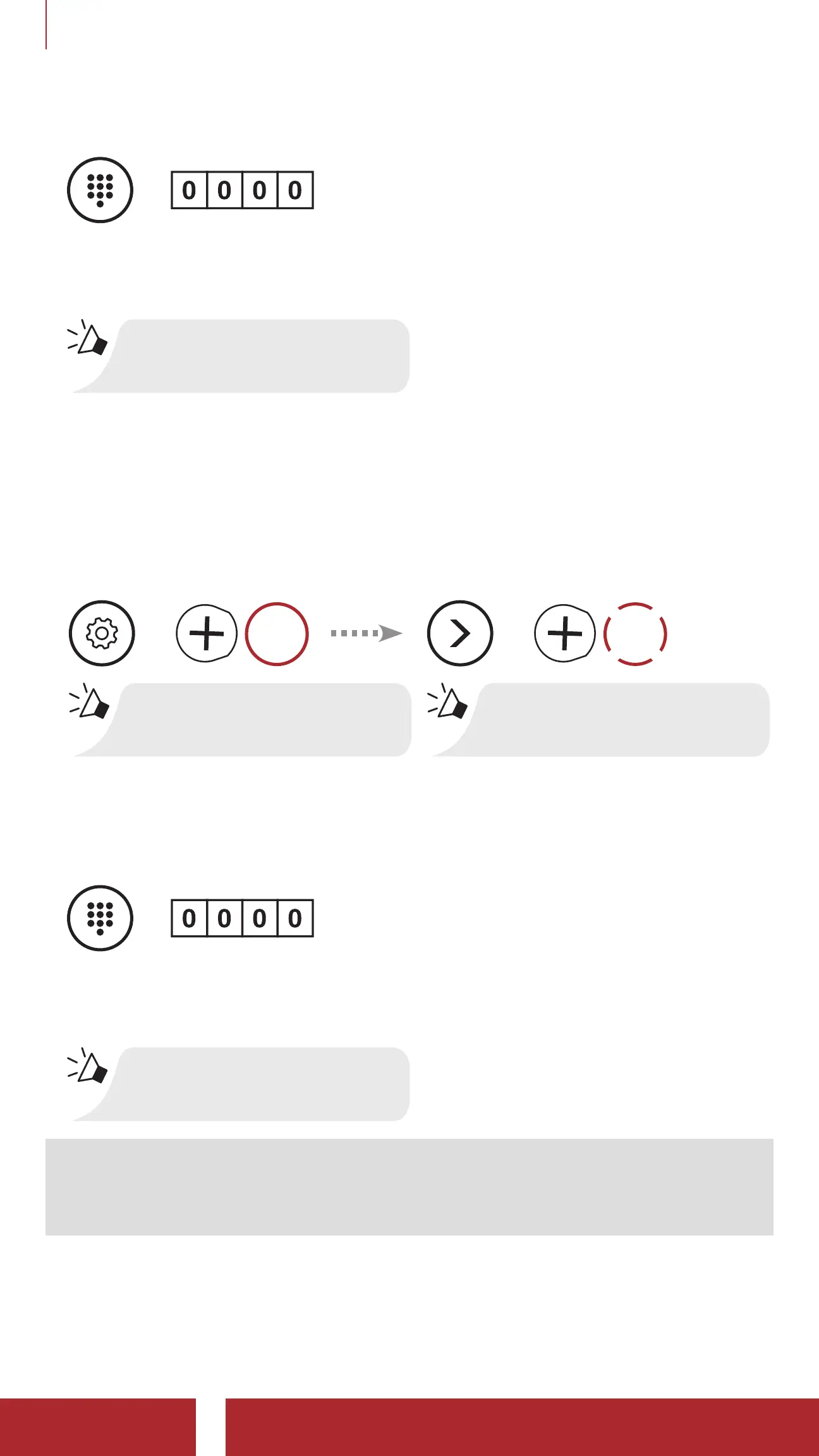
3. If your mobile phone asks for a PIN, enter 0000.
=
PIN
NUMBER
4. The Bluetooth system completes the pairing process.
“Your headset is paired”
3.3 GPS Pairing
1. Execute GPS Pairing in the Configuration Menu.
GPS Pairing
=
10s
HOLD
“Configuration menu”
=
2x
TAP
“GPS pairing”
2. With your Bluetooth device on the GPS navigation screen, select
Sena Rumba in the list of devices detected.
3. If your Bluetooth device asks for a PIN, enter 0000.
=
PIN
NUMBER
4. The Bluetooth system completes the pairing process.
“Your headset is paired”
Note: If you have a mobile phone and a GPS connected to your
Bluetooth system, you may not be able to listen to the GPS voice
instruction during the phone call.



 To Next Page