SRL
28
1st intercom
friend
2nd intercom
friend
3rd ~ 9th intercom friend
Start intercom
Single tap the
Center Button
Double tap the
Center Button
Triple tap the Center Button
→
Tap the (+) Button or the
(-) Button to select friend
→
Single tap the Center Button
End intercom
Single tap the
Center Button
Double tap the
Center Button
Triple tap the Center Button
→
Tap the (+) Button or the
(-) Button to select friend
→
Single tap the Center Button
End any intercom Press the Center Button for 1 second
Start & End Two-way Intercom
14.2 Multi-way Intercom
14.2.1 Start Three-way Intercom
You (A) can have a three-way intercom with two other SRL friends (B &
C) by establishing two intercom connections at the same time.
14 TWO-WAY & MULTI-WAY INTERCOM
14.1 Two-way Intercom
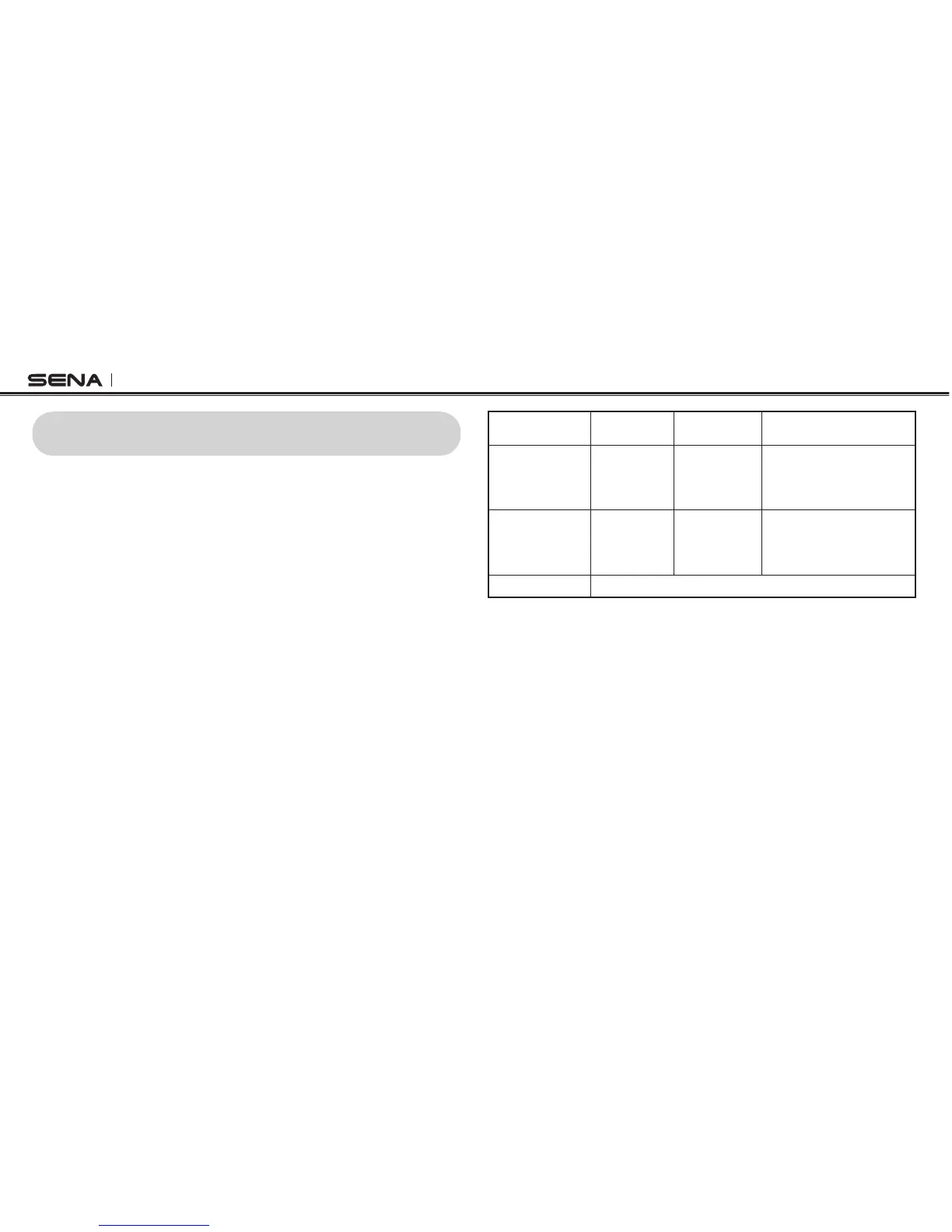
1. You can start an intercom conversation with one of any intercom
friends by using either the Center Button or the voice command.
Single tap to start intercom with the rst intercom friend and
double tap to start intercom with the second intercom friend. To
start intercom with the third intercom friend and above, triple tap
to enter into friend selection mode. Tap the (+) Button or the (-)
Button to select a friend and tap the Center Button once more to
initiate the intercom with that friend.
2. You can end an intercom conversation by using either the Center
Button or the voice commands. Press the Center Button for 1
second to end any intercom, or use the voice command, “End
intercom”. Or, you can single tap to end intercom with the rst
intercom friend and double tap to end intercom with the second
intercom friend. To end intercom with the third intercom friend
and above, triple tap to enter into friend selection mode. Tap the
(+) Button or the (-) Button to select a friend and tap once more
to end intercom with that friend. Also, use the voice command,
“Intercom [four ~ nine]” to end each intercom.



 To Next Page