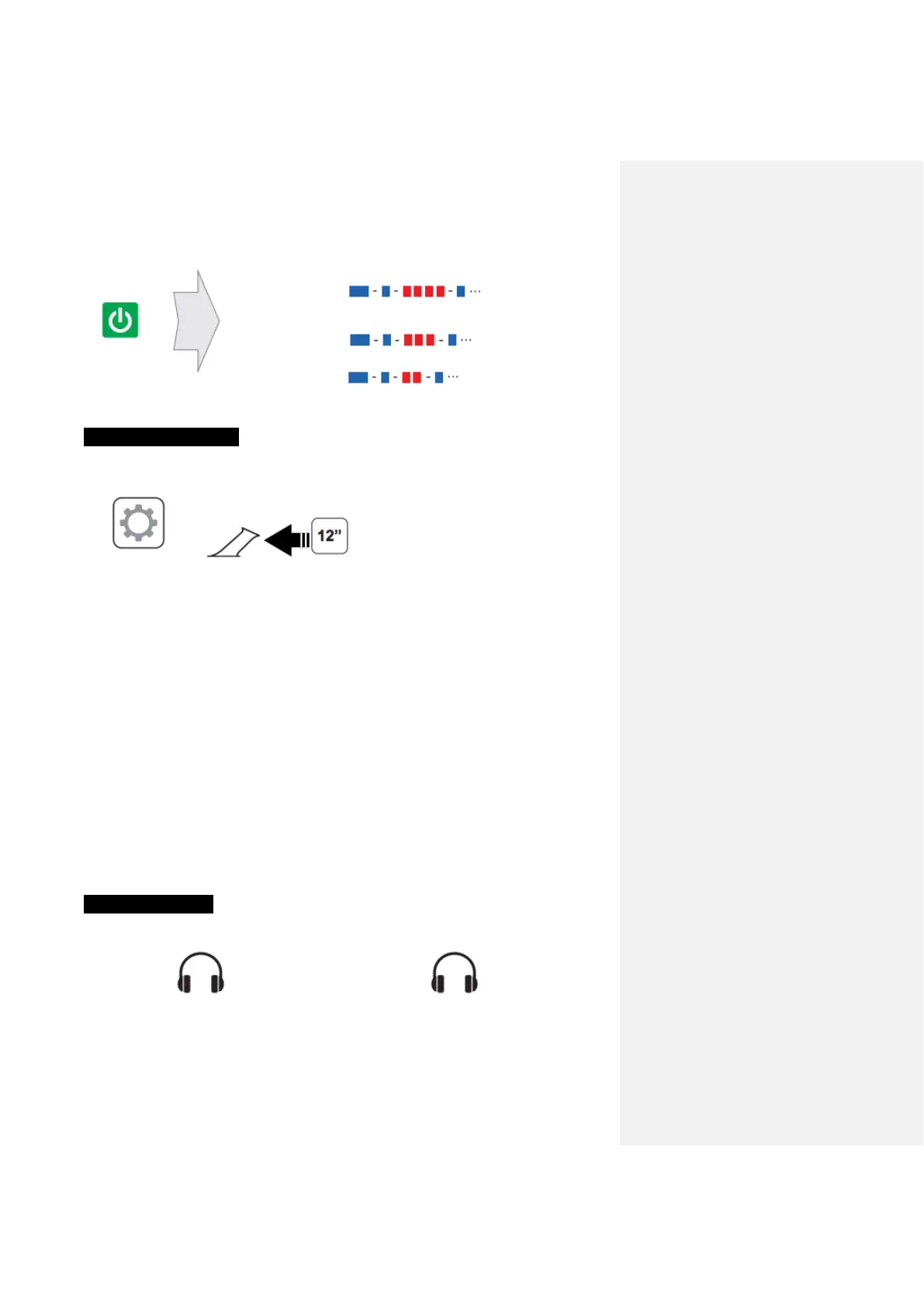
Power On
70 ~ 100 %
Configuration Menu
=
Using the Sena Device Manager
Connect the headset to your computer via a USB cable. Launch the Sena Device
Manager and click DEVICE SETTING to configure the headset settings. For more
information on downloading the Sena Device Manager, please Sena.com.
Using the Sena Smartphone App
1. On your smartphone, download the Sena Smartphone App for Android or iPhone
from Google Play or App Store. Please refer to www.sena.com/headset-app/ for
more details.
2. Pair your smartphone with the headset.
3. Run the Sena Smartphone App. Swipe the screen to the right and tap Setting to
configure the headset settings.
Intercom Pairing
<---------Pairing ---------->



 To Next Page