14
5.1 Bluetooth Headset Pairing
1. Turn on your Bluetooth headset and enter pairing mode,
following the Bluetooth headset manual.
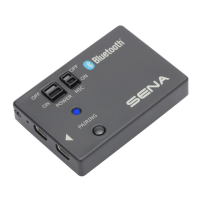
2. Turn on the SR10 and press and hold the Pairing Button for 5
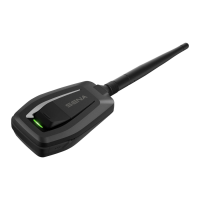
secondsuntiltheLEDashesredandbluealternatively.
3.Whenthepairingissuccessful,theblueLEDashesslowly.
5.2 Bluetooth Mobile Phone Pairing
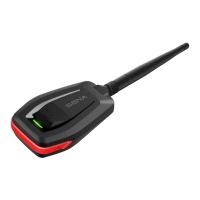
1. Turn on the SR10 and press and hold the Pairing Button for
8 seconds until the red LED is rapidly ashing. Search for
Bluetooth devices on your mobile phone. The SR10 will be listed
on your mobile phone.
2.Enter 0000 for the PIN. (Some mobile phone may not ask for
thePIN.)
3.TheSR10 will be paired as “headset”. This prole is normally
recommended for most mobile phones.
4.Whenpairingisdone,theredLEDashesslowly.
5. PAIRING THE SR10 WITH
BLUETOOTH DEVICES


 To Next Page