English
19
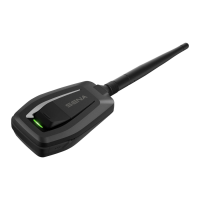
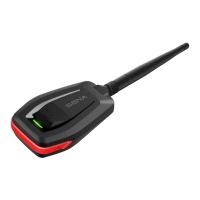
1. To restore the SR10 to factory default settings, press and hold
the Pairing Button for 12 seconds until the LED shows solid
red.
2.Within 5 seconds, press the Pairing Button again to conrm
reset. The SR10 will be restored to factory settings and
switchedoffautomaticallyaftertheblueLEDashesseveral
times.
3. If you don't press the Pairing Button within 5 seconds, the reset
attempt is canceled and the SR10 returns to standby mode.
6.7 Fault Reset
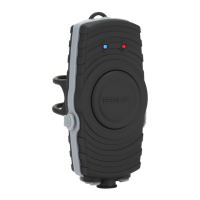
If the SR10 is not working properly or is in a faulty status for any
reason, you may reset by pushing the small reset button at the
top of the SR10 main unit. By using a paper clip or a pencil tip,
lightly press and hold the reset button for 1 second. The SR10 will
be switched off. Turn the SR10 back on to use it. However, this will
not restore the SR10 to factory default settings.
6.8 Firmware Upgrade
The SR10 supports rmware upgrade function. Please visit
Sena Bluetooth web site at www.sena.com to check the latest
software downloads.


 To Next Page