English
15
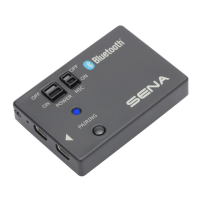
6. USING THE SR10
6.1 Using Two-way Radios
1. When SR10 is turned on and connected with a hand held two-
way radio, the audio from the two-way radio will be directly
sent to your Bluetooth headset. You can use the Bluetooth
headset as a handsfree device for the two-way radio.
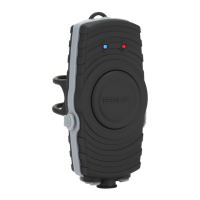
2. To talk using the two-way radio through SR10, press and hold
thePTTButtonuntilyounishtalking.
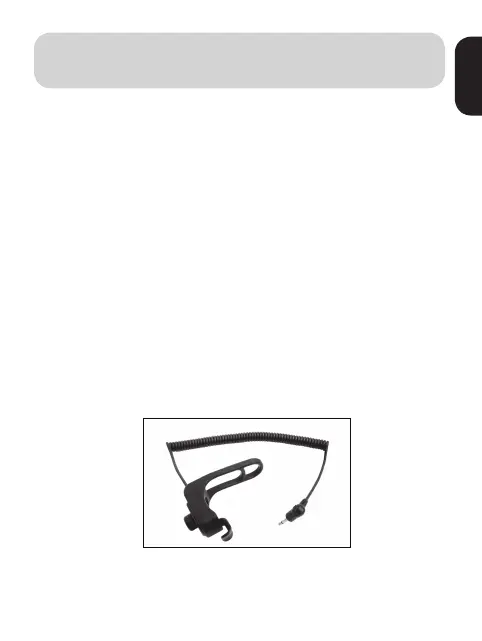
6.2 Installing Wired PTT Button
1. Place the PTT Button on the motorcycle handlebar grip or any
other place where you can easily reach it.
2. Wind up the rubber band on the handlebar grip and hang it
on the hook.


 To Next Page