Tufftalk
33
English
12 TWO-WAY RADIO
12.1 Wired Two-way Radio
You can connect a two-way radio with the Tufftalk and talk with the
other person using the PTT Button. The PTT Button is for wired two-
way radio only. You cannot use wired two-way radio during intercom.
Also, you cannot listen to music when two-way radio cable is connected
to the two-way radio port.
11 AMBIENT MODE
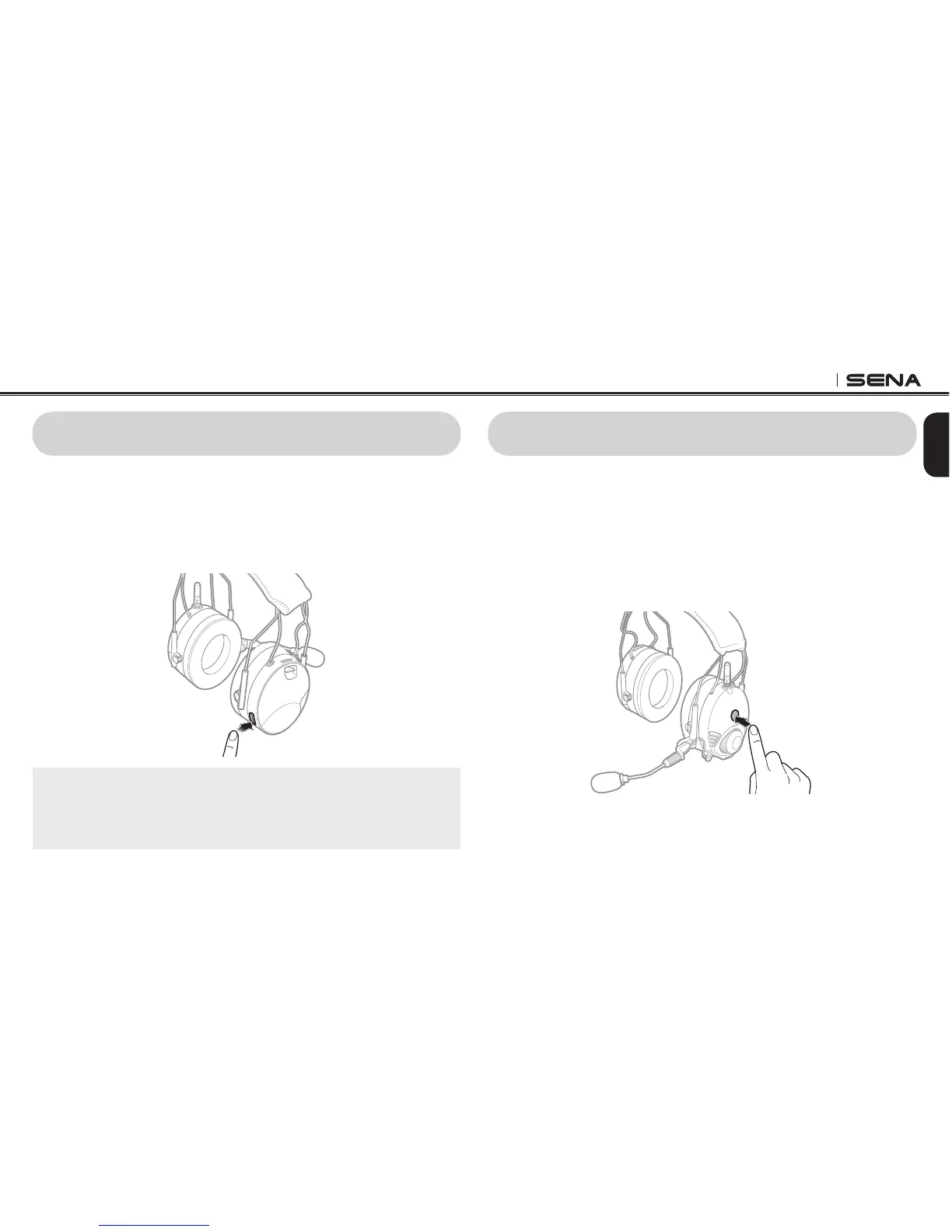
By activating the Ambient Mode, you can hear outside sounds such as
voices of other people, without having to take off the headset. To
activate the Ambient Mode, tap the Ambient Mode Button, which is
placed on the right speaker. To deactivate the Ambient Mode, tap the
Ambient Mode Button again.
Note:
The Ambient Mode has higher priority than the intercom, so you cannot
listen to music, or have an intercom conversation if the Ambient Mode is
activated. Only mobile phone calls are allowed during the Ambient Mode.



 To Next Page