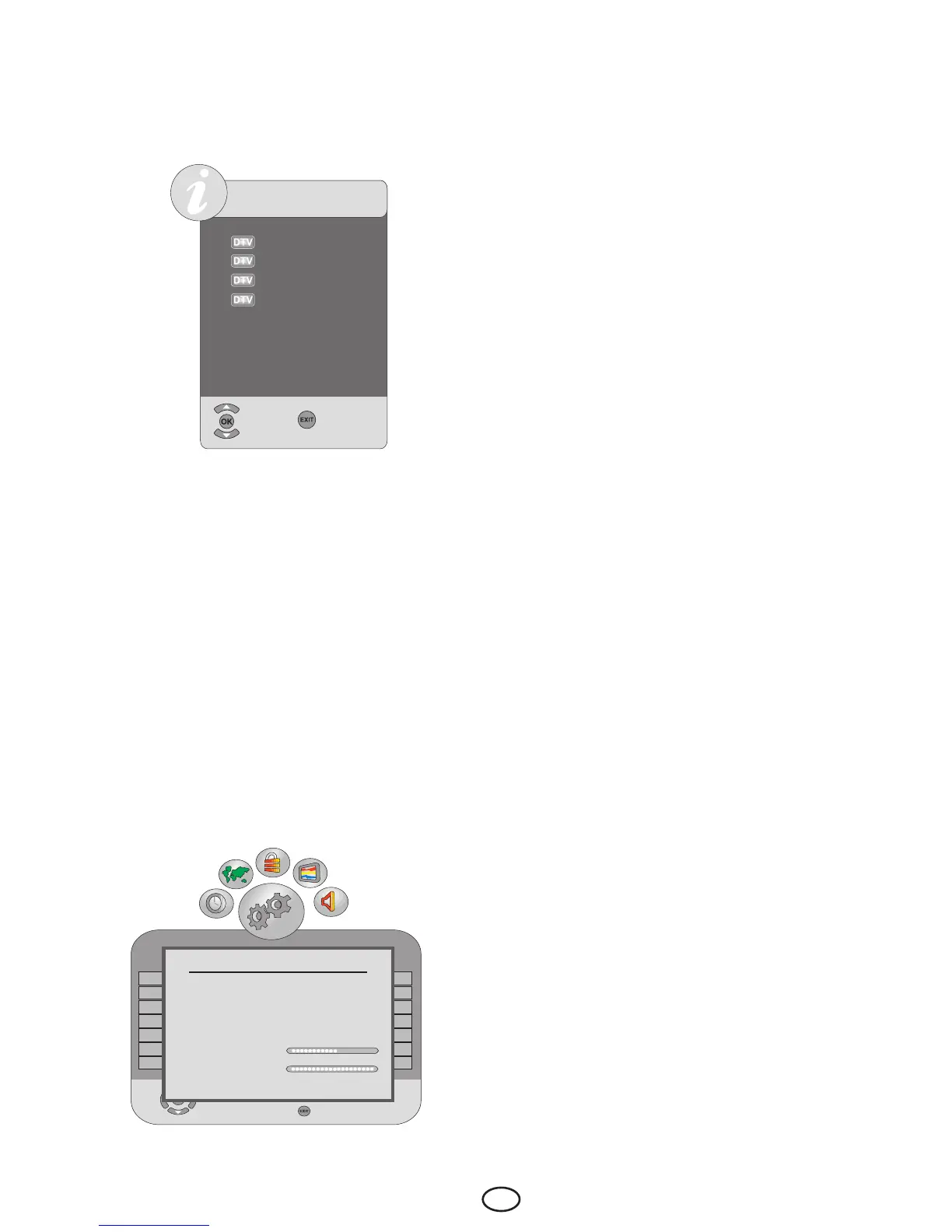
6.6.8-Channel List
If you press OK button when no menu is
open, Channel List menu will be displayed
on the screen.
CHANNELLİST
Channel 1
Channel 2
Channel 3
Channel 4
Select
Exit
You can see all the channels of the current
mode while you are in the Channel List
menu, you can select the desired channel
with Up/Down buttons and view it by
pressing the OK button.
6.7-Signal Information
This menu gives information about Channel,
Network,Modulation,Signallevelandquality.
Press MENU button to enter this menu.
Select Channel Setup menu by pressing
the Right/Left movement buttons. Select
Signal Information tab by pressing the
Down movement button and confirm with
Right movement button or OK button. Signal
Information menu will be displayed.
Note: Signal Information menu will be active
only for Digital broadcasts.
6.8-CA Module (Conditional
Access)
In this menu, you can make the CA Module
settings that you can attach to your television.
If a CI module is inserted for a channel
that makes a scrambled broadcast in CI
standards, then a submenu for that module is
opened and the information for that module is
updated.
6.9-Active Antenna Power
When this feature is set to On, you can feed
an external antenna you will connect to your
television by the tuner of your television
without needing any external source. Scroll to
the Active Antenna Power tab by pressing
the down movement button in the Channel
Setup menu and select On by pressing the
Right/Left movement buttons.
Signal Information
Channel 23 490Mhz
Exit
Network XXNetwork
Modulation 2X64XXXX2/3
Quality 60%
Signal Strength 90%



 To Next Page