Note: Since the use of certain functions in
ordertochangethepicturesizesforcollective
projection or commercial purposes (modifying
the height and width etc.) will be deemed an
infringement of the picture’s copyright, legal
proceedings can be carried out as required
under relevant laws.
7.2.6.8-Overscan: Off
When this mode is selected, high defined
picture from the HDMI is not cropped and it is
displayedinitsoriginalsize.Thisisonlyactive
in HDMI mode and for resolutions at or above
720p.
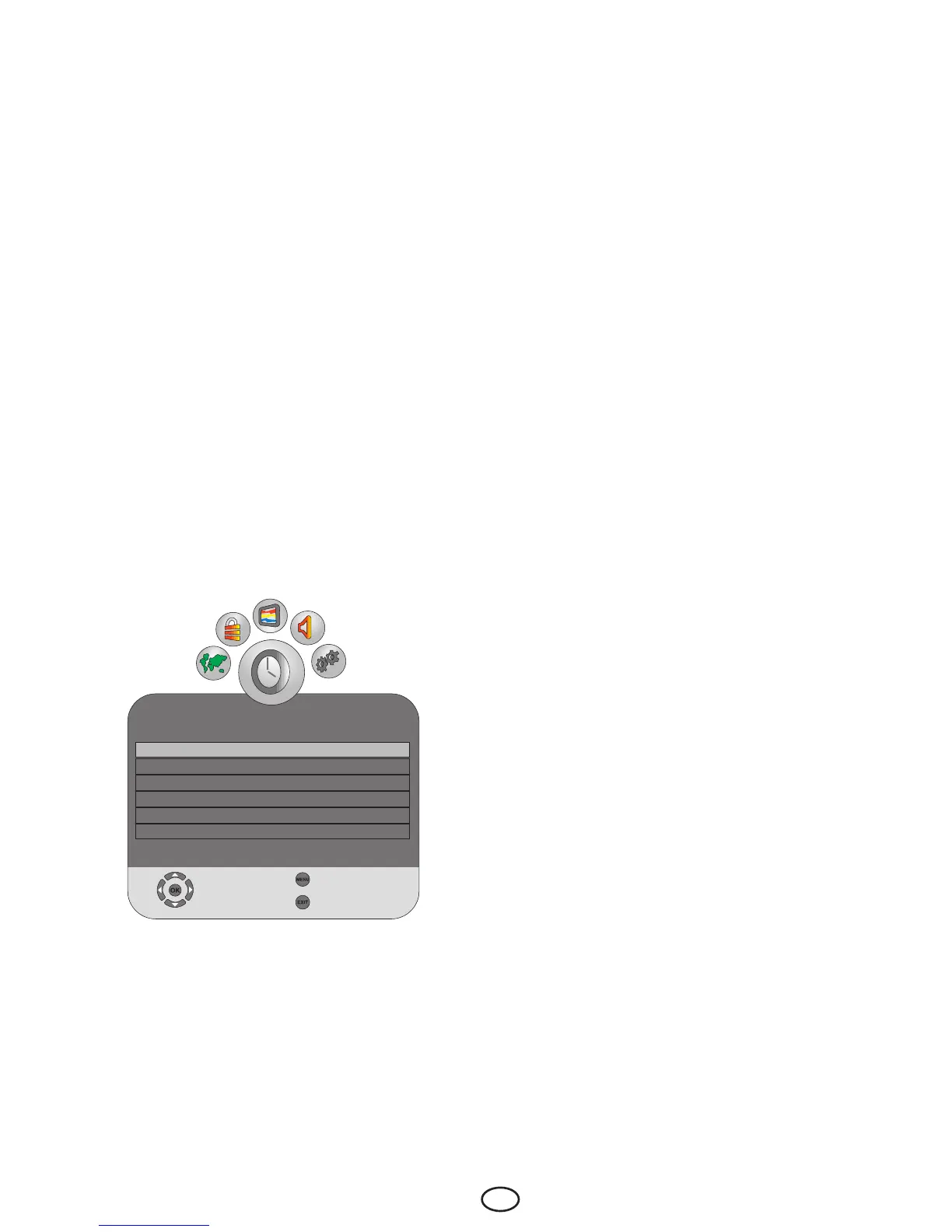
7.3-Performing the timer
settings
Your television is equipped with the feature
of being able to be turned off and on at
periods that you specify. Press the MENU
button. Select TIMER menu by pressing the
Right/Left movement buttons and press OK
button. In this menu, you can select one of
the titles for which you would like to perform
an operation.
7.3.2-Off Time
Select the Off Time tab by pressing the Up/
Down movement button in TIMER menu
and confirm your selection with the Right
movement button or OK button. In this menu,
you can set the off time for your television
with weekly or daily periods.
7.3.3-On Time
Select the On Time tab by pressing the Up/
Down movement button in TIMER menu
and confirm your selection with the Right
movement button or OK button. In the On
Time menu, you can set the on time for your
television with weekly or daily periods. In this
menu, you select one of the TV, DTV or Radio
modes, a specific channel and the volume
that would become active when the TV is
turned on.
7.3.4-Sleep Timer
Sleep Timer switches your television
automatically to Standby Mode after the
preset time has elapsed. You can adjust
this time between 10 and 240 minutes with
certain intervals. To do this, select the Off
Time tab and press Right/Left movement
buttons to select the desired time.
7.3.5-Auto Sleep
Auto Sleep option can be set to on or off.
When the Auto Sleep function is set to Off,
NO SIGNAL will appear on the screen when
the TV does not receive any signal from any
source and your television will not be turned
off. When the Auto Sleep function is set to
On, NO SIGNAL will appear on the screen if
the TV does not receive any signal from any
source and the countdown OSD of 5 minutes
will appear. Television is turned off at the end
of the time.
7.3.6-Time Zone
Select the Time Zone tab by pressing the
Up/Down movement buttons in Timer menu
andselectyourcurrenttimezonewiththe
Right/Leftmovementbuttons.
7.3.1-Clock
Time information is automatically obtained
from EPG (Electronic Program Guide)
in Digital channels, and from Teletext in
Analogue channels.
TIMER
Clock 22/Sep200814:11
Off Time Off
On Time Off
Sleep Timer Off
Auto Sleep On
TimeZone London GMT
Select
Back
Exit



 To Next Page