Using the headset12
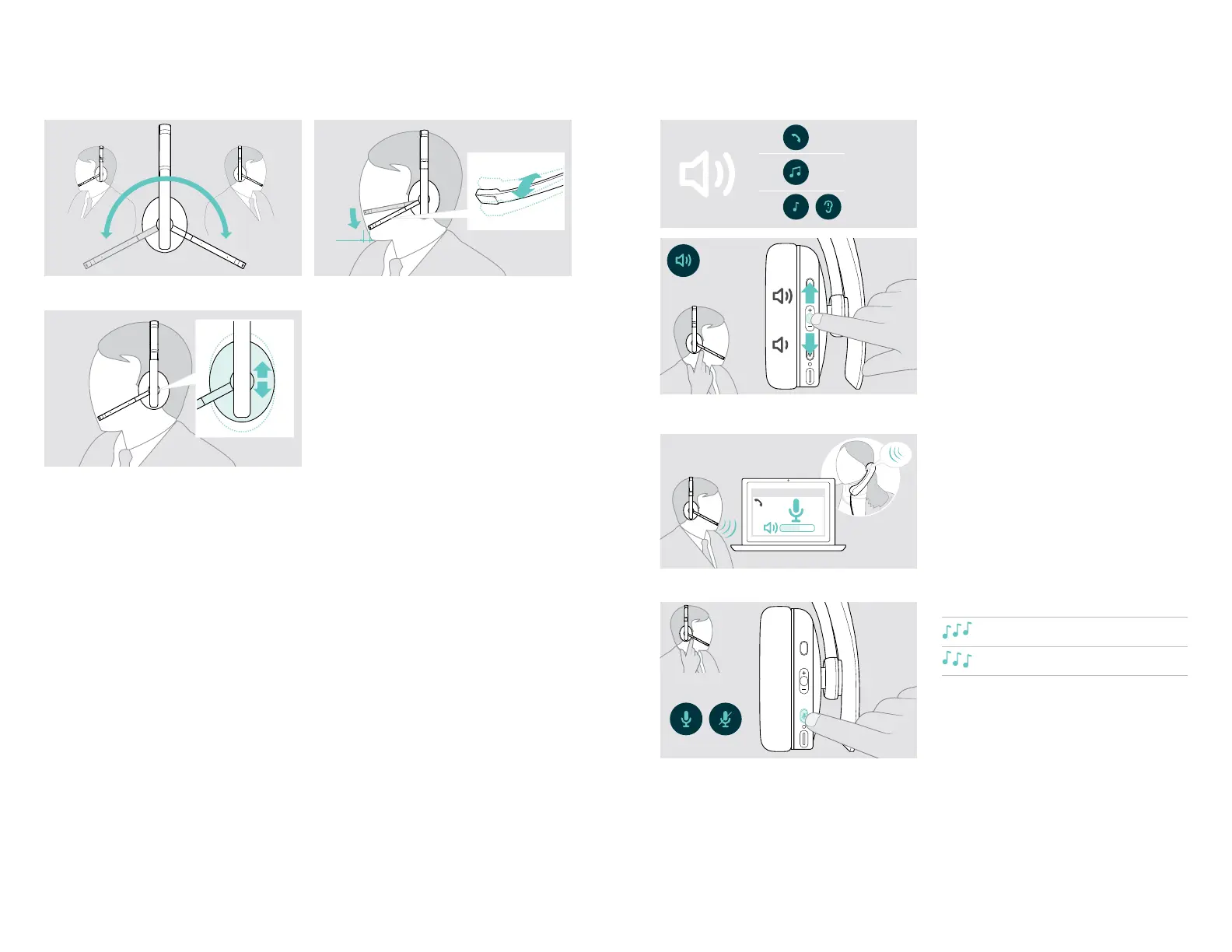
Adjusting and wearing the headset
2-3 cm
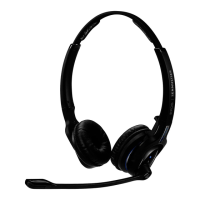
X Rotate the microphone boom. X Bend the microphone boom so that the microphone is
about 0.8” (2 cm) from the corner of your mouth.
X Adjust the headset so that the
•
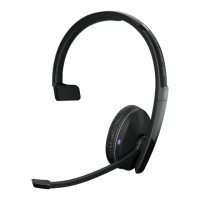
ADAPT 23x:
ear pad rests comfortably on your right or left ear.
•
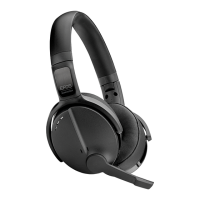
ADAPT 26x:
the ear pads rest comfortably on your ears.
ADAPT 200 series Bluetooth
®
headset
Using the headset13
Adjusting the volume
1
2
3
You can adjust three independent volume settings for the
headset:
1. Call volume: during an active call
2. Audio volume: during audio streaming
3. Volume for ring tone, tones and voice prompts:
in idle mode – no active call or audio streaming
X Press the Volume button to increase or decrease the
volume.
You hear a beep or double beep for maximum or
minimum volume.
Alternatively you can adjust the volume on your connected
device.
Adjusting the headset’s microphone volume for softphones
Softphone
x
X Initiate a call on your connected device to someone
who will help you nd the correct volume setting for
your microphone.
X Change the microphone volume in your softphone
application and/or in your PC audio application.
Muting the microphone
X Press the Mute button to
mute or
unmute the microphone.



 To Next Page