EW-DX EM 2 rack receiver
110
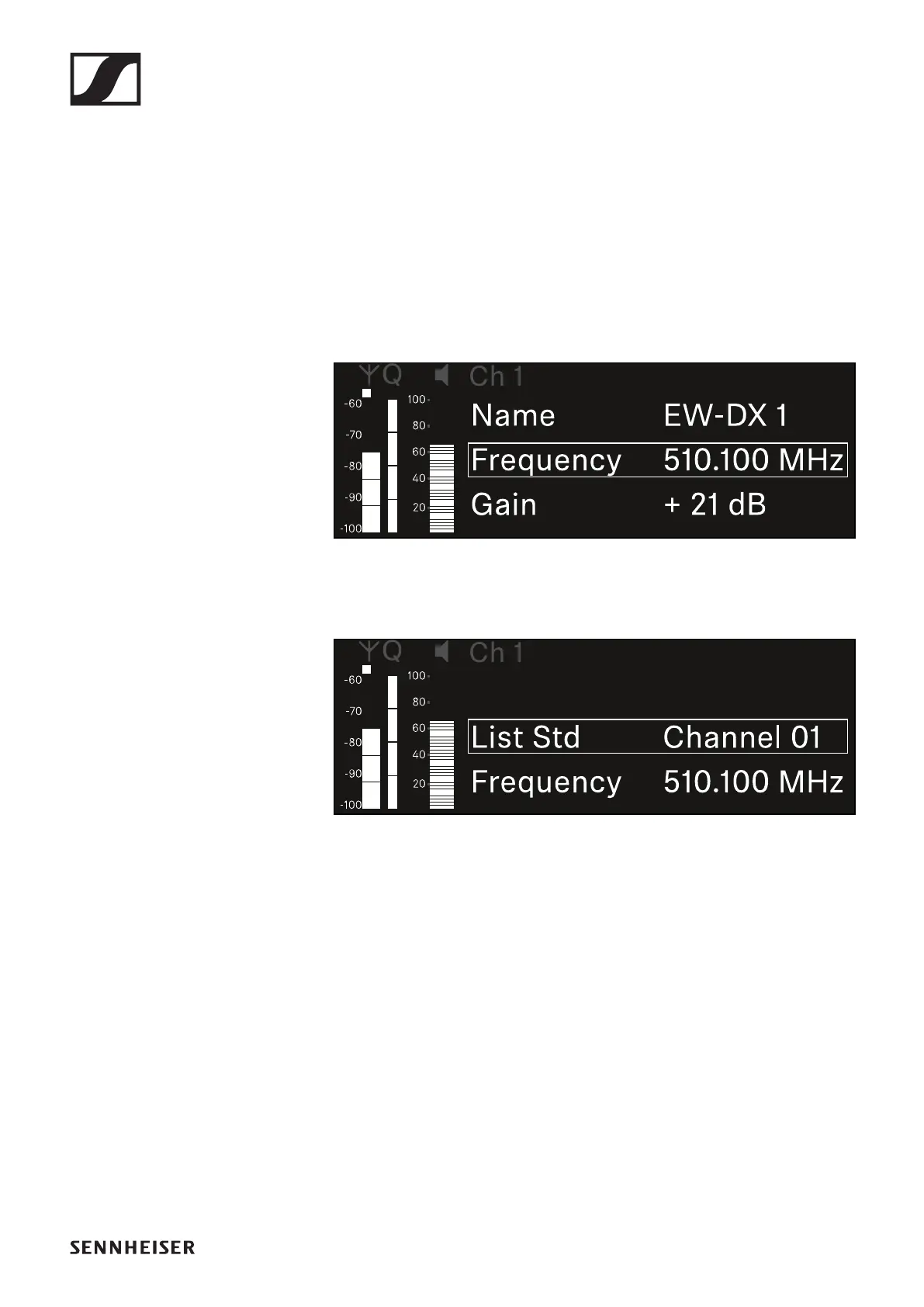
Ch 1 / Ch 2 -> Frequency menu item
In the Frequency menu item, you can adjust the frequency for
the channel in question.
You can select a frequency from the predefined list or set the
frequency manually.
To open the Frequency menu item:
▷ In the menu, navigate to the Frequency menu item for the
desired channel.
▷ Press the jog dial to open the menu.
The following view is displayed:
▷ Rotate the jog dial to select between the List and Frequen-
cy subitems.
The List subitem allows you to select a frequency from the
predefined list.
The Frequency subitem lets you set the desired frequency
manually.













 To Next Page