EW-DX EM 2 rack receiver
117
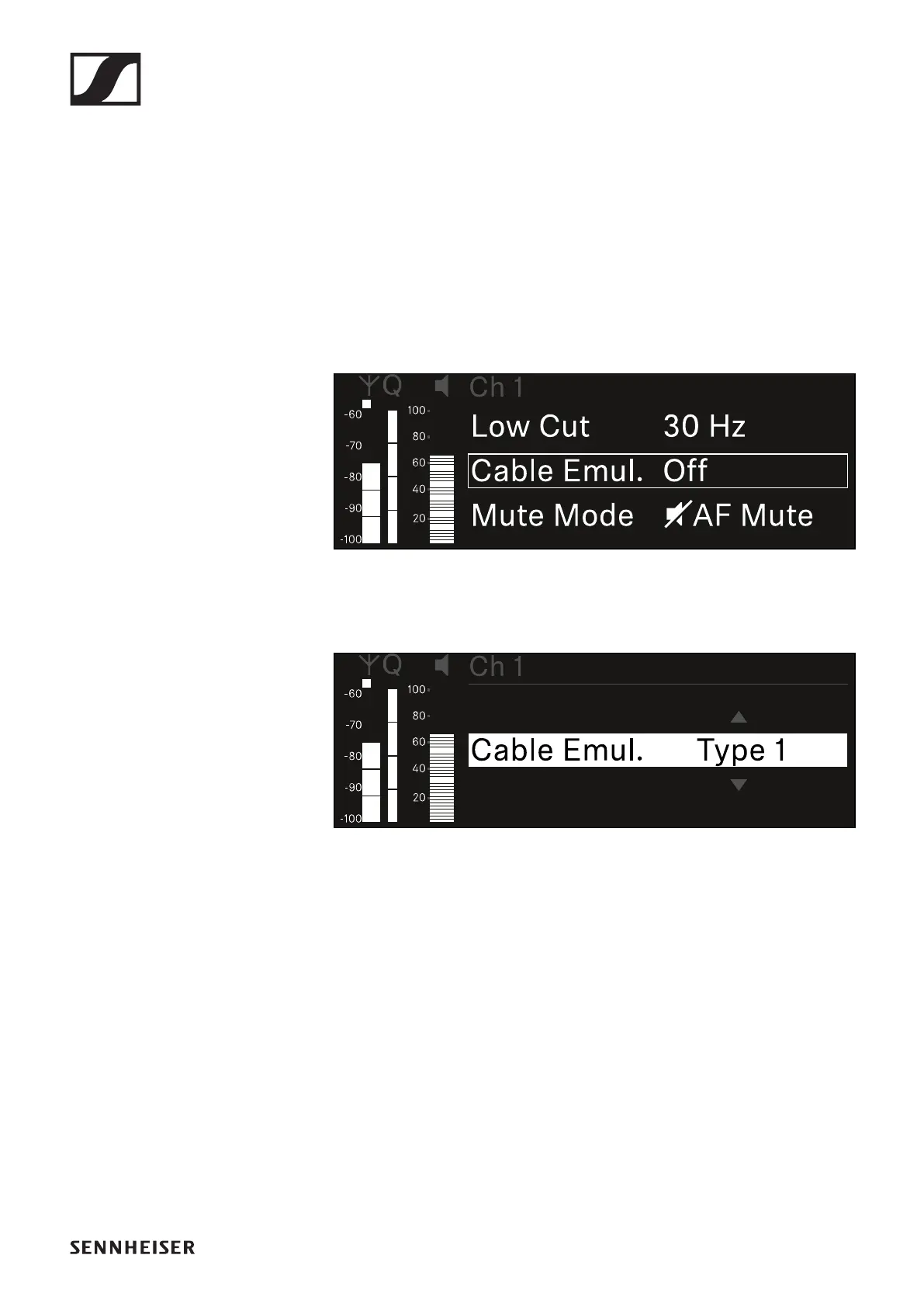
Ch 1 / Ch 2 -> Cable Emul. menu item
In the Cable Emul. menu item, you can emulate instrument ca-
ble lengths:
• Setting range: Off, Type 1, Type 2, Type 3
To open the Cable Emul. menu item:
▷ In the menu, navigate to the Cable Emul. menu item for the
desired channel.
▷ Press the jog dial to open the menu.
The following view is displayed:
▷ Turn the jog dial to set the desired value.
▷ Press the jog dial to save your setting.
or
▷ Press the ESC button to cancel the entry without saving the
setting.













 To Next Page