EW-DX EM 2 rack receiver
128
System -> Link Density menu item
Link Density mode (LD mode)
LD mode doubles the number of usable carrier frequen-
cies in the available spectrum, as the minimum distance
for the equidistant frequency grid is halved.
This is achieved by reducing the modulation bandwidth of
the transmitter. This means that a much smaller frequen-
cy spacing between neighboring frequencies can be se-
lected, and therefore more frequencies can be used in
the
same availab
le spectrum without intermodulation.
LD mode is recommended if the following criteria are met:
• The required number of channels cannot be achieved
using the normal mode, as there may be only a small
spectrum available.
• The distance between the transmitters and the anten-
nas is not too great.
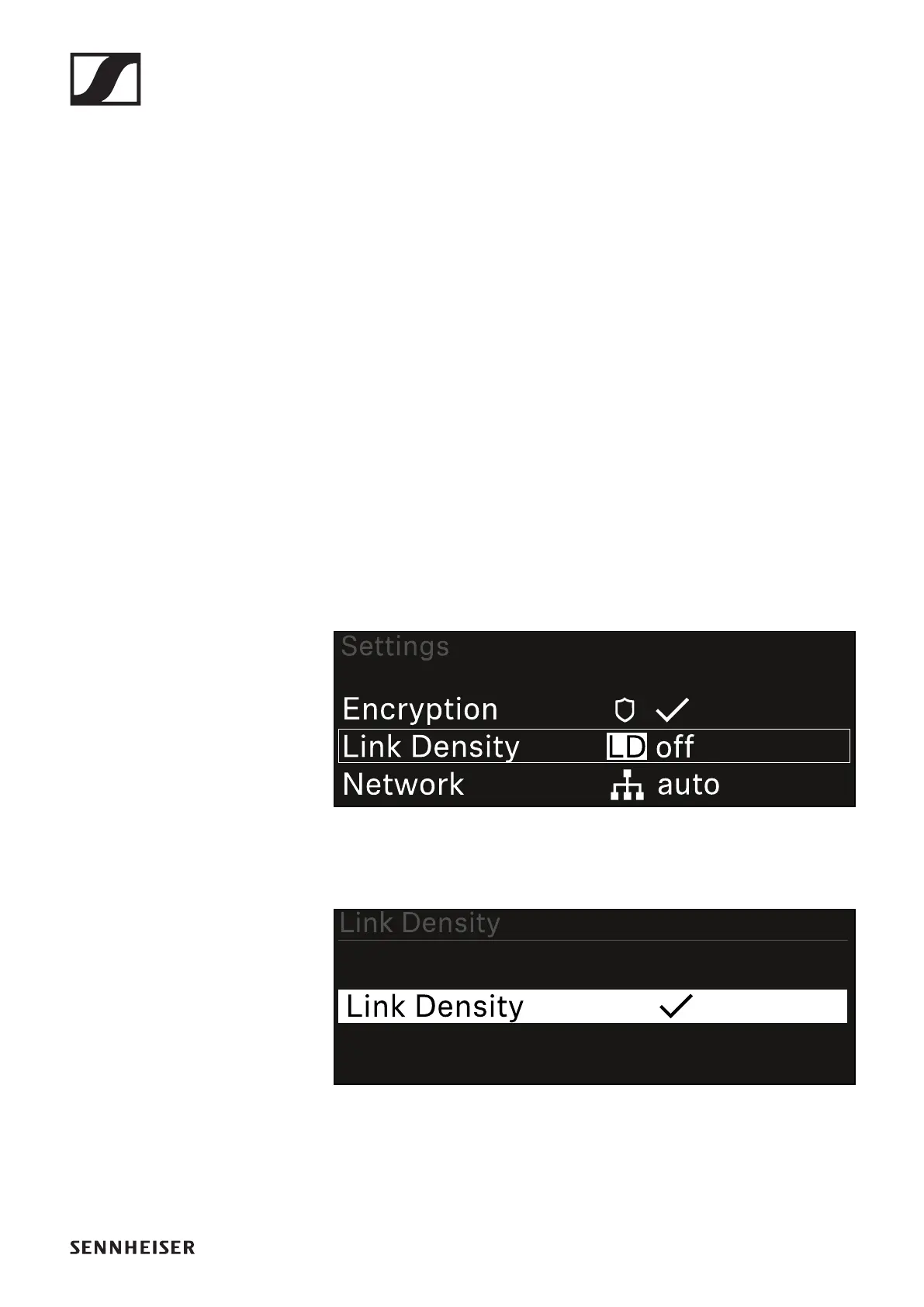
To open the Link Density menu item:
▷ In the System menu, navigate to the Link Density menu
item.
▷ Press the jog dial to open the menu.
The following view is displayed:
▷ Turn the jog dial to choose between the On and Off op-
tions.
▷ Press the jog dial to save your setting.
▷ If you have enabled LD mode, the receiver must be restart-
ed.













 To Next Page