EW-DX SK | EW-DX SK 3-PIN bodypack transmitter
184
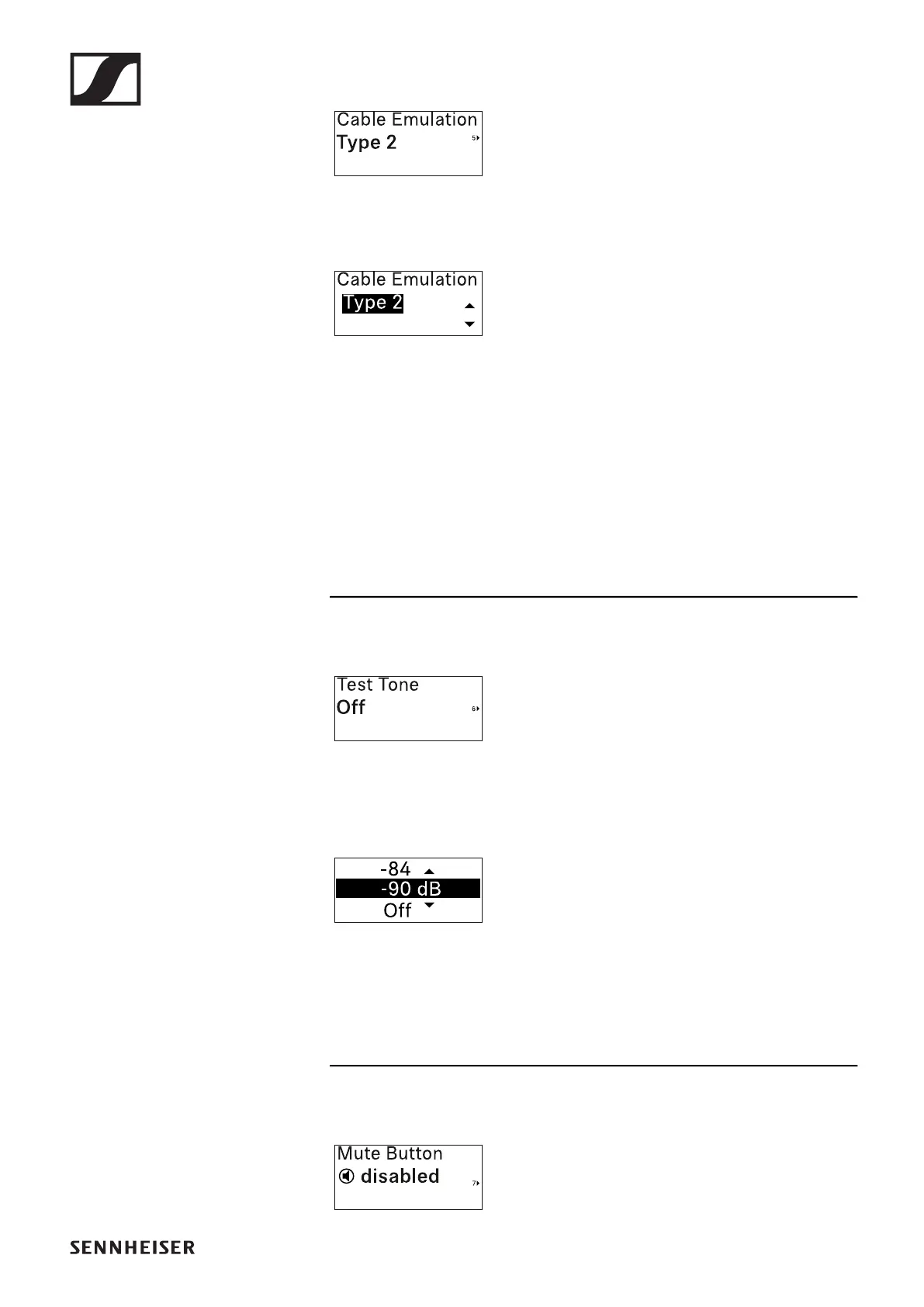
Cable Emulation menu item
In this menu item, you can emulate in-
strument cable lengths.
•Setting range: Off, Type 1, Type 2, Type
3
▷ Press the UP or DOWN button to set the desired value.
▷ Press the SET button to confirm your selection.
If you set a value for the channel in the Cable Emul. menu
item on the receiver and then synchronize the receiving
channel with the transmitter, the value entered in the
transmitter is overwritten with the value entered in the re-
ceiver.
Test Tone menu item
In this menu item, you can activate a test
tone that the transmitter transmits in-
stead of the input signal. You can use
this feature to level out the system, for example.
• Setting range: Off, -90 dB to 0 dB in 6 dB increments
▷ Press the UP or DOWN button to set the desired value.
▷ Press the SET button to confirm your selection.
Mute Button menu item
In this menu item you can set the func-
tion of the transmitter’s mute switch.













 To Next Page