EW-D EM rack receiver
48
Making settings in the menu
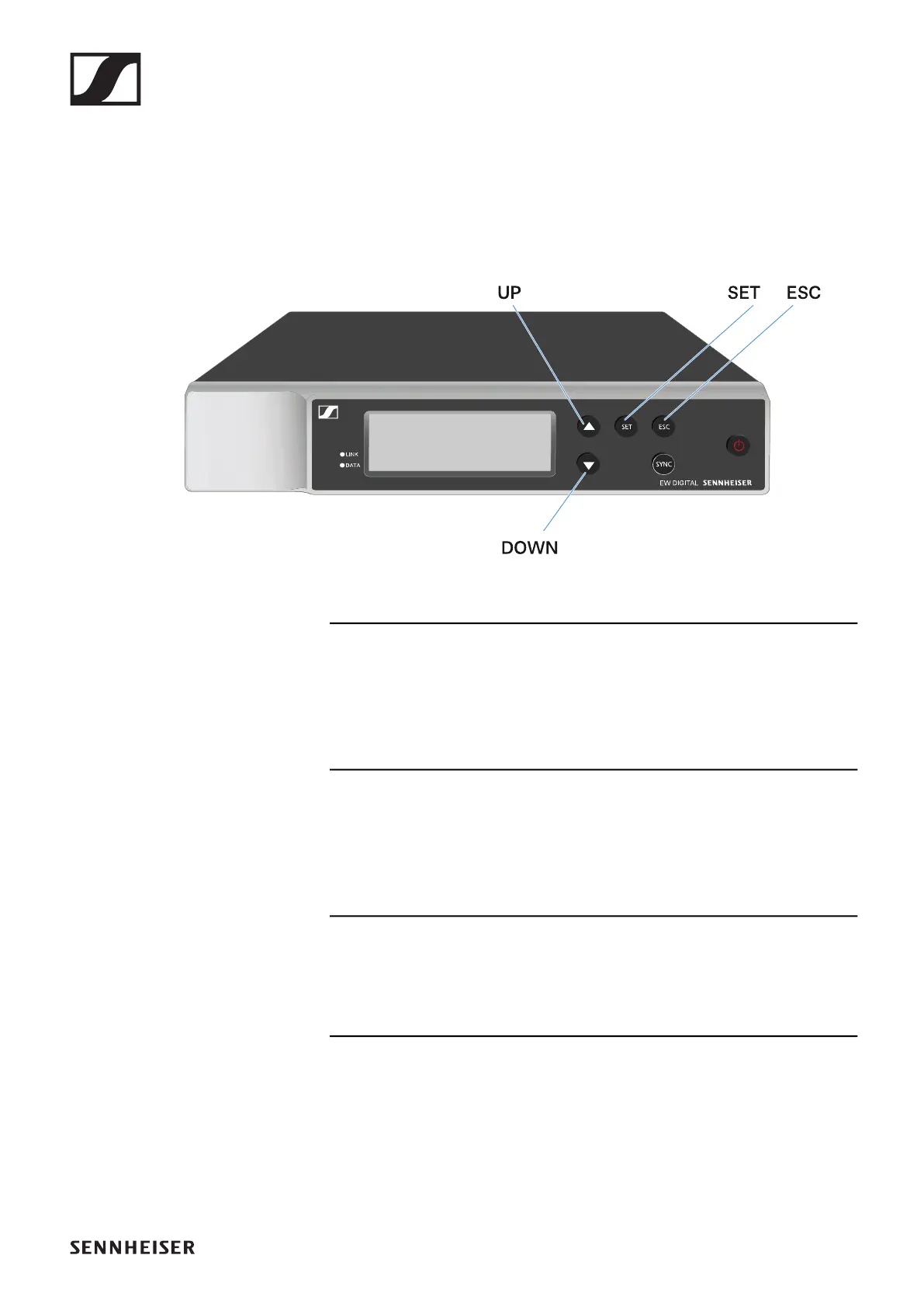
Buttons for navigating the menu
Use the following buttons to navigate through the receiver’s
operating menu.
►
Press the SET button
• Open the menu
• Save settings in a menu item
Press the UP or DOWN button
• Changes to the previous or next menu item
• Changes the setting of a menu item
Press the ESC button
• Cancel input













 To Next Page