EW-D EM rack receiver
51
MUTE LOCK menu item
Under the MUTE LOCK menu item, you can disable the mute
switch on the paired transmitter.
The transmitter can then no longer be muted.
▷ Open the MUTE LOCK menu item.
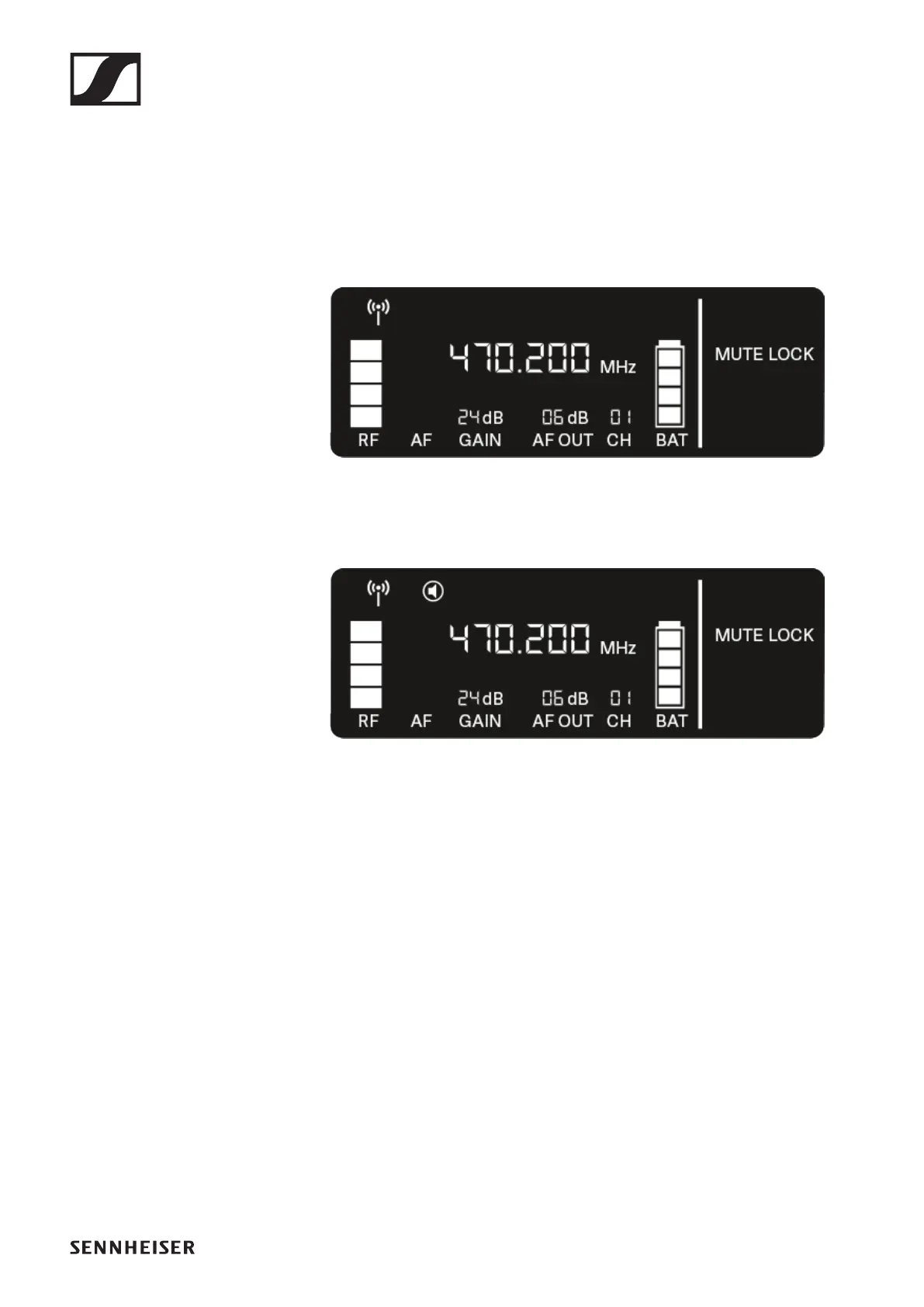
The item flashes on the display as follows.
►
▷ Press the UP or DOWN button to enable or disable the
function.
If the following icon appears on the display, the transmit-
ter’s mute switch is disabled.
►
▷ Press the SET button to save the set value.













 To Next Page