EW-D EM rack receiver
55
RESET menu item
Under the RESET menu item, you can reset the receiver to its
factory settings.
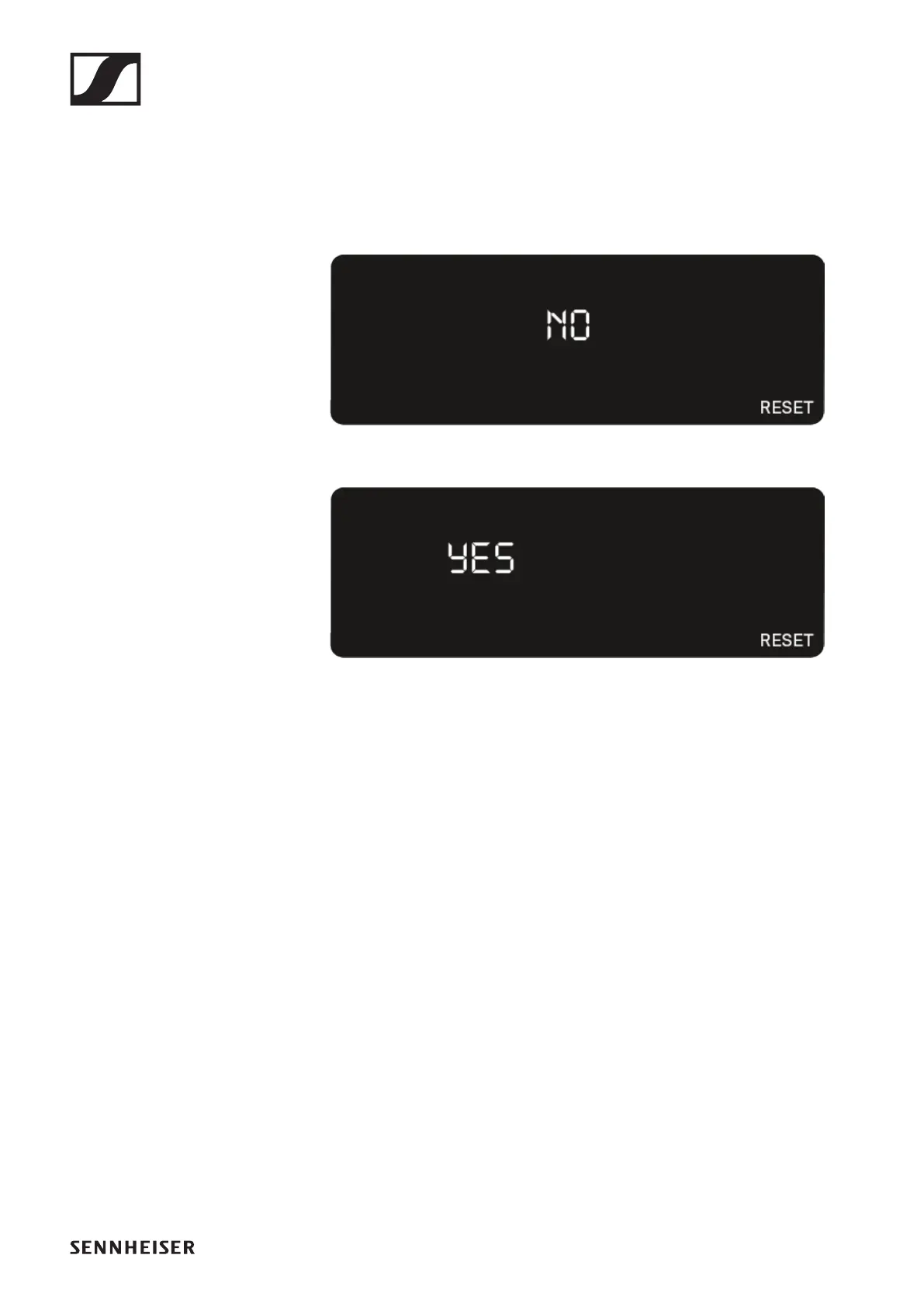
▷ Open the RESET menu item.
The item flashes on the display as follows.
►
▷ Press the UP or DOWN button to switch between the op-
tions YES and NO.
►
YES: The receiver is reset to its factory settings.
NO: The receiver is not reset.
▷ Press the SET button to save the set value.













 To Next Page