Using the devices
25
Selecting a standard display
EM 500
SK 500 and SKM 500
To select a standard display:
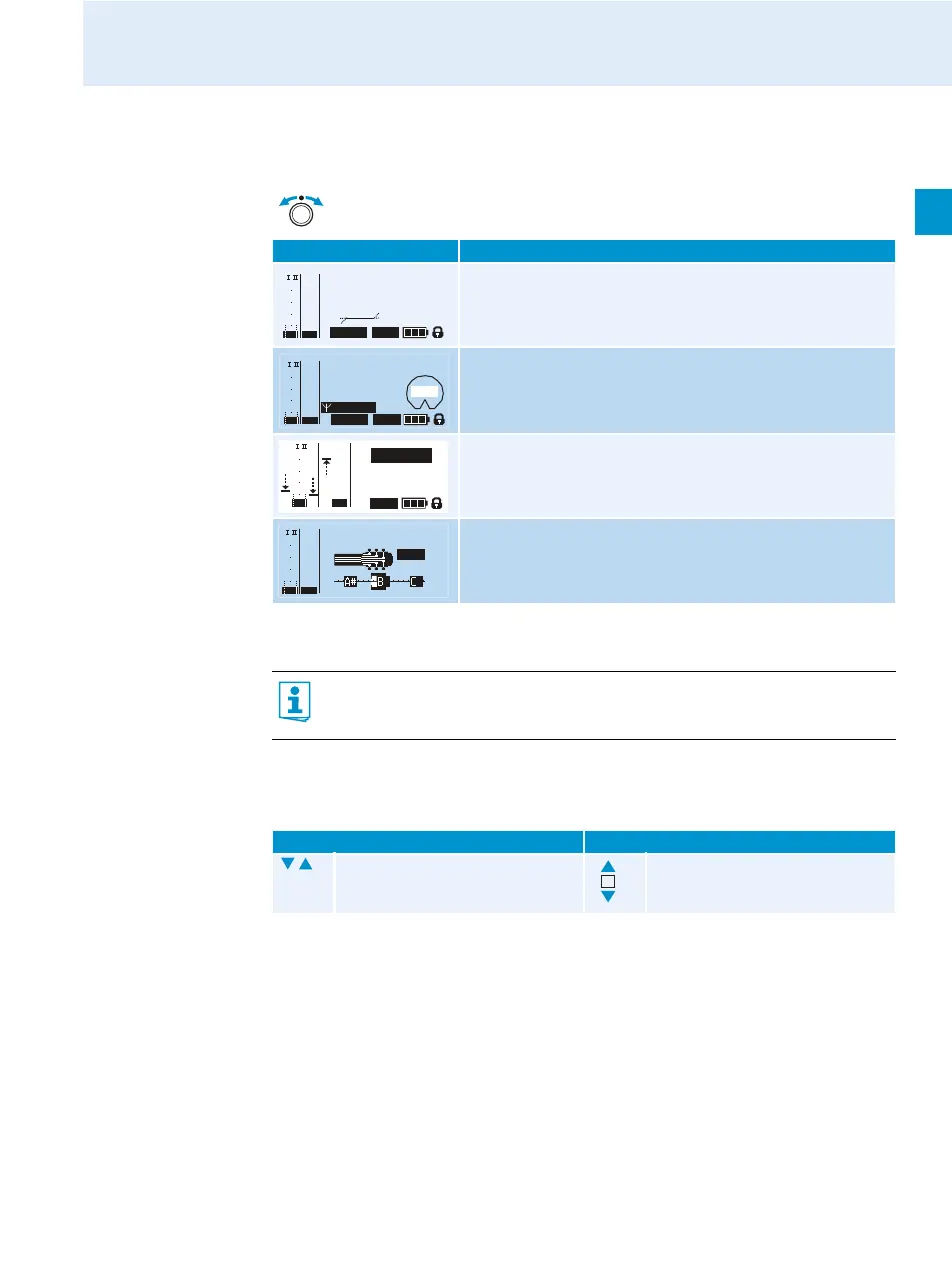
You can select the following standard displays: “Frequency/Name”, “Channel/Frequency”,
“Channel/Name”.
Press the jog dial to select a standard display:
Contents of the display Selectable standard display
“Receiver Parameters”
appears after switch-on of the receiver and displays the
receiver parameters (see page 5).
“Transmitter Parameters” (transmitter type/microphone)
displays the microphone head (SKM only) and the transmitter
type.
“Soundcheck” (display with additional function)
displays the signal quality within the transmission area.
“Guitar Tuner” (display with additional function)
displays the guitar tuner*.
* The “Guitar Tuner” standard display is deactivated upon delivery. To show this standard
display, you have to activate it (see page 27).
SK 500 SKM 500
Press the rocker button. Move the multi-function
switch.
543.200
SKM500
ew500 G3
B.CH: 20.24
MUTE
EQ:
+ 12dB
P
MHz
PEAK
-10
0
40
30
20
10
-20
-30
-40
AF
RF
935
SKM500
ew500 G3
543.200 MHz
MUTE
Standard
– 12dB
P
PEAK
-10
0
40
30
20
10
-20
-30
-40
AF
RF
Soundcheck
20.24 ew500 G3
P
MUTE
543.200
MHz
PEAK
-10
0
-20
-30
-40
AF
40
30
20
10
RF
440 Hz
543.200 MHz
MUTE
ew500 G3
PEAK
-10
040
30
20
10
-20
-30
-40
AF
RF













 To Next Page