EasyManua.ls Logo

Sennheiser Freeport - User Manual

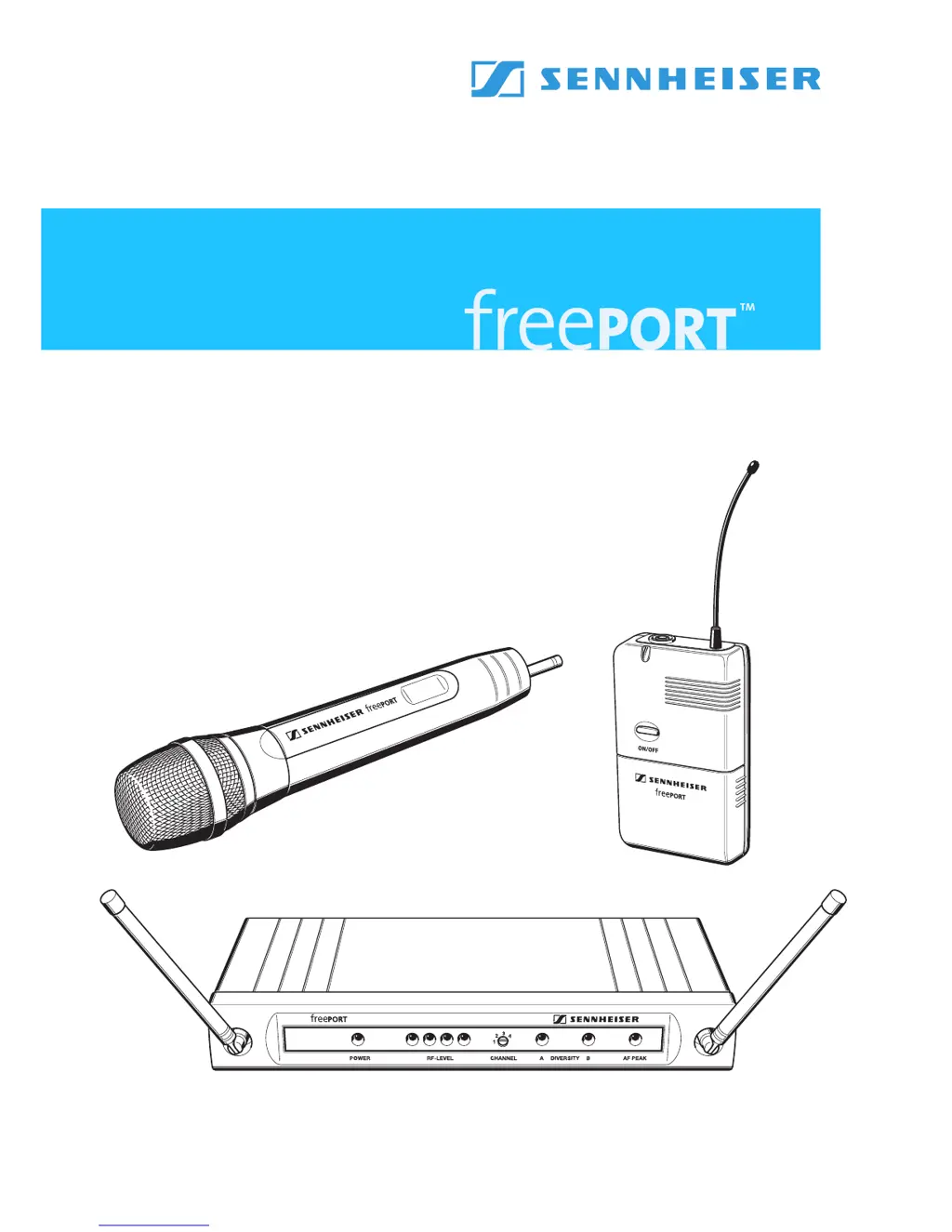
Sennheiser Freeport
20 pages
Print Icon
To Next Page IconTo Next Page
Loading...
Bedienungsanleitung
Instructions for use
Notice d‘emploi
Instrucciones de uso

Questions and Answers

  • H
    hannahloganJul 26, 2025
    What to do if my Sennheiser Freeport has no RF signal?
    • C
      Christine FreemanJul 26, 2025
      If your Sennheiser Microphone system shows no RF signal, it might be due to a couple of reasons. First, check that the transmitter and receiver are set to the same channel, and adjust if needed. Also, the transmitter could be out of range; try reducing the distance between the transmitter and receiver.
  • D
    Dr. John CannonAug 5, 2025
    Why my Sennheiser Freeport has no operation indication?
    • M
      Miguel BuckAug 5, 2025
      If your Sennheiser Microphone system shows no operation indication, the battery might be flat, so replace it. Alternatively, for the receiver, there may be no mains connection, so check the connections of the mains unit.
  • K
    kramerashleyAug 15, 2025
    How to fix audio signal with background noise on Sennheiser Freeport?
    • M
      Michael RodriguezAug 15, 2025
      If the audio signal from your Sennheiser Microphone system has a high level of background noise or is distorted, the transmitter sensitivity may be adjusted too low or too high. Also, the receiver’s audio output level may be adjusted too low or too high.

Summary

Safety Instructions

The freePORT Systems

Whats Included in the Box

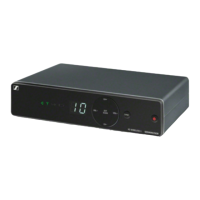
EM 1 Receiver Overview

Overview of the EM 1 receiver, including operating controls.

EM 1 Receiver Operation

Connecting the EM 1 Receiver

Steps to connect the receiver to the mains power.

Connecting to Audio Equipment

Guides on connecting receiver audio outputs to amplifiers/mixers.

Changing the Receiver Channel

How to change the operating channel on the receiver.

SK 2 Bodypack Transmitter

SK 2 Transmitter Controls

Identifies and describes the controls on the SK 2 transmitter.

SK 2 Battery Management

Instructions for battery installation and replacement.

SK 2 Transmitter Operation

SKM 3 Radio Microphone

SKM 3 Microphone Operation

System Setup and Soundcheck

General guidance for soundcheck and system setup.

System Adjustments and Maintenance

Troubleshooting Common Problems

System Technical Specifications

Sennheiser Freeport Specifications

General IconGeneral
TypePC microphone
RF power10 mW
Microphone direction typeOmnidirectional
Connectivity technologyWireless
Battery typePP3
Operating voltage9 V
Battery life (max)10 h
Number of batteries supported1
Frequency range80 - 16.000 Hz
Receiver includedYes
Signal-to-Noise Ratio (SNR)95 dB
Product colorBlack
Weight and Dimensions IconWeight and Dimensions
Receiver weight570 g
Microphone weight90 g
Receiver dimensions (WxDxH)213 x 98 x 35 mm

Related product manuals