IoT into the Wild
23
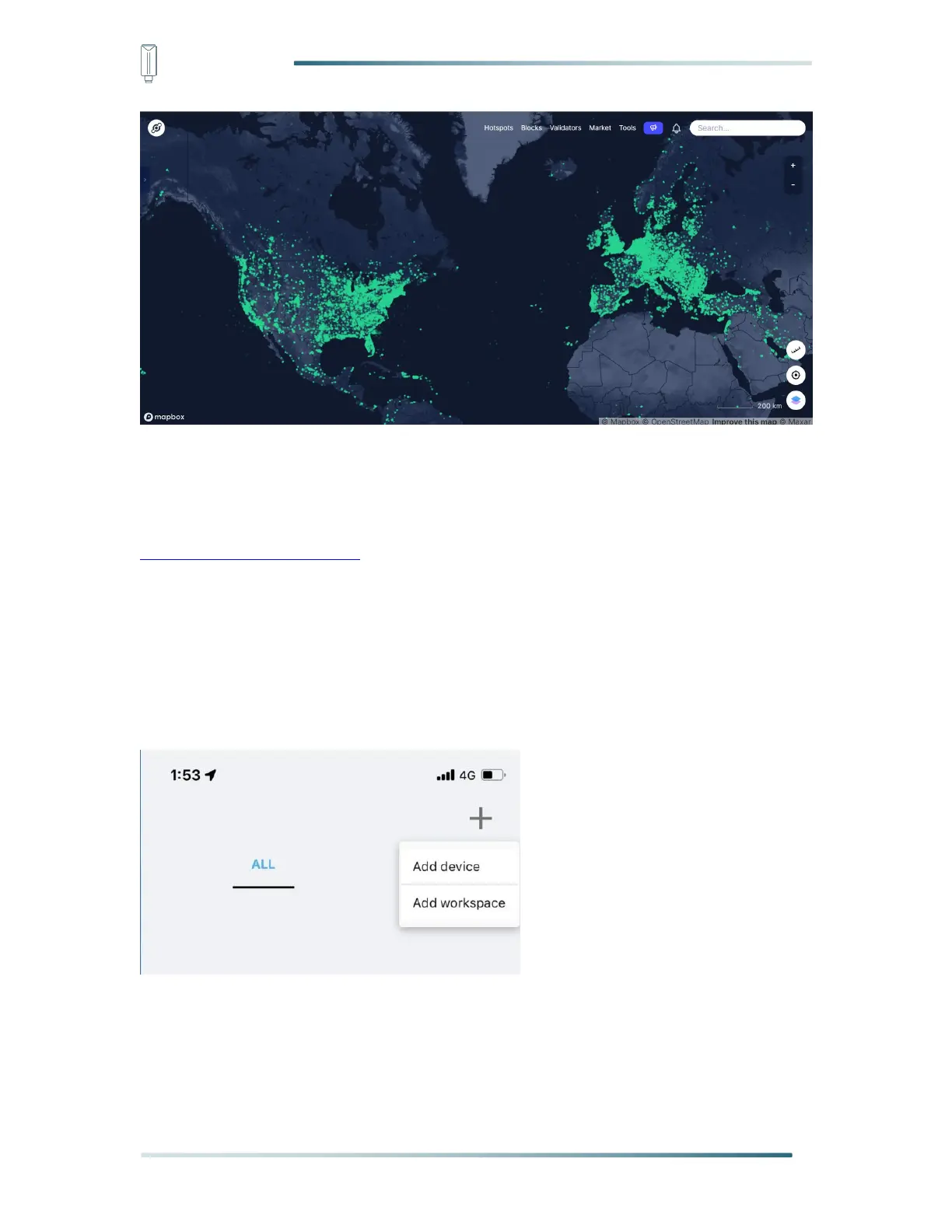
Option 2: Deploy a new Helium gateway.
You can purchase M1, M2 gateways to cover your surroundings with the Helium network:
https://www.sensecapmx.com/
6.2.3 Bind Sensor to SenseCAP Portal
Please open SenseCAP Mate App.
(1) Scan QR Code
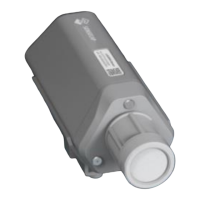
1) Click “Add device” on the upper-right corner of device page to enter the device binding
page.
2) Scan the QR code on the device to bind the device to your account. If you do not set it to
a designated group, the device will be put into the “default” group.



 To Next Page