IoT into the Wild
25
6.2.4 Setup the Sensor
1) Open the SenseCAP Mate App
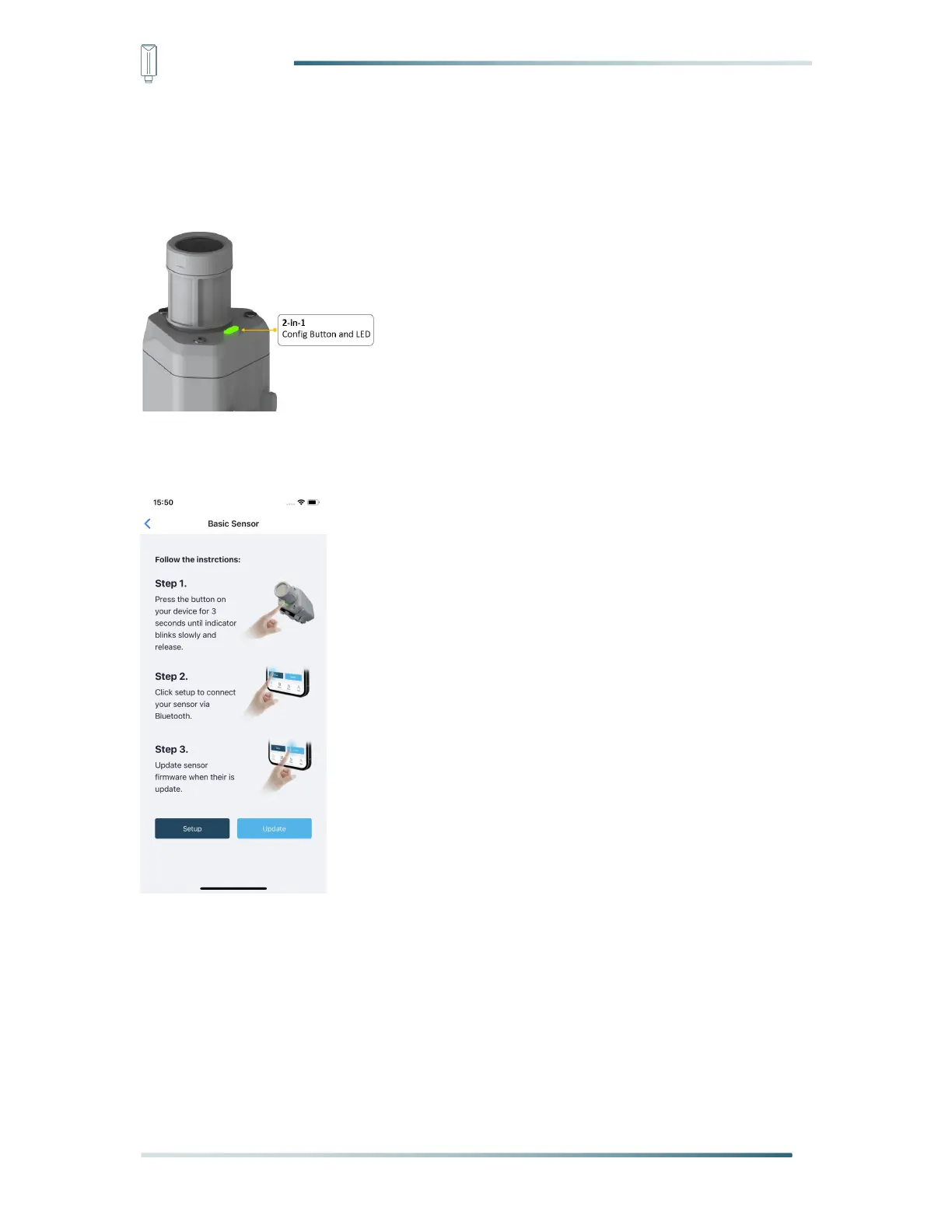
2) Press button and hold for 3 seconds, the LED will flash at 1s frequency.
3) Please click the “Setup” button to turn on Bluetooth and click “Scan” to start scanning the
sensor's Bluetooth.
4) Select the Sensor by S/N (label). Then, the basic information of the sensor will be
displayed after entering.



 To Next Page