IoT into the Wild
30
b) Bind the gateway to SenseCAP Portal.
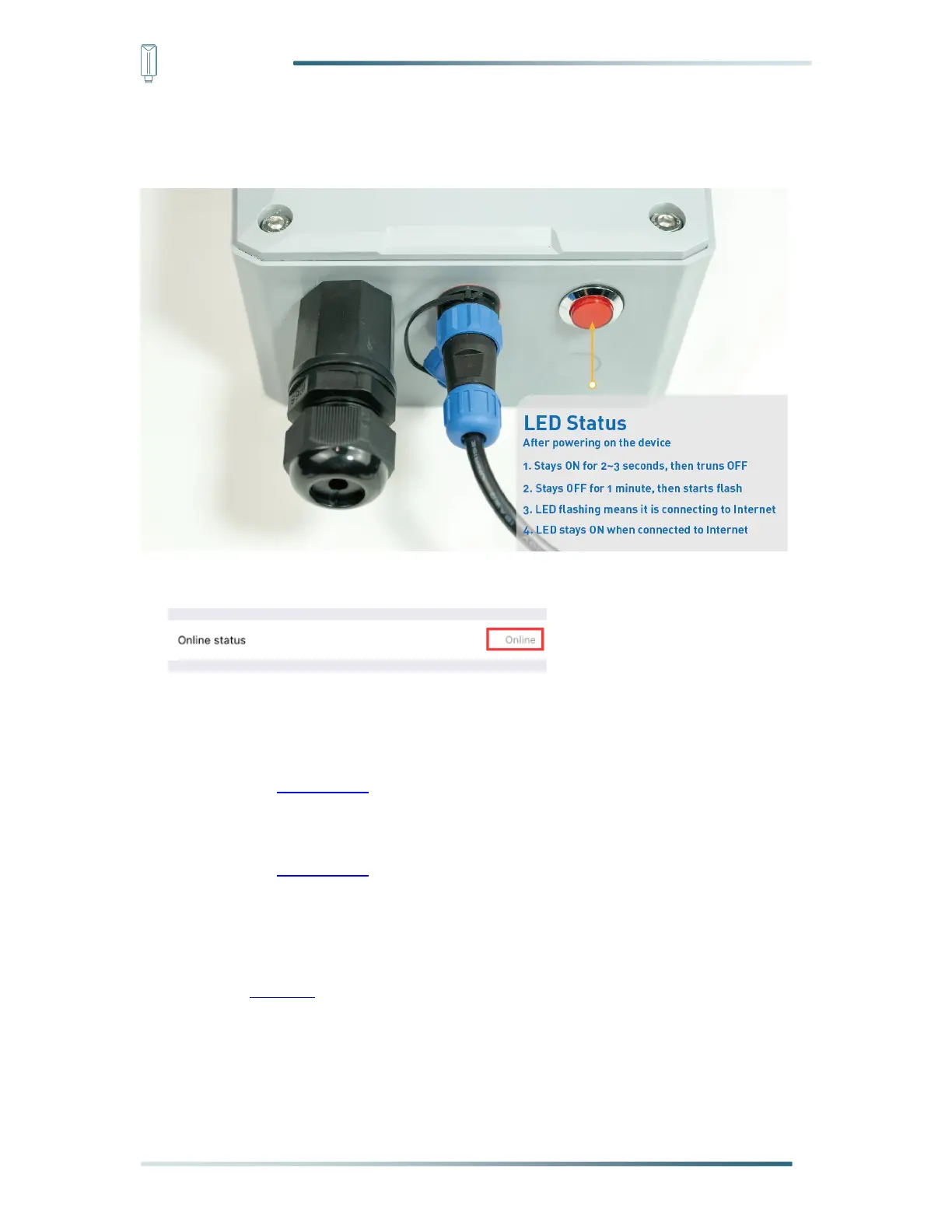
c) Ensure the gateway indicator is steady on.
d) Ensure the gateway is displayed online on the portal.
6.3.3 Bind Sensor to SenseCAP Portal
Please refer to the section 6.2.3
6.3.4 Setup the Sensor
Please refer to the section 6.2.4
6.3.5 Set Frequency of Sensor via SenseCAP Mate App
Set the corresponding frequency band based on the frequency band of the gateway.
Please refer to section 5 for detail.
1) Click the “Setting” and select the platform is “SenseCAP for The Things Network”.


 To Next Page