MT4412E Rev.2 15/10/2019 Pagina 25 di 30
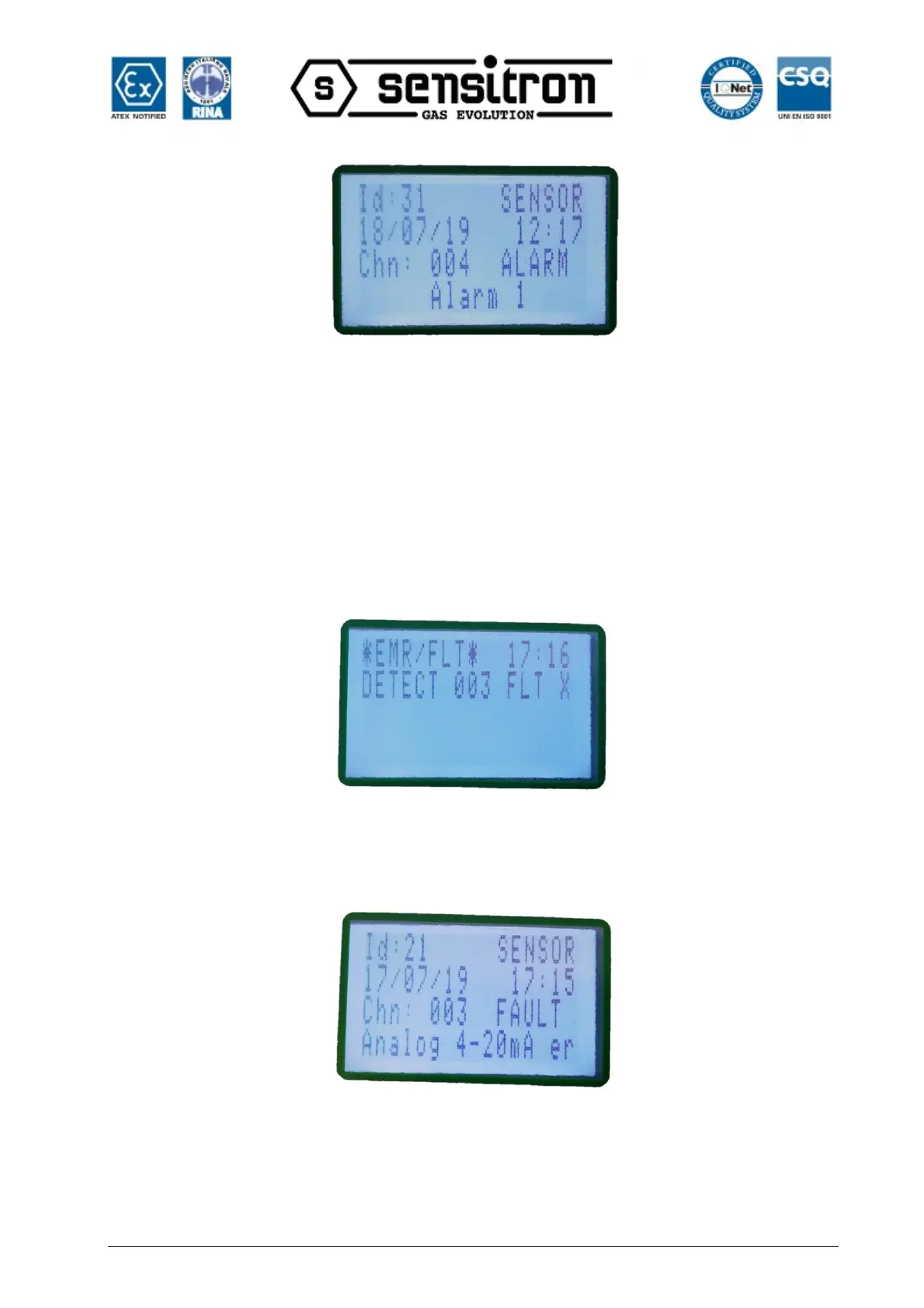
Fig. 3.2.1.c) Alarm1 event detail screen
From the main screen, by pressing the MENU button and selecting ACTIVE EVENTS, it
is possible to view the channels in Alarm/Fault status that have not yet been reset.
FAULT
The Fault status will be activated in the following situations:
1. Short circuit, open circuit, or channel malfunction
2. Removal or malfunction of a ST.G/IN8 or ST.G/OUT16 module
3. Detector in Under-scale (signal below "0")
4. Detector in over-range (signal over 100% of the scale)
Fig. 3.2.1.d) Screen in Fault status
By pressing the Enter key with a fault event selected, a screen opens that shows the
event details:
Fig. 3.2.1.e) Fault event details
USER LEVEL
The system offers three user levels and, depending on these, various options are
available. The three levels are as follows:



 To Next Page