MT1450 rev 1 20/04/2011 Page 7 of 14
3 INSTALLAZIONE
3 INSTALLATION
3.1 Modalità per il corretto montaggio
3.1 Correct positioning mode
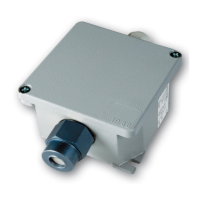
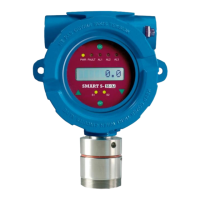
Il rivelatore deve sempre essere installato con l’elemento
sensibile (testa di rivelazione) rivolta verso il basso. Il
contenitore del rivelatore, per nessuna ragione deve
essere forato: per il fissaggio utilizzare i fori già esistenti.
The detector is always to be mounted with the sensing
element placed downward. For no reasons at all the
enclosure can be drilled. To wall mount the detector,
please use the existing holes.
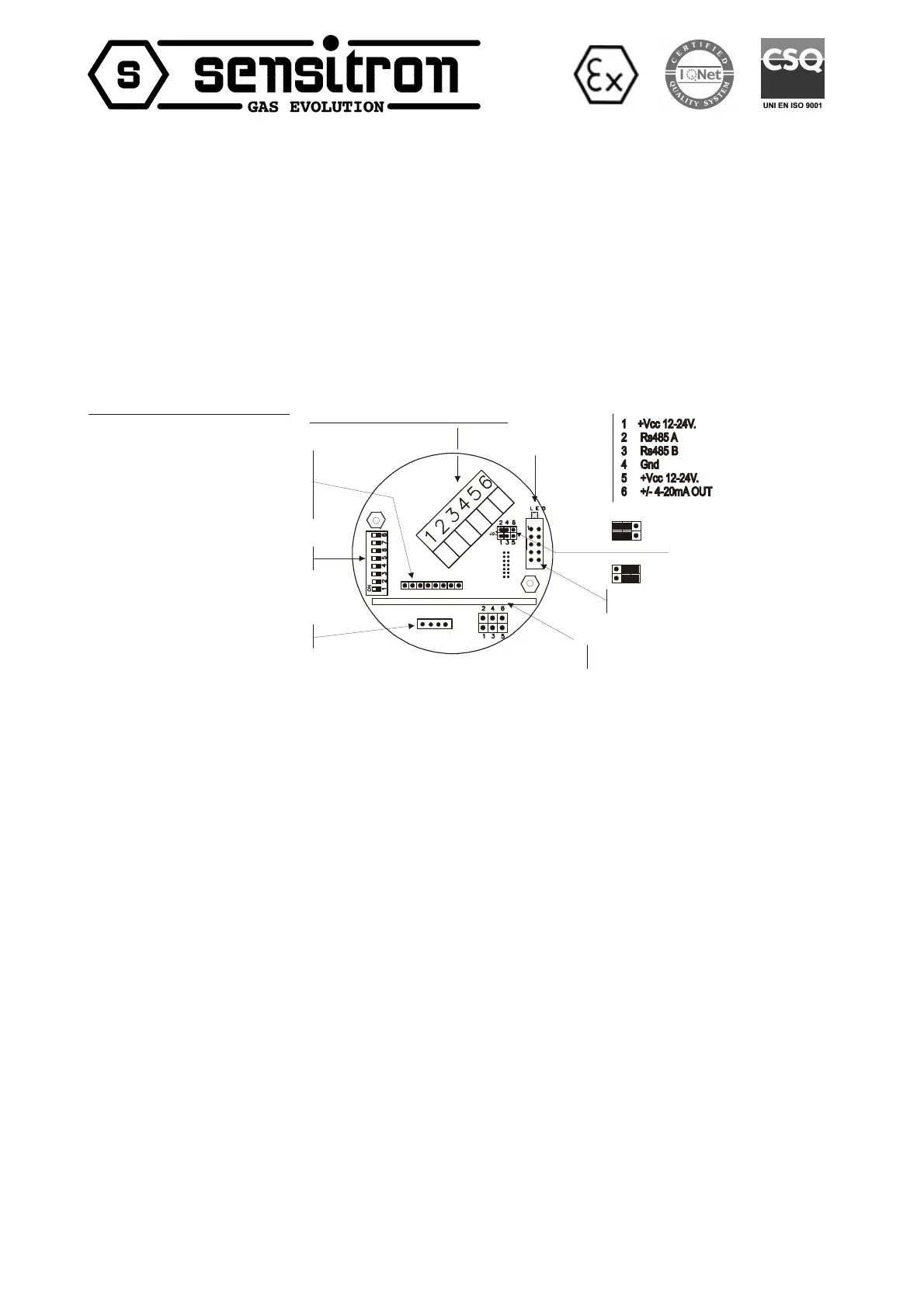
3.2 Schema topografico circuito
3.2 Detector circuit layout
(4-20 mA Positive output mode)
Connettore per (Plug in terminal for):
- Scheda Rs485 o (RS485 board or)
- Scheda a un rele o due open collector o
(One relay or two open collector board)
DIP-SWITCH per selezionare le soglie
(Thresholds setting point DIP-SWITCH)
Connessione elemento sensibile
(Sensing element connection)
4-20mA Uscita negativa “DEFAULT”
(4-20 mA Negative output mode, default)
J11 Connettore per scheda display o relè
(J11 Plug in connettor for display or relay board)
Scheda amplificatore
Amplifier Board
Led di indicazione di stato
(Status led indication)
Morsettiera di collegamento estraibile
(Main plugin terminal board for connections)
Circuito rivelatore SMART3 NC
3.2.1 Schema topografico scheda a 1 relè
(opzionale)
3.2.1 1-relay card layout (optional)
Consultare il manuale fornito con la stessa Please refer to the technical instruction supplied along
with the card.
3.2.2 Schema topografico scheda a 3 relè
(opzionale)
3.2.2 3-relay card layout (optional)
Consultare il manuale fornito con la stessa Please refer to the technical instruction supplied along
with the card.



 To Next Page