Backlight
The Backlight on the Ampstik+ is designed to automatically power on when the
ambient light is low. This helps users view the display in low-light situations. The
light sensor is located on the front of the unit.
The user may see some fl icker if the backlight is on when under artifi cial lighting
By default, the Ampstik+ will start in Auto on/off mode on each power on. The
modes may be changed manually during use of the unit. The unit will return to the
measurement mode the unit was in before the backlight change.
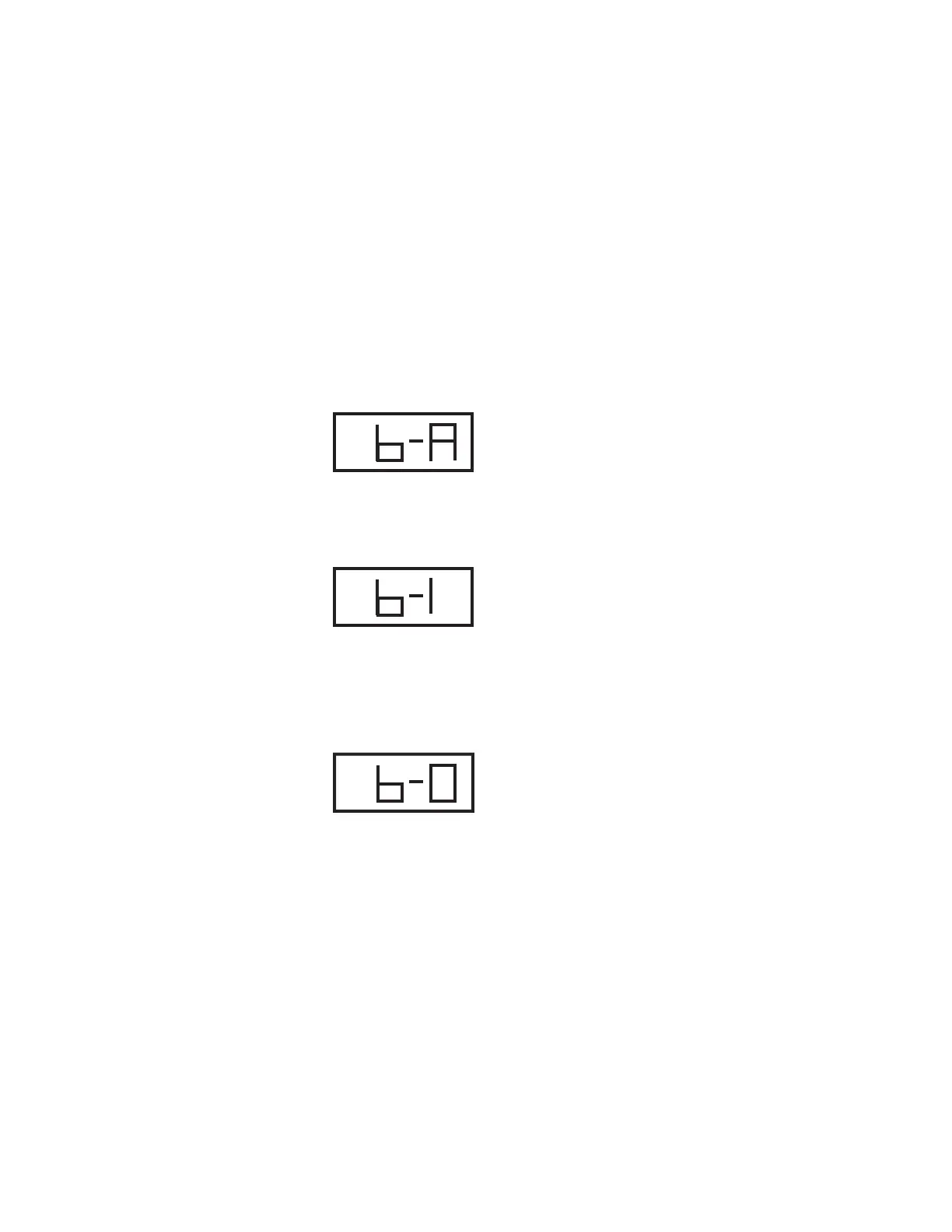
Backlight: auto on/off
Press the control switch until the following screen appears:
The backlight will now automatically power on when light is dimished and power
off when light is brighter.
Backlight: Always on
Press the control switch until the following screen appears:
The backlight will stay on until the unit is powered off and restarted, or the back-
light option is manually changed.
Battery life will dimish faster when the backlight option is always on.
Backlight: Always off
Press the control switch until the following screen appears:
The backlight will stay off until the unit is powered off and restarted, or the
backlight option is manually changed.
Page 11


 To Next Page