HOLD
Take a Measurement in HOLD Mode
When in HOLD mode, the unit will automatically measure and hold up to four
unique current readings
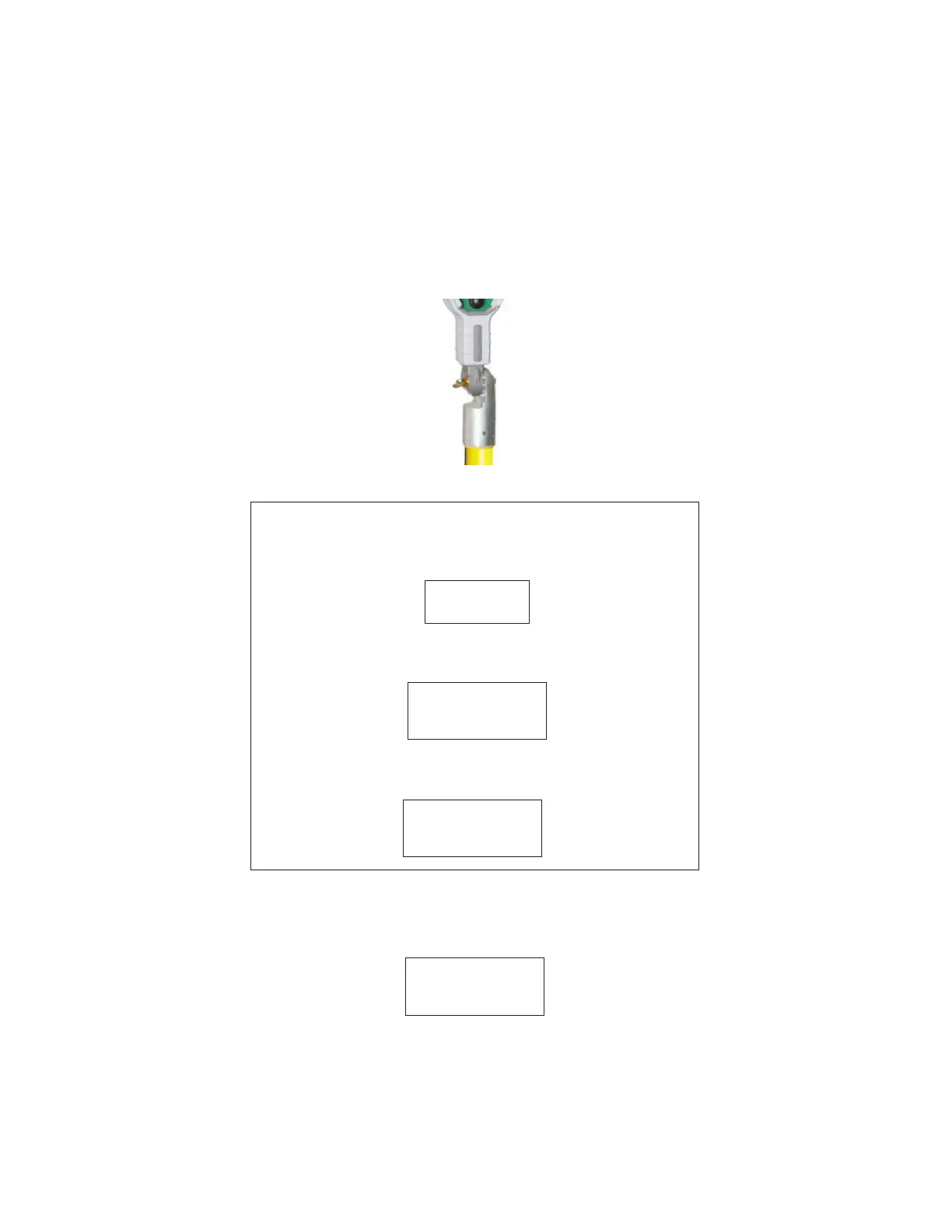
Step 1: Attach the unit to a hot stick with a universal chuck adapter.
Step 2: Power on the unit by pressing and releasing the control switch.
Step 3: Place the instrument into the RUN mode. Press and hold the control
switch and scroll to the HLD option; release the control switch on this option. The
Ampstik+ is now in the HOLD mode and the word HOLD will appear on the bottom
left corner of the display.
STARTUP TEST
The Ampstik+ conducts a startup test to verify the sensor and circuitry
is functioning correctly. The following screens will display during the
test:
If the test detects a failure, the display will show FAIL and a
corresponding code as per below. See page 13 for the failure code
chart.
If the test determines the unit is functioning properly, it will move to
RUN mode and is ready to take the fi rst measurement. The display will
show:
- - -
FAIL
1
0.0
Page 8


 To Next Page