65.5
1
HOLD
72.0
1 3
2 4
HOLD
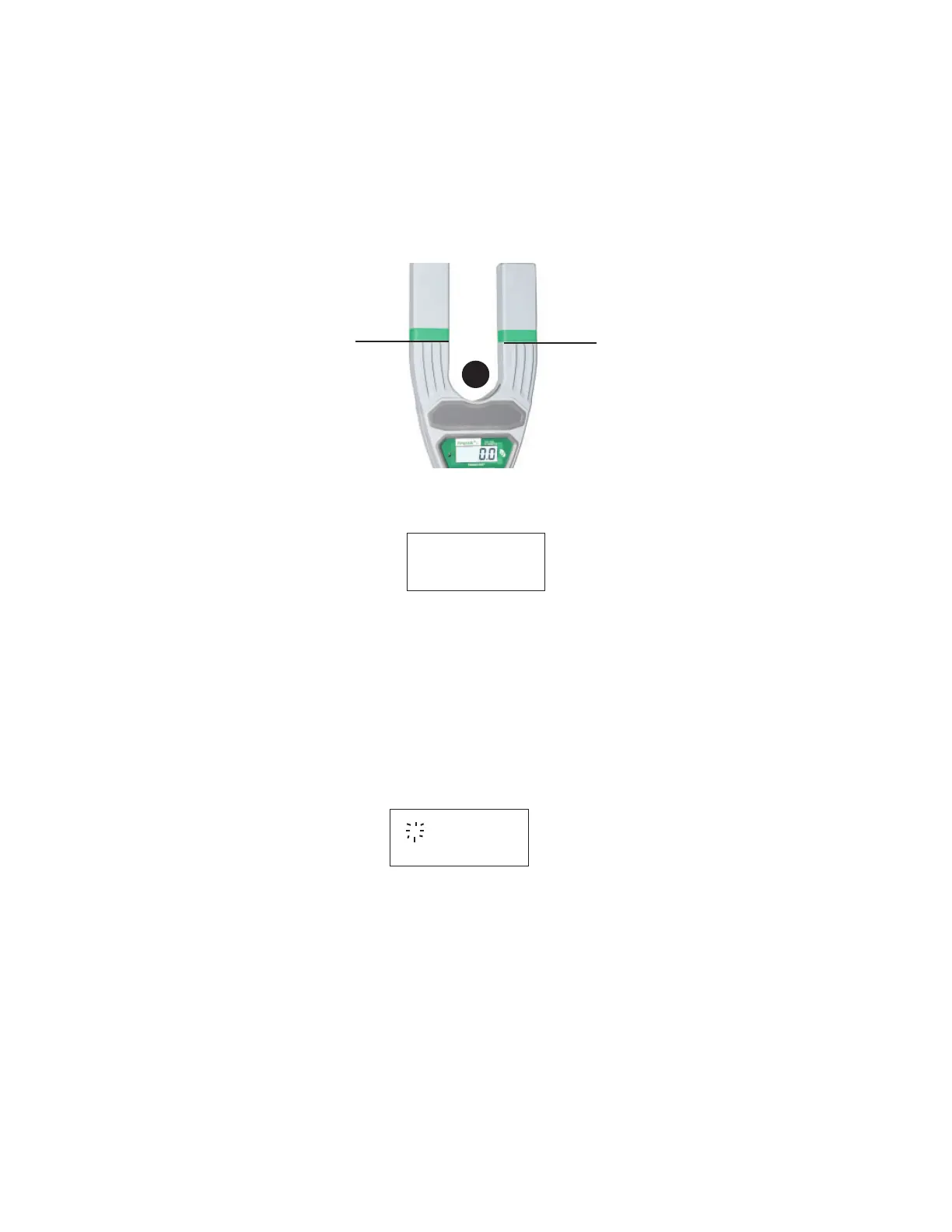
Step 4: Take a measurement. Place the Ampstik+ on the conductor as shown
below, with the conductor positioned anywhere below the measurement lines on
the arms of the unit. If the conductor cannot be placed below the measurement
line, readings are taken but the accuracy may be lessened.
Step 5: Hold the unit on the conductor for 2-4 seconds and then remove from
the line. The measurement has been taken and the unit is ready to take the next
reading. Each reading is numbered and displayed on the top left of the display.
Step 6: Repeat steps 4 & 5 to acquire up to three more readings. If the Ampstik+
has four readings in memory and another attempt is made to take a reading the
display will show "- - -".
Page 9
Deleting Stored Measurements
Measurements will clear when the unit is powered off, returned to RUN mode, or
deleted manually.
Step 1: Press and hold the control switch until the DEL option appears and release
the switch. All data has now been cleared.
Viewing Stored Measurements
The reading held will display one at a time.
Step 1: Scroll through the readings. Press and release the control switch to move
to the next reading. The number of the reading being viewed will fl ash.


 To Next Page