2. INSTALLATION AND ADJUSTMENTS
The CRANE-BOY is connected up and adjusted in compliance with the information contained in this manual.
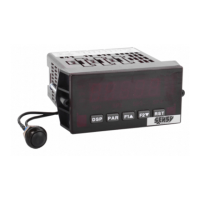
To move around and through the CRANE-BOY's menus, use the buttons or keys on the front panel of the
display.
The PAR key to accept, confirm or enter.
The F1 and F2 keys to go up/down and increase/decrease.
The RST key, in combination with F1 and F2 keys to increase/decrease in steps of 1000 (direct action
on the fourth digit)
The DSP key to quit.
To enter the menus, press the PAR key several times, until CodE appears. Then, using the F1 key, enter the
value of “7”, then press the PAR key. “No” and “Pro” will then appear. You can move from one menu to
another using the F1 and F2 keys.
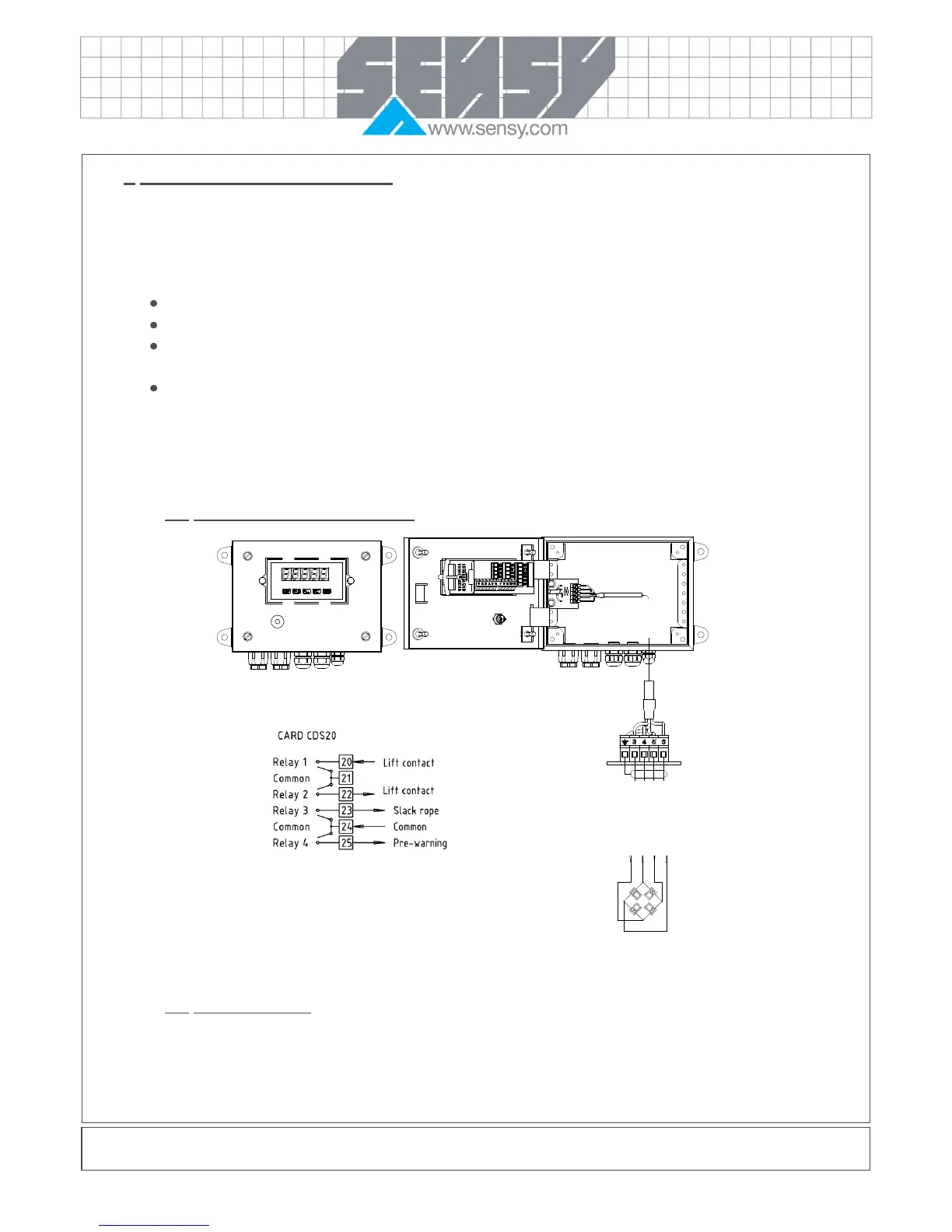
2.1. Specific CRANE-BOY connections
2.2. System calibration
As the relays that are driven by the different thresholds depend directly on the display, you can only change
some numerical values appearing in menus 1 and 6.


 To Next Page