Page 13
.
Setting up the SDMS
Installation of the Gas Bottle
(Service Gas-0812)
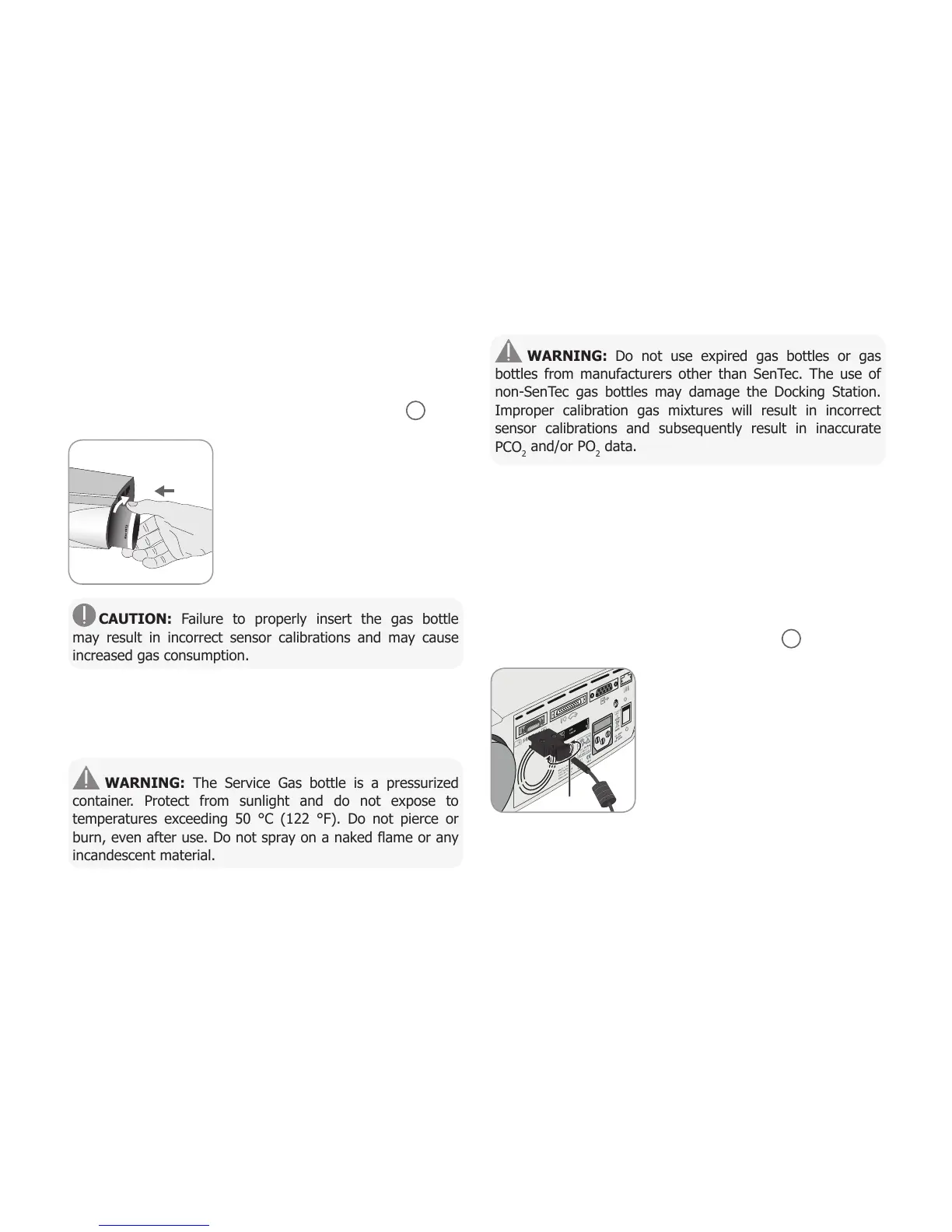
The gas bottle slot is located on the rear of the SDM
19
.
Remove the old gas bottle by turning
it counter-clockwise.
Insert the new gas bottle by turning
it clockwise approx. 4.5 turns and
thoroughly tighten it (without applying
undue force).
CAUTION: Failure to properly insert the gas bottle
may result in incorrect sensor calibrations and may cause
increased gas consumption.
The Status Icon ‘Gas’ (p. 48) indicates the remaining capacity
of the gas bottle in %. It is only displayed if a SenTec TC
Sensor is connected to the SDM and is in the Docking Station.
WARNING: The Service Gas bottle is a pressurized
container. Protect from sunlight and do not expose to
temperatures exceeding 50 °C (122 °F). Do not pierce or
burn, even after use. Do not spray on a naked flame or any
incandescent material.
WARNING: Do not use expired gas bottles or gas
bottles from manufacturers other than SenTec. The use of
non-SenTec gas bottles may damage the Docking Station.
Improper calibration gas mixtures will result in incorrect
sensor calibrations and subsequently result in inaccurate
PCO
2
and/or PO
2
data.
Dispose of empty gas bottles according to local waste disposal
regulations for aluminium containers.
Connection/Disconnection of Digital
Sensor Adapter Cable
Connect the Digital Sensor Adapter Cable to the SDM. The con-
nection is properly established when both clamps of the plug
snap into place in the sensor connection port
15
.
Disconnect the cable from the SDM
by pressing the two latches on the
black plug to release the clamps (see
picture) and pull to remove the cable.



 To Next Page