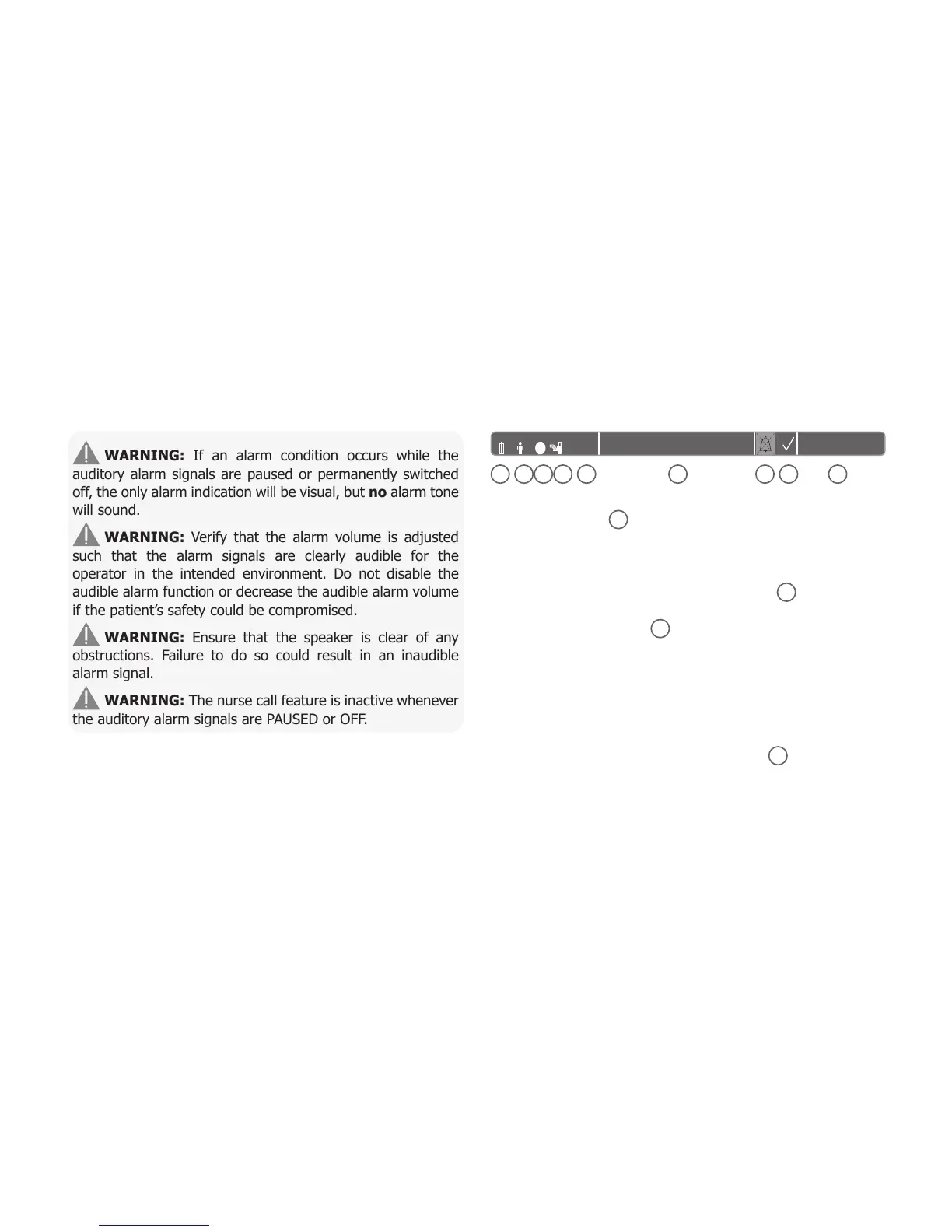
Note: The operating status of the SDM’s auditory alarm signals
is visually indicated by the ‘AUDIO STATUS Icon’ (p. 48),
the ‘AUDIO PAUSED/AUDIO OFF Indicator’ (p. 45), and
acoustically indicated by the ‘AUDIO OFF Reminder’.
WARNING: If an alarm condition occurs while the
auditory alarm signals are paused or permanently switched
off, the only alarm indication will be visual, but no alarm tone
will sound.
WARNING: Verify that the alarm volume is adjusted
such that the alarm signals are clearly audible for the
operator in the intended environment. Do not disable the
audible alarm function or decrease the audible alarm volume
if the patient’s safety could be compromised.
WARNING: Ensure that the speaker is clear of any
obstructions. Failure to do so could result in an inaudible
alarm signal.
WARNING: The nurse call feature is inactive whenever
the auditory alarm signals are PAUSED or OFF.
Note: When the alarm system of an SDM that is remotely
monitored via V-CareNeT™ is in the AUDIO OFF state, the
SDM will terminate the AUDIO OFF state if the connection
between the SDM and the V-CareNeT™ Central Station is
interrupted. For details, refer to the Technical Manual for the
SDM (HB-005752).
Status Bar with Status Icons and Status
Messages
The Status Bar is located in the bottom of nearly all screens.
1
2 3 4
5
6
7
8
9
On the left, it displays up to 5 Status Icons (1 to 5).
The ‘Battery’ Icon
1
indicates the remaining battery capacity
in %. The icon highlights yellow when battery capacity is below
10% and red if the remaining battery capacity is critical.
On measurement/menu screens, position
2
displays the
‘Patient Type’ Icon (‘AD’ in ‘Adult’ mode or ‘NEO’ in ‘Neonatal’
mode), whereas position
2
displays the ‘Barometric Pressure’
Icon on the ‘Calibration Screen’. The ‘Barometric Pressure’
Icon indicates the measured ambient barometric pressure in
‘mmHg’ or ‘kPa’. The icon highlights red if a barometer fault
is detected and yellow if the barometric pressure is unstable
during sensor calibration.
The ‘Remaining Monitoring Time’ Icon
3
indicates the
‘Remaining Monitoring Time’ (Format: xx.x h) on measurement/
menu screens, whereas on the ‘Calibration Screen’ the same
icon indicates the ‘Available Monitoring Time’. The pie chart –
which is updated in steps of 20% – indicates the remaining
monitoring time in percentage. The Icon highlights yellow if
only the ‘Calibration Interval’ has elapsed and it highlights red
whenever the ‘Site Time’ has elapsed.



 To Next Page