Page 31
.
Patient Monitoring with the SDMS
Good to know!
In order to reduce the number of ‘TC-Artifacts’, a good,
hermetically sealed contact between the sensor and the
skin is essential. Ensure to use one small drop of contact
liquid when applying the sensor. Furthermore, ensure to
verify good contact between the sensor and the skin after
sensor application and to properly secure the sensor cable as
well as to routinely inspect correct sensor application during
monitoring.
Note: Excessive motion may cause ‘TC-Artifacts’. In such
cases, try to keep the patient still or change the sensor to a
site involving less motion.
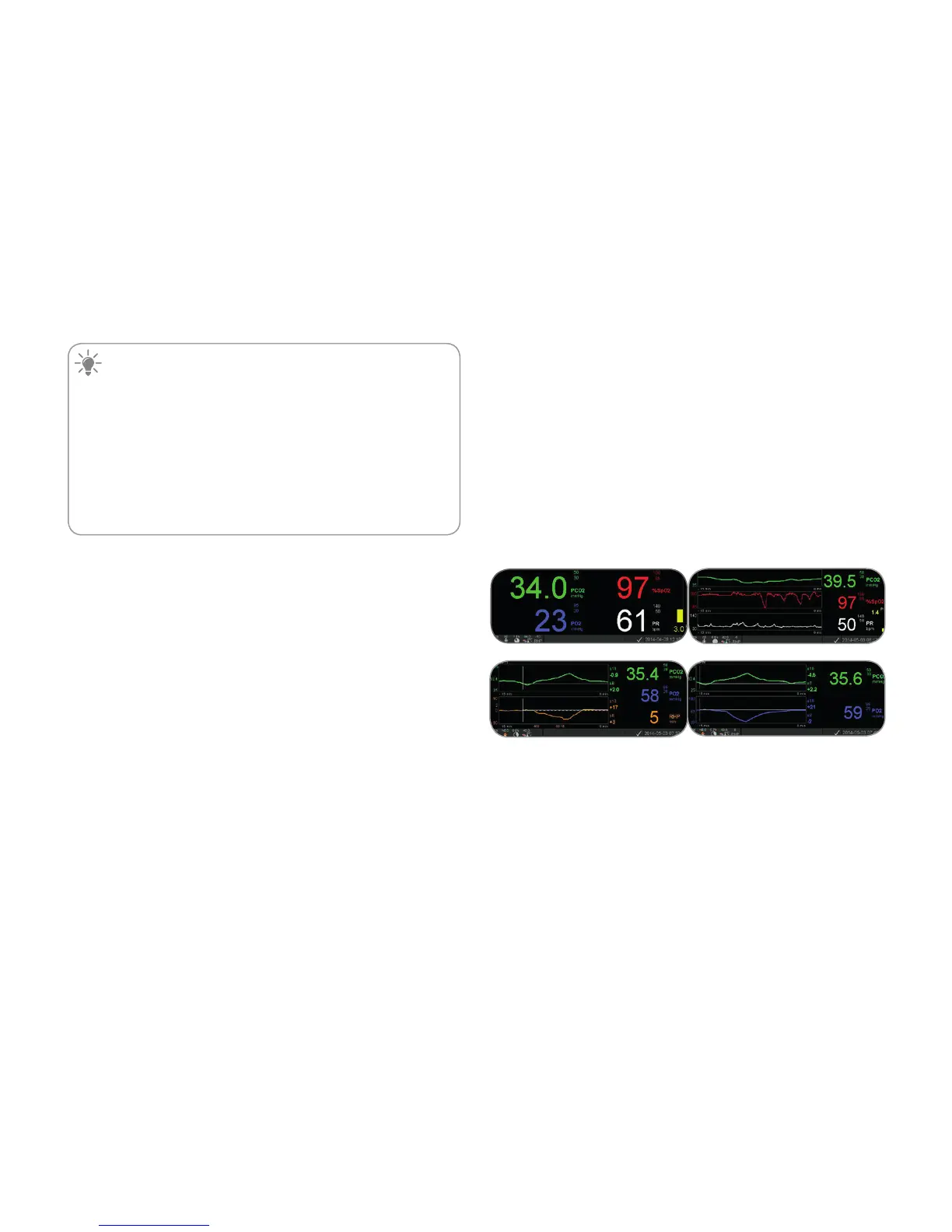
Preconfigured Measurement Screens
The SDM’s numeric values and online trends provide
continuous monitoring of the enabled parameters. Depending
on the sensor type, the selected patient type and the enabled
parameters, different sets of preconfigured measurement
screens are available (numerical, numerical with online trends,
numerical with online trend and ∆x-/baseline values (p. 32),
if SpO
2
/PR are enabled all with either a wiper bar Pleth Wave
or blip bar reflecting relative pulse amplitude). Use the Display
Button (p. 42) to toggle between the available measurement
displays.



 To Next Page