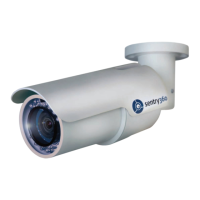
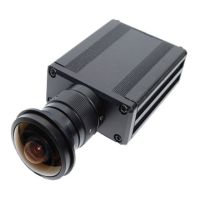
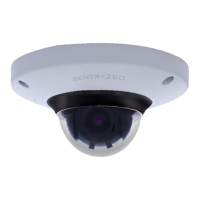
2.2 IS-DM260-R (Outdoor)
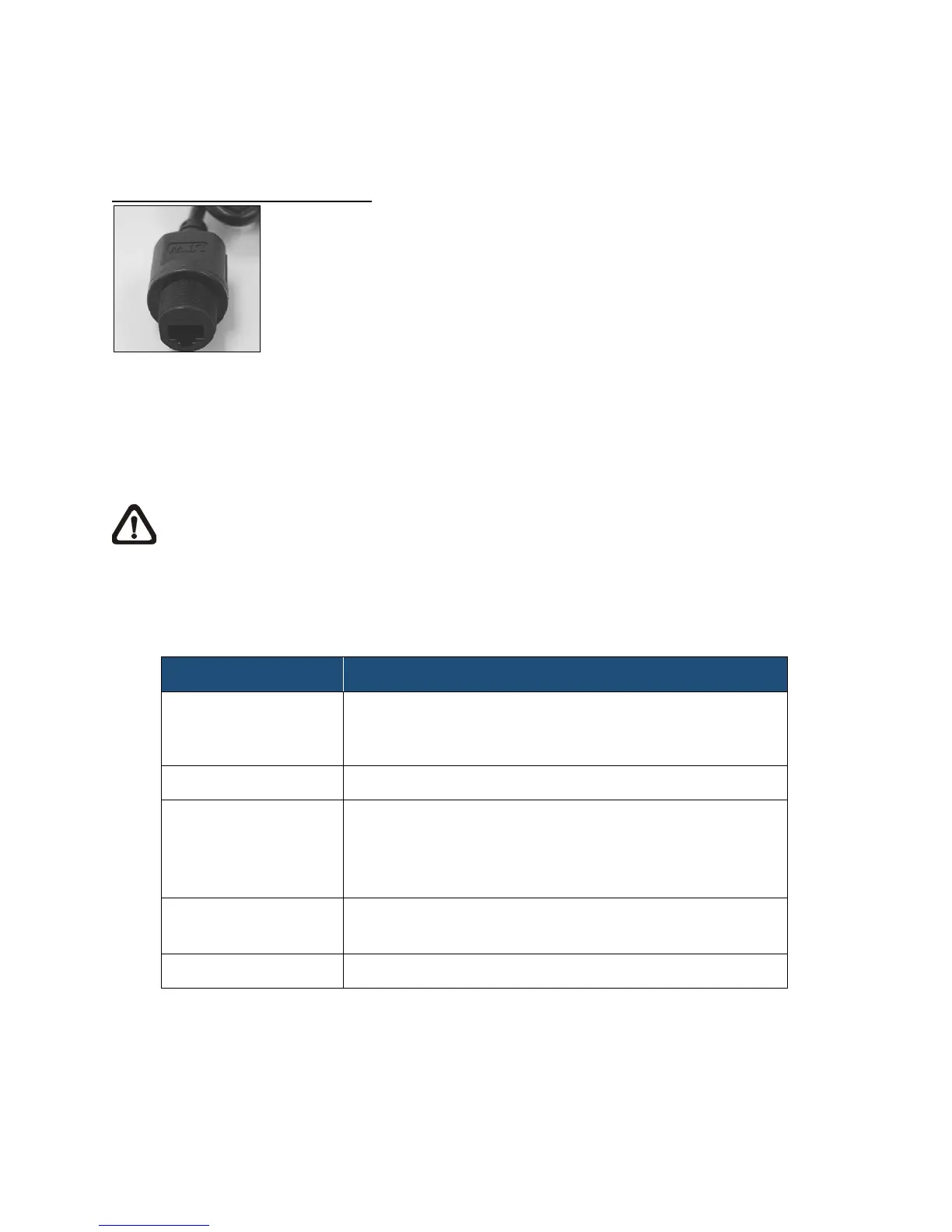
The IS-DM260-R supports an RJ-45 Dongle Cable.
RJ-45 Dongle Cable Connection
RJ-45 Dongle
• RJ-45 Dongle Cable Connection
Run the Ethernet cable through the Waterproof RJ-45 Screw-On Plug. Then connect
one end of the Ethernet cable to the RJ-45 dongle, tightening the sealing nut of the
Waterproof RJ-45 Screw-On Plug completely. Later on connect the other end of the
Ethernet cable to Power Sourcing Equipment (PSE) like hubs or routers.
NOTE: Please use a PoE waterproof switch/hub so that the camera can work.
3. System Requirements
To access the IS-DM260 via web browser, please ensure your PC has a good network
connection, and meets system requirements as described below.
Personal Computer
1. Intel
®
Pentium
®
M, 2.16 GHz or
Intel
®
Core
TM
2 Duo, 2.0 GHz
Windows VISTA/ Windows XP/ Windows 7
Microsoft Internet Explorer 6.0 or later
Firefox
Chrome
Safari
Network Card
10Base-T (10 Mbps) or 100Base-TX (100 Mbps)
operation
ActiveX control plug-in for Microsoft IE


 To Next Page