4. Access Camera
Step 1. Power your camera using the correct power source (PoE switch, PoE injector, or
12V adapter).
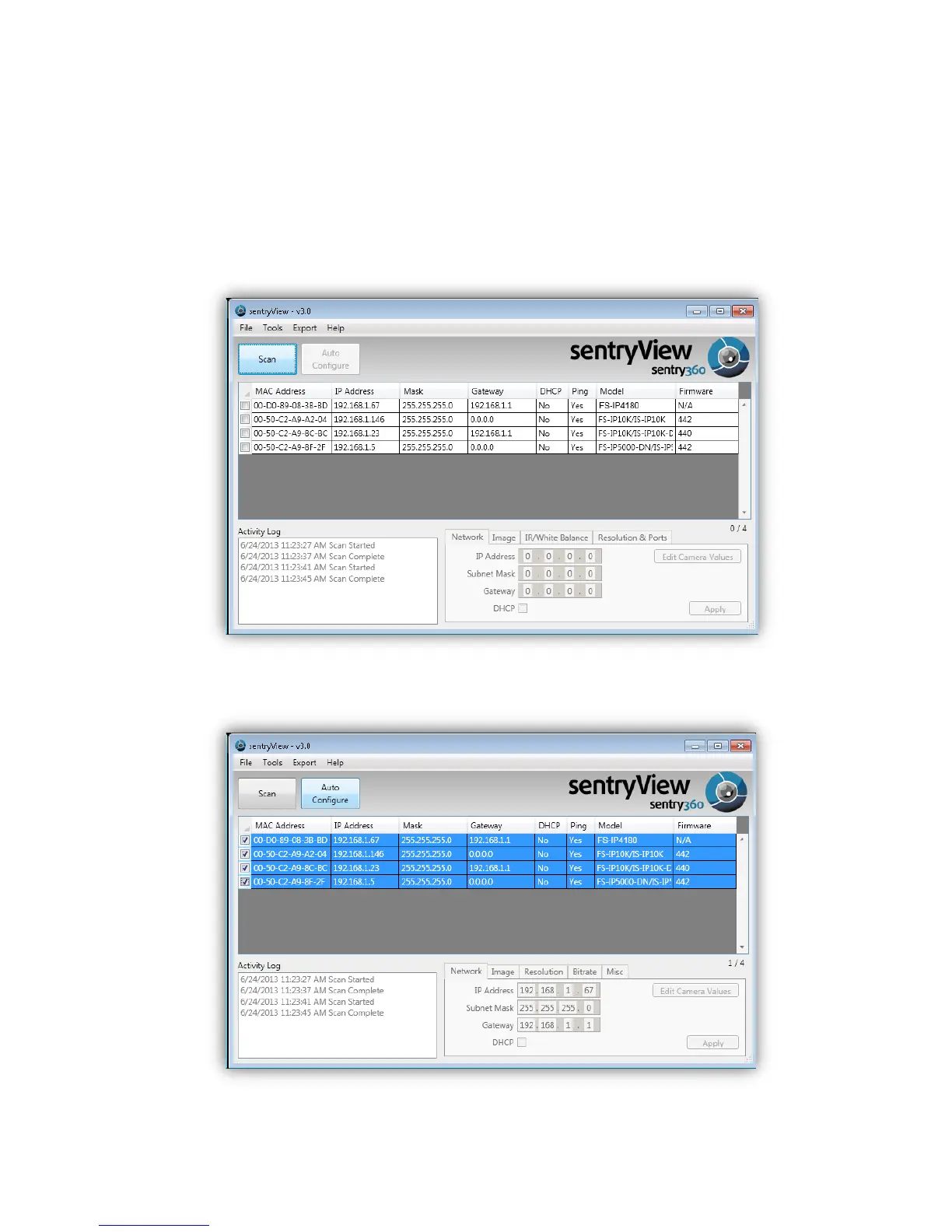
Step 2. Download, install, and run sentryView™, Sentry360’s camera configuration tool,
here: http://sentry360.com/product/sentryview/
Step 3. Click the Scan button in sentryView™ to scan your network for connected cameras.
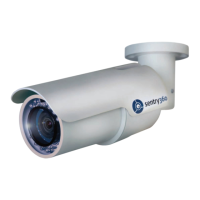
Step 4. To automatically configure your camera network settings, check the boxes of the
cameras you want to configure. Then click Auto Configure.


 To Next Page