EasyManua.ls Logo

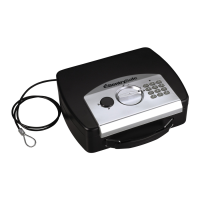
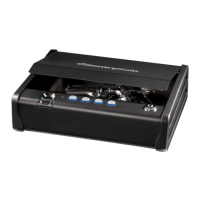
SentrySafe Quick Access Pistol - User Manual

SentrySafe Quick Access Pistol
19 pages
Print Icon
To Next Page IconTo Next Page
Loading...
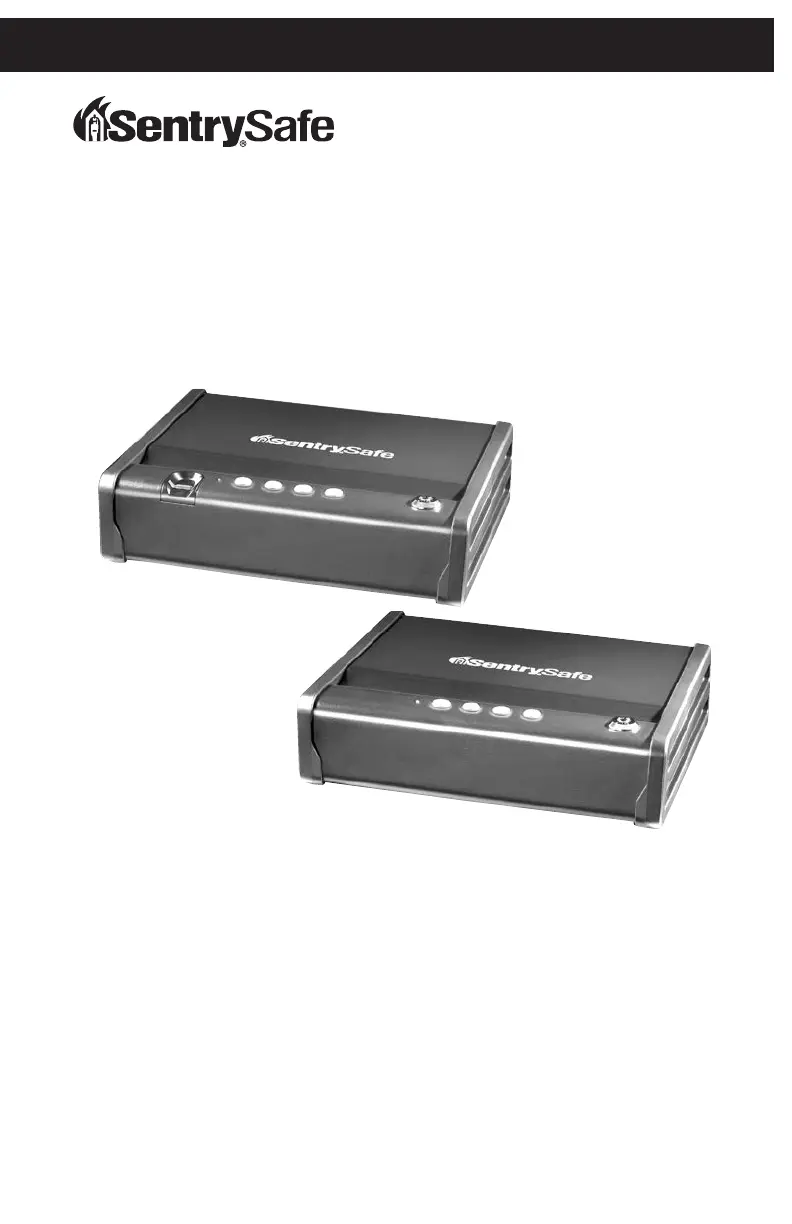
Quick Access Pistol
Owner’s Manual
QAP1E
QAP1BE

Questions and Answers

  • M
    Melissa HowardAug 4, 2025
    What to do if SentrySafe Quick Access Pistol lid won't open after code entry?
    • R
      Randy JacksonAug 4, 2025
      If the lid of your SentrySafe Safe doesn't open after entering the code, it's likely the batteries have died. Replace them with four new AA alkaline batteries. Avoid using rechargeable or non-alkaline batteries.
  • D
    David SmithAug 9, 2025
    How to fix a SentrySafe Safes when the red LED blinks three times?
    • M
      mcneilchristopherAug 9, 2025
      If the red LED on your SentrySafe Safe blinks three times, it indicates that an incorrect code or fingerprint was entered. Verify the code and re-enter it, or reprogram the safe. This issue might also appear because of a programming error.
  • W
    Whitney CookAug 14, 2025
    What to do if the lid does not open when using override key on SentrySafe Safes?
    • J
      Julie SavageAug 14, 2025
      If the lid of your SentrySafe Safe does not open when using the override key, it's possible that the gas strut has stopped working. Try using a magnet to open the lid, or turn the unit upside down to allow the lid to open.
  • R
    randymcintoshAug 19, 2025
    Why does the red LED blink every ten seconds on my SentrySafe Safes?
    • C
      Christina SalazarAug 19, 2025
      If the red LED on your SentrySafe Safe blinks once every ten seconds, it means the battery power is low. Replace the batteries with four new AA alkaline batteries. Do not use rechargeable or non-alkaline batteries.
  • V
    Veronica JacksonAug 25, 2025
    What to do if red LED slowly blinks for two minutes on SentrySafe Safes?
    • Y
      youngrichardAug 25, 2025
      If the red LED on your SentrySafe Safe slowly blinks for two minutes, it means an incorrect code or fingerprint has been entered five times. Wait for two minutes before trying again, or use the override key to open the safe.
  • J
    Justin WhiteAug 29, 2025
    Why after code entry, lid does not open, backlights stay on, then turn off, red LED blinks three times on SentrySafe Quick Access Pistol Safes?
    • K
      Kimberly OwensAug 29, 2025
      If, after entering the code, the lid of your SentrySafe Safe doesn't open, the backlights stay on then turn off, and the red LED blinks three times, it indicates an incorrect code entry. Re-enter the code, making sure to press each key distinctly.

Summary

Programmable Electronic Lock

Preparing Your Safe for First-Time Use

Guide to initial setup and key insertion.

Programming Your Safe

Instructions for setting user codes or fingerprints.

Programming an Electronic Code

Steps to set a user-defined code.

Programming Primary User Fingerprints

Guide for enrolling fingerprints on biometric models.

Erasing Primary User Fingerprints

Steps to remove enrolled fingerprints.

Programming Secondary User Fingerprints

Guide for enrolling a second user's fingerprints.

Erasing Secondary User Fingerprints

Steps to remove a secondary user's fingerprints.

Locking and Unlocking Your Safe

Locking Your Safe

Instructions on how to secure the safe.

Unlocking Your Safe

Methods to open the safe using code or key.

Bolt-Down Instructions

Bolting Down Your Safe

Steps to securely mount the safe to a surface.

Troubleshooting

Troubleshooting Common Issues

Solutions for LED indicators, code entry, and lid opening problems.

Customer Service

Obtaining a Replacement Key

Process for requesting a replacement key.

SentrySafe Quick Access Pistol Specifications

General IconGeneral
BrandSentrySafe
ModelQuick Access Pistol
CategorySafes
LanguageEnglish

Related product manuals