7
English
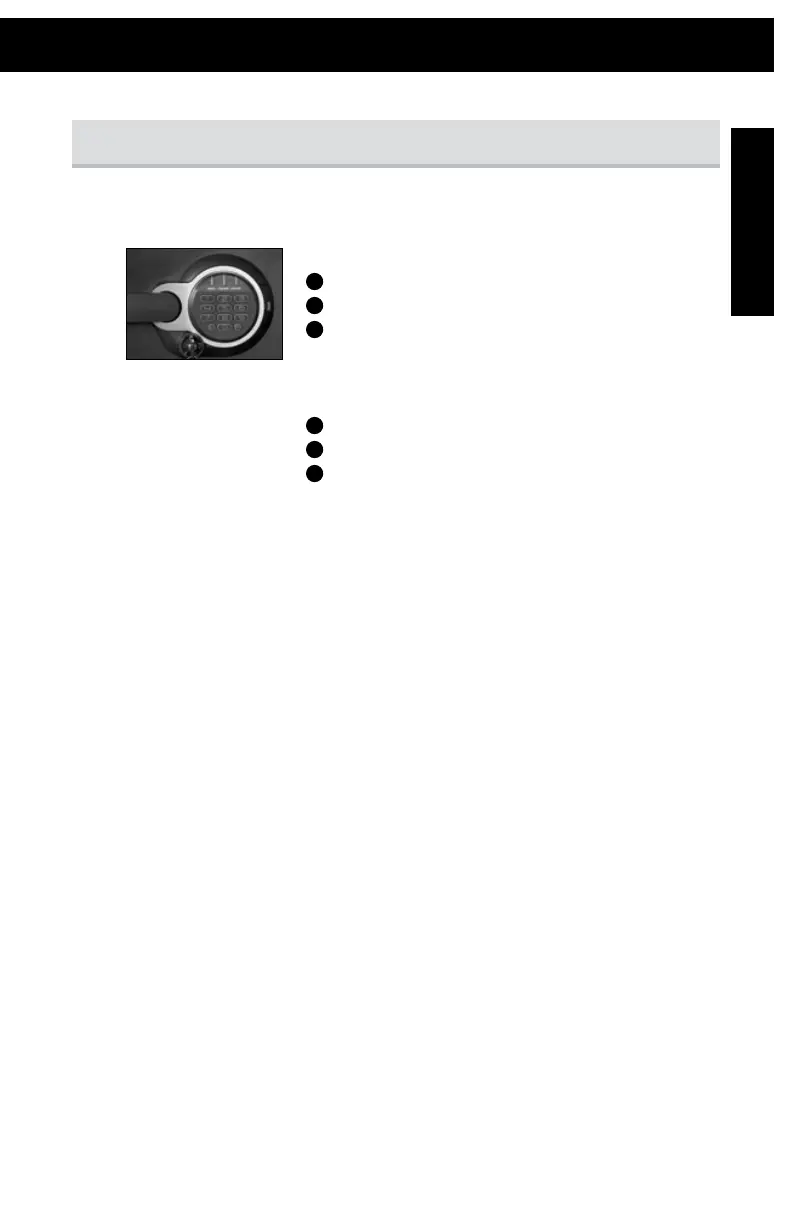
Programmable Electronic Lock
NOTE: Only one secondary code can be programmed at a time.
To ADD a user code:
1
Press the “P” key two times.
2
Enter the 5-digit user code.
3
The light will flash green and then you will have five
seconds to enter your own 5-digit personal secondary code.
To DELETE a secondary code:
1
Press the “P” key two times.
2
Enter the 5-digit user code.
3
Enter 0,0,0,0,0.
NOTE: The electronic lock will NOT indicate that it has deleted the secondary code –
please test the code to make sure it has been deleted.
NOTE: Delay mode will occur if three consecutive invalid entries have been tried. This will cause
the system to shut down for two minutes. Do NOT remove the batteries to restart the
system – it will only increase the length of time for the system to shut down.
Programming the secondary code


 To Next Page