4
Performance Pads
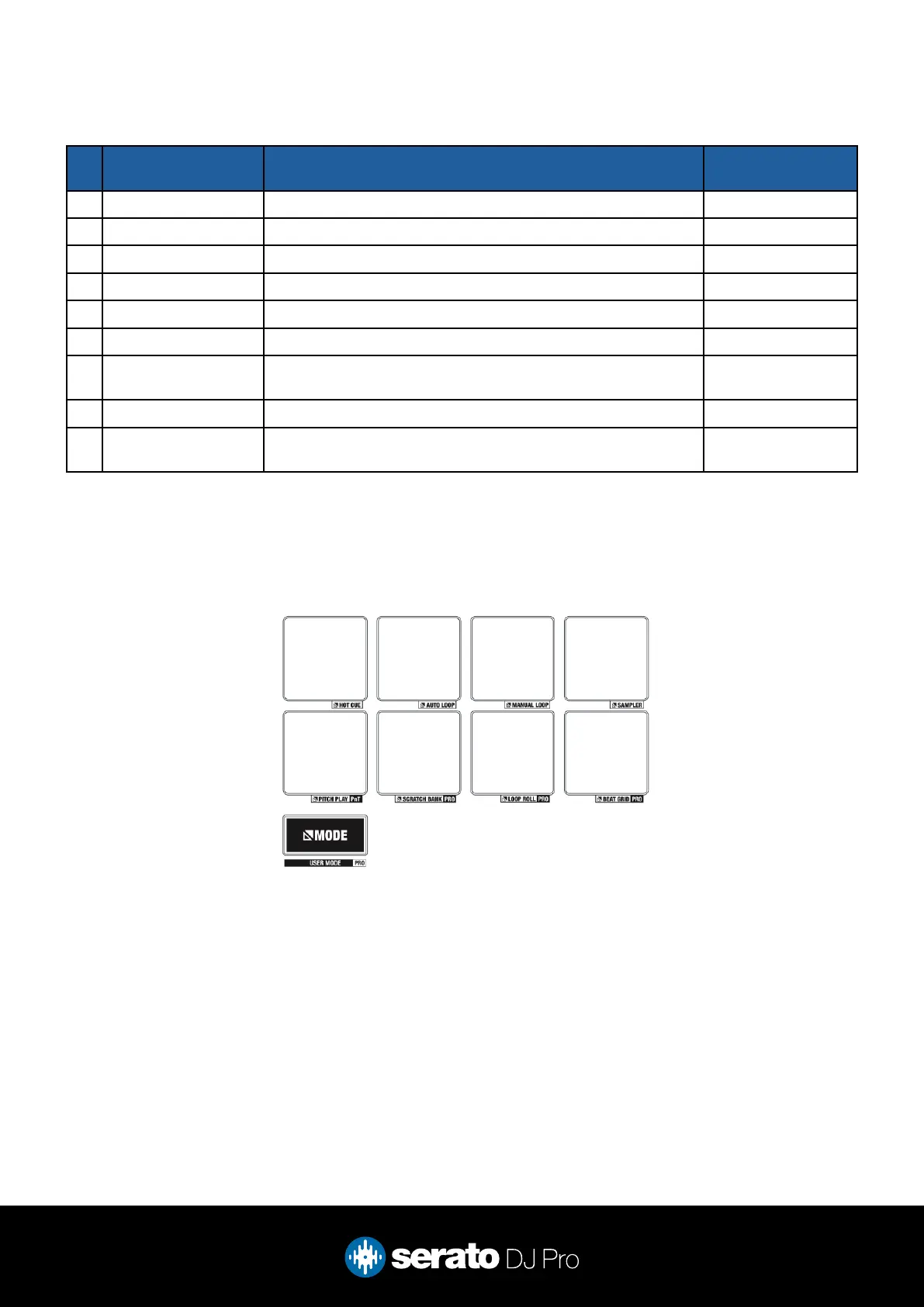
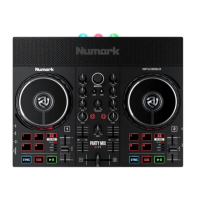
The Reloop Ready comes with 8 performance pads, that can be used across 9 dierent performance pad
modes in Serato DJ Pro. These consist of:
HOT CUE mode: Hold the MODE button and press PAD 1 to select HOT CUE mode. In this mode pads
1-8 trigger Serato DJ Pro Cue points, and if no Cue point is present on that slot/pad, pressing that pad will
set a Cue point. Holding down the SHIFT button while pressing a pad will delete the Cue point from the
respective pad/slot.
AUTO LOOP mode: Hold the MODE button and press PAD 2 to select AUTO LOOP mode. Pads 1-8
trigger an autoloop of variable sizes. Use the loop selection area in the Serato DJ Pro user interface, to
inuence the 8 available autoloop sizes. This can be adjusted with the PARAMETER buttons.
MANUAL LOOP mode: Hold the MODE button and press PAD 3 to select MANUAL LOOP mode. In this
mode, PAD 1 sets the in point and PAD 2 sets the out point. PAD 3 will Enable/Disable the loop and PAD 4
will trigger Reloop.
SAMPLER mode: Hold the MODE button and press PAD 4 to select SAMPLER mode. Press pads 1-8
in this mode to trigger samples loaded into the Serato DJ Pro Sampler. Use the PARAMETER buttons to
move through banks A to D.
# Ready
CONTROL
FUNCTION SHIFT
16 SHIFT Used with other controls that have shift modier functions -
17 CROSSFADER Fade audio between the channels -
18 CHANNEL FADER Adjust channel volume Fader Start
19 CHANNEL FILTER High and Low pass channel lter -
20 SYNC Turn Sync on for the respective deck Turn o Sync
21 MODE Hold and press in combination with a pad to select a pad mode User Mode
22 PERFORMANCE
PADS
SEE PERFORMANCE PAD SECTION BELOW FOR MORE
INFORMATION
-
23 VINYL Turn vinyl mode on/o for the respective plater Turn Slip on/o
24 KEYLOCK Enable and disable Key Lock for deck Key Sync (Requires
Pitch N Time)
Overview



 To Next Page