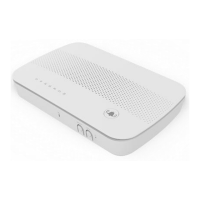
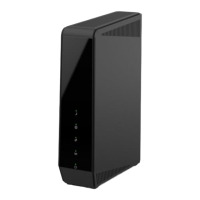
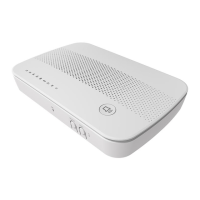
After selecting the RF mode, push the Sync button to synchronize
the gateway and sensors.
Push the Sync button for three seconds again to stop the synchroni-
zation process if needed.
This button has two (2) functions:
Reboot. When pressed and released, the Multiple RF Home
Gateway will reboot (restart).
Clear All Data. This button can also be used to clear ALL data
and restore ALL settings to the factory default values.
To Clear All Date and restore the factory default values:
1. Power On.
2. Keep holding the Reset Button down for 3 seconds.
Release the Reset Button. The Multiple RF Home Gateway is now using
the factory default values.


 To Next Page