38
IP Filter
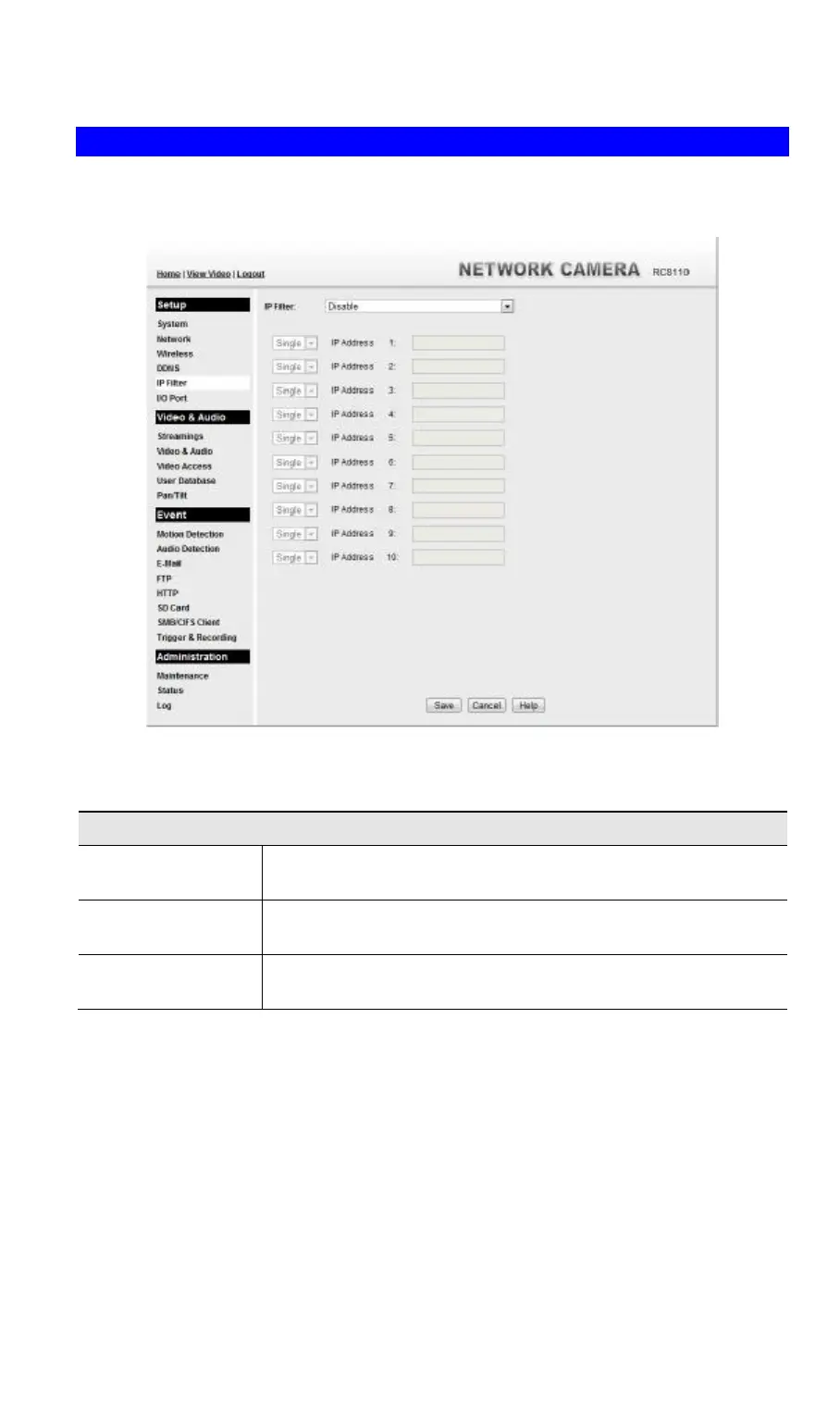
The IP Filter feature allows administrator to control Wireless HD IP Camera access by filtering
IP addresses. This screen is displayed when the IP Filter menu option is clicked.
Figure 19: IP Filter Screen
Data - IP Filter Screen
IP Filter
IP Filter Select the desired method to perform the IP address (or addresses)
filtering function.
Single/Range Select to perform either single IP address or a range of IP addresses
that you desired.
IP Address Enter an IP address or a range of IP addresses you would like to
allow or deny.



 To Next Page