50
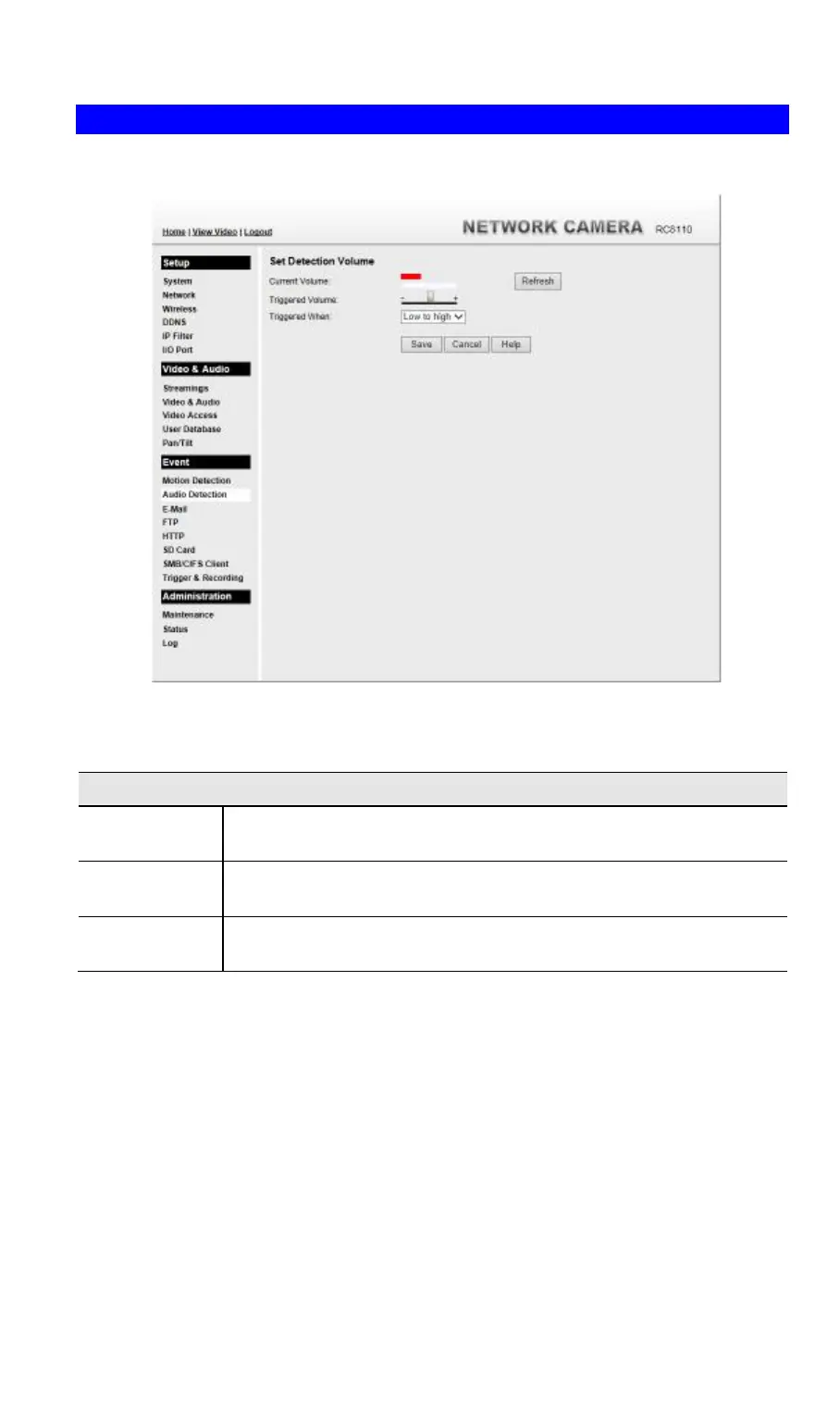
Audio Detection Screen
This screen is displayed when the Audio Detection option on the Event menu is clicked.
.
Figure 28: Audio Detection Screen
Data - Audio Detection Screen
Audio Detection
Current
Volume
It displays the current volume of the environment. Click Refresh to
update the status.
Triggered
Volume
Drag the bar to set the volume for triggering.
Triggered
When
Choose the desired situation for triggering the audio detection.



 To Next Page