58
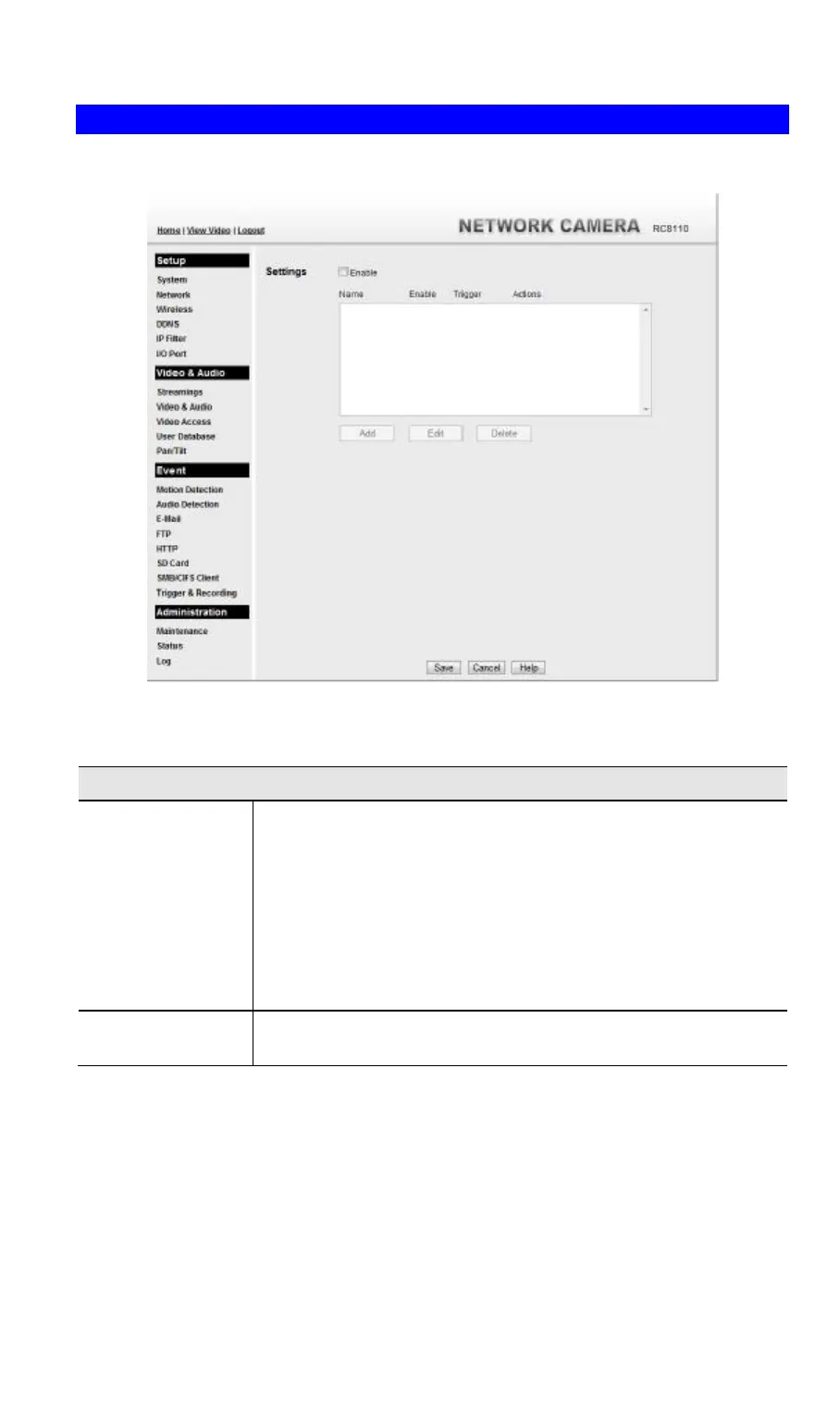
Trigger & Recording Screen
This screen is displayed when the Trigger & Recording option is clicked.
Figure 34: Trigger & Recording Screen
Data - Trigger & Recording Screen
Event Schedule
Schedule List The Event Schedule shows all of the event types currently
configured in the Waterproof HD IP Camera, along with various
information about their configuration, as listed below:
• Name - the descriptive event name set by the user.
• Enable - shows the event is enable or disable.
• Trigger by - shows what kind trigger activate the event.
• Actions - shows what kind of the actions will be issued when the
event is triggered.
Add, Delete, Delete
All
Use these buttons to manage the schedule list.



 To Next Page