11
Connecting to a Camera via the Internet
You can NOT connect to a camera via the Internet unless the camera
Administrator has configured both the camera and the Internet Gateway/Router
used by the camera.
See Making Video available from the Internet in Chapter 4 - Advanced Viewing Setup for
details of the required configuration.
Also, you need a broadband Internet connection to view video effectively. Dial-up connections
are NOT supported.
To establish a connection from your PC to the Wireless Network HD Camera via the Internet:
1. Obtain the following information from the Administrator of the camera you wish to
connect to:
Internet IP Address or Domain Name of the camera.
Port number for HTTP connections.
Login (username, password) if required.
2. Start Internet Explorer.
3. In the Address box, enter the following:
HTTP://Internet_Address:port_number
Where Internet_Address is the Internet IP address or Domain Name of the camera,
and port_number is the port number used for HTTP (Web) connections to the camera.
Examples using an IP address:
HTTP://203.70.212.52:1024
Where the Internet IP address is 203.70.212.52 and the HTTP port number is 1024.
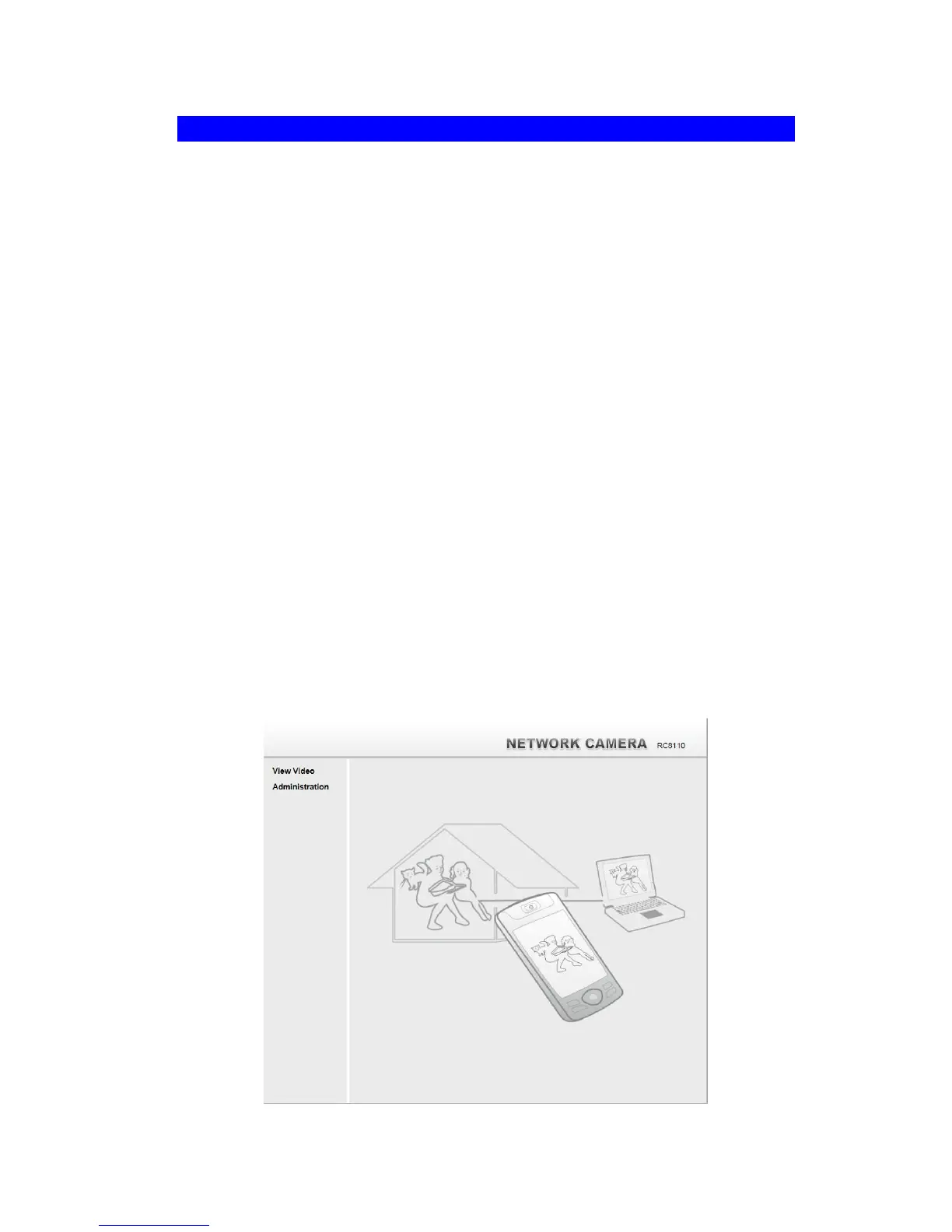
4. When you connect, the following screen will be displayed.
Figure 5: Home Screen



 To Next Page