47
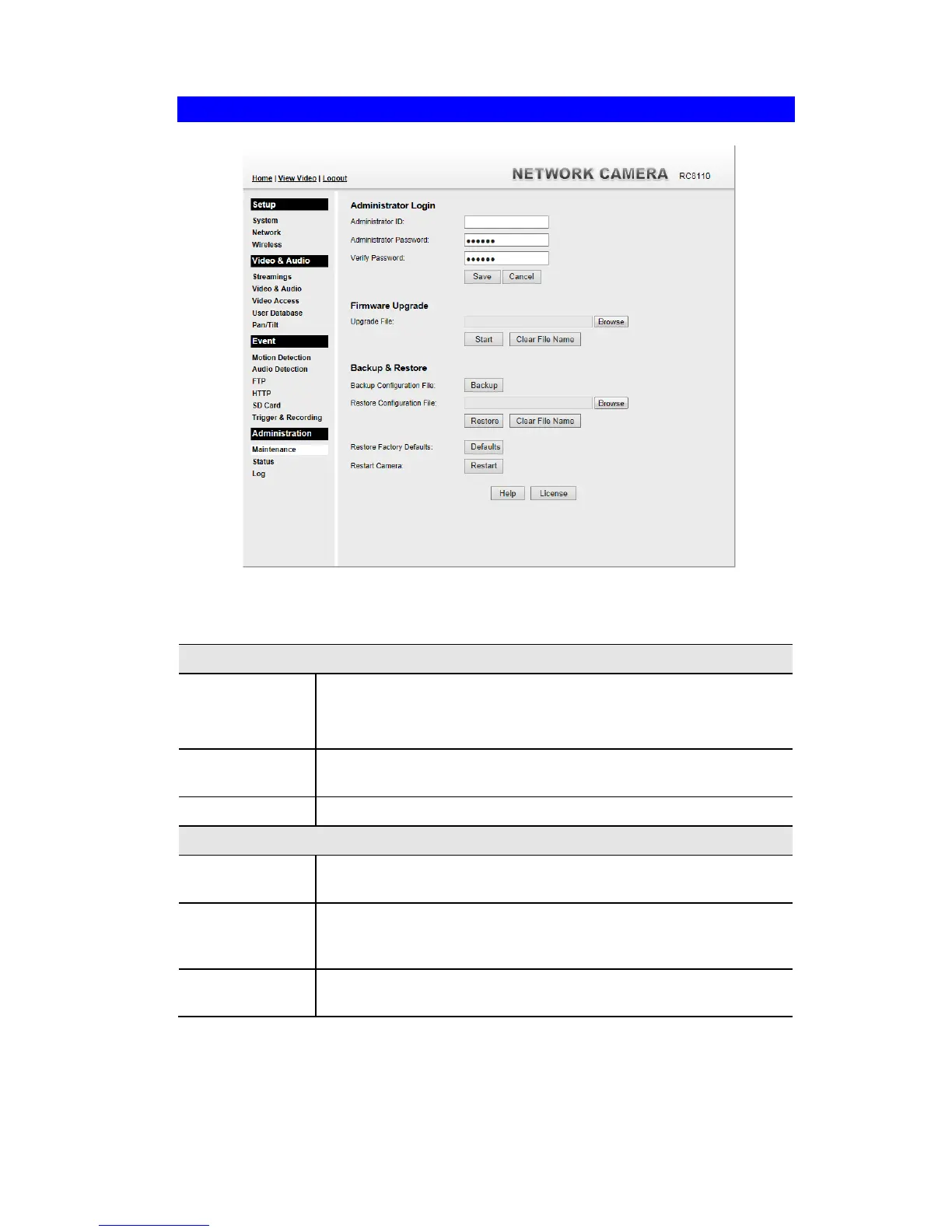
Maintenance Screen
.
Figure 29: Maintenance Screen
Data - Maintenance Screen
Enter the name for the Administrator here.
Spaces, punctuation, and special characters must NOT be used in the
name.
The password for the Administrator.
Re-enter the password for the Administrator, to ensure it is correct.
Click the "Browse" button and browse to the location on your PC
where you stored the Firmware file. Select this file.
Click this button to start the Firmware. When the upgrade is finished,
the Wireless Network HD Camera will restart, and this management
connection will be unavailable during the restart.
This does NOT stop the Upgrade process if it has started. It only clears
the input for the "Upgrade File" field.



 To Next Page