45
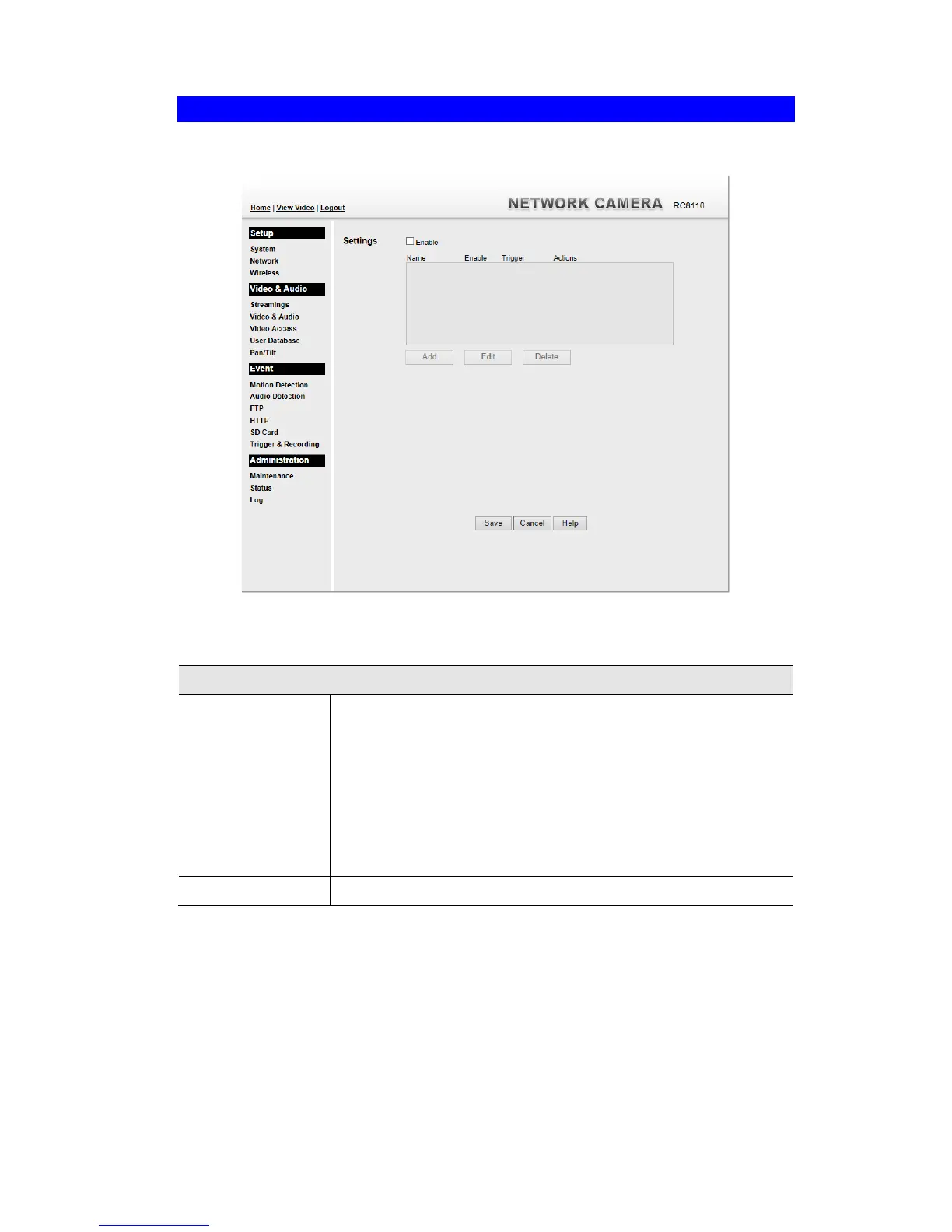
Trigger & Recording Screen
This screen is displayed when the Trigger & Recording option is clicked.
Figure 27: Trigger & Recording Screen
Data - Trigger & Recording Screen
The Event Schedule shows all of the event types currently
configured in the Waterproof HD IP Camera, along with various
information about their configuration, as listed below:
Name - the descriptive event name set by the user.
Enable - shows the event is enable or disable.
Trigger - shows what kind trigger activate the event.
Actions - shows what kind of the actions will be issued when the
event is triggered.



 To Next Page