17
Controlling User Access to the Video Stream
By default, anyone can connect to the Wireless Network HD Camera and view live Video at
any time.
If desired, you can limit access to scheduled times, and also restrict access to known users.
To Control User Access to Live Video:
1. Connect to the Web-based interface of the Wireless Network HD Camera. (See Chapter 5
- Web-based Management for details.)
2. Select Administration, then Video Access.
3. Set the desired options for Access.
Access
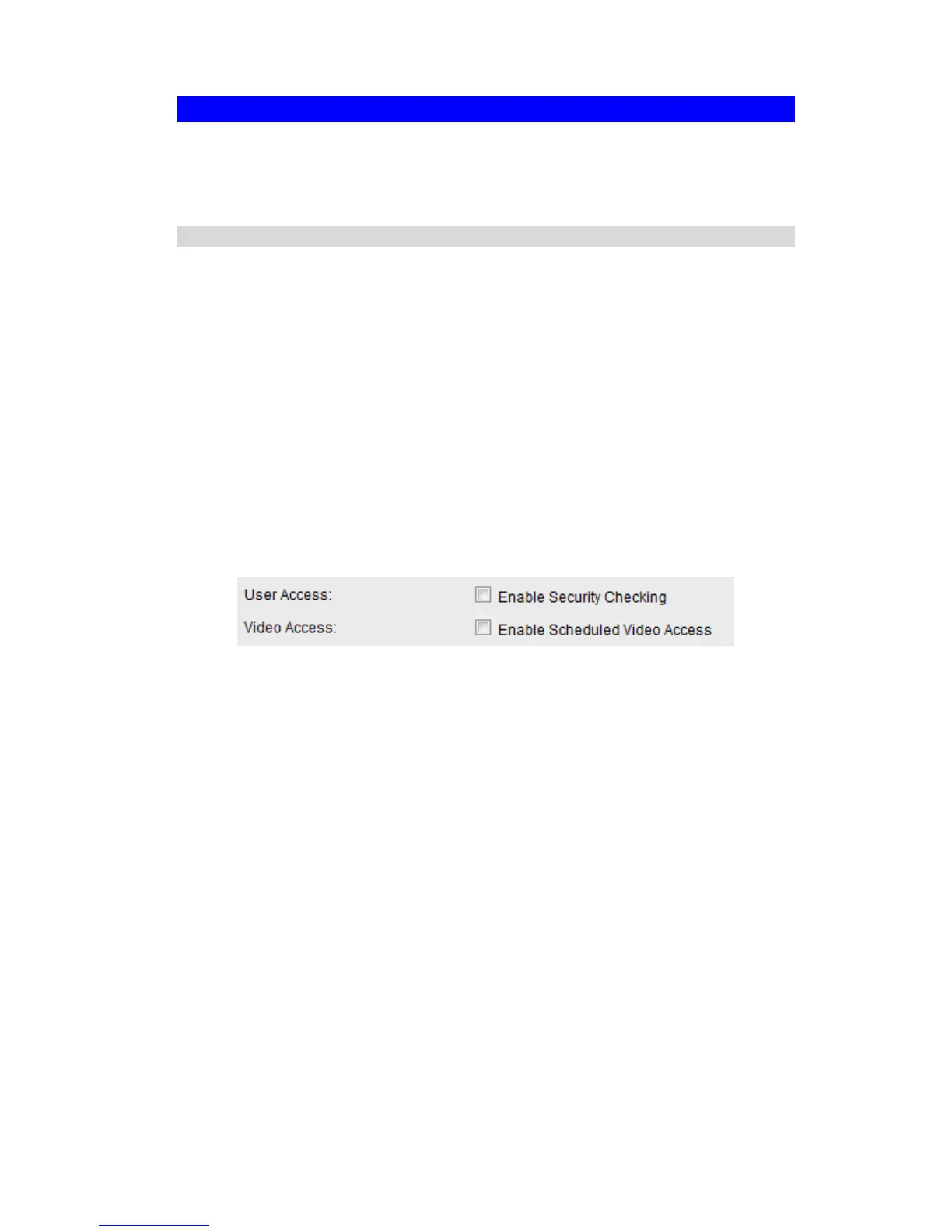
Select the desired option as required:
If the User Access is enabled, users will be prompted for a username and password when
they connect to the camera for viewing video.
When Video Access is enabled, viewing video is only available during the scheduled
periods, and unavailable at other times. If this option is selected, you need to define a
schedule; otherwise it is always disabled.
However, viewing video is still possible by logging in as the Administrator.
Figure 9: Controlling User Access
See Chapter 5 - Web-based Management for further details about using the Video Access and
User Database screens.



 To Next Page