- 23 -
LOCK SETUP
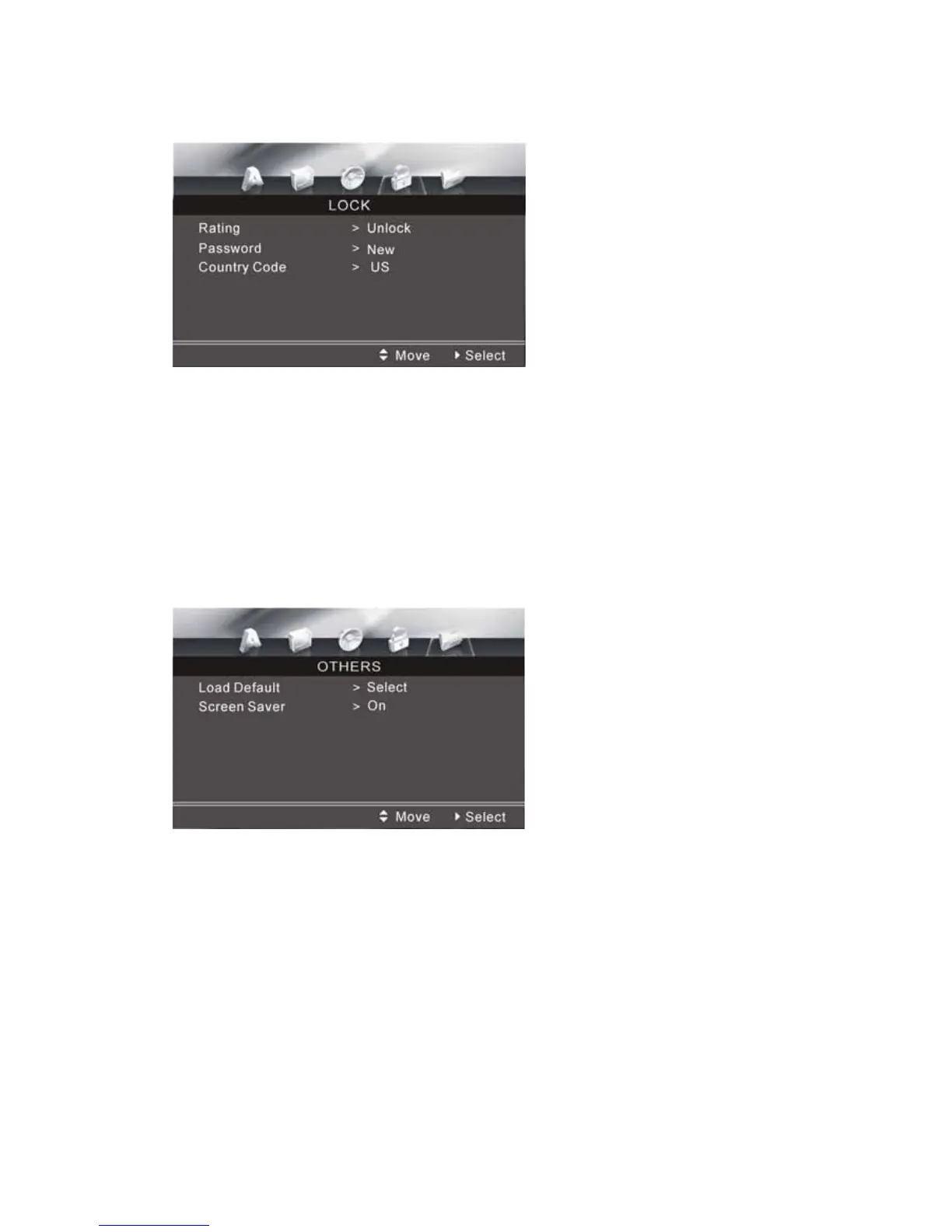
LOCK SETUP MENU
Following options are available:
Rating: You can select the maximum rating of the disc by entering the password
(default password is: 0000).
Country Code: Select which ever works best for you.
OTHER SETUPS
OTHERS SETUP MENU
Load Default: You can restore all default settings by selecting this option.
Screen Saver: To activate (ON) or deactivate (OFF) the screen saver function.
NOTE: In the OFF position you will only see a blank background during audio
playback in the CD and RADIO modes.



 To Next Page