SI 300 Wall mounting / Desk type DIGITAL WEIGHT INDICATOR
In this step, if there is some force or vibration on weighing scale, and unstable
condition will be continued, “ErrorA” will be display, and “DEAD value” will not
be calculated.
Please remove all the force or vibration and process it again.
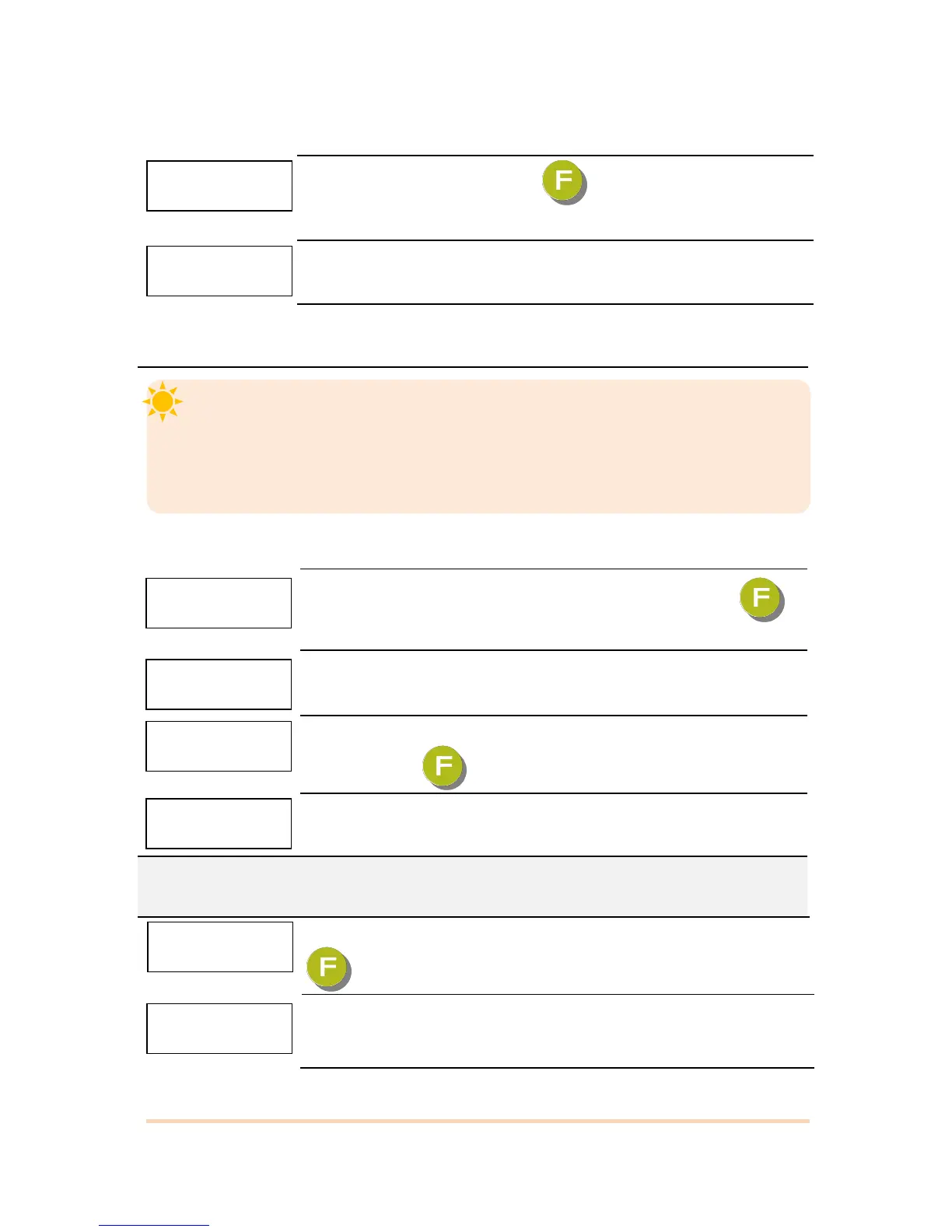
5-2-4. Measuring the “DEAD” Weight of Weighing Scale.
When “DEAD” is displayed, press key, then indicator will calculate
Dead weight of scale part automatically.
Indicator will search “DEAD weight” during 10~20 seconds to find the best
condition.
※ To guarantee the preciseness, DEAD weight calculation (CAL00~CAL09) will be operated twice
when resolution (Division value /Max capacity value) is less than 1/10,000.
5-2-5. Input Test Weight value and Calculate SPAN value.
If “SPAN” is displayed, input “Test Weight” capacity and press
key.
For example, when the weight of test weight is 5kg, input 5.000
When “UP” is displayed, load your test weight on the scale (weigh
bridge) and press key.
Calculate Span value during 10 ~20 secs, automatically.
※ To guarantee the preciseness, SPAN calculation (CAL00~CAL09) will be operated twice when
resolution (Division value /Max capacity value) is less than 1/10,000.
After calculation, span value will be displayed on the display. Then press
key. ※This span value is not a weight value.
When “ END” is displayed and calibration is completed.


 To Next Page